Color Palettes
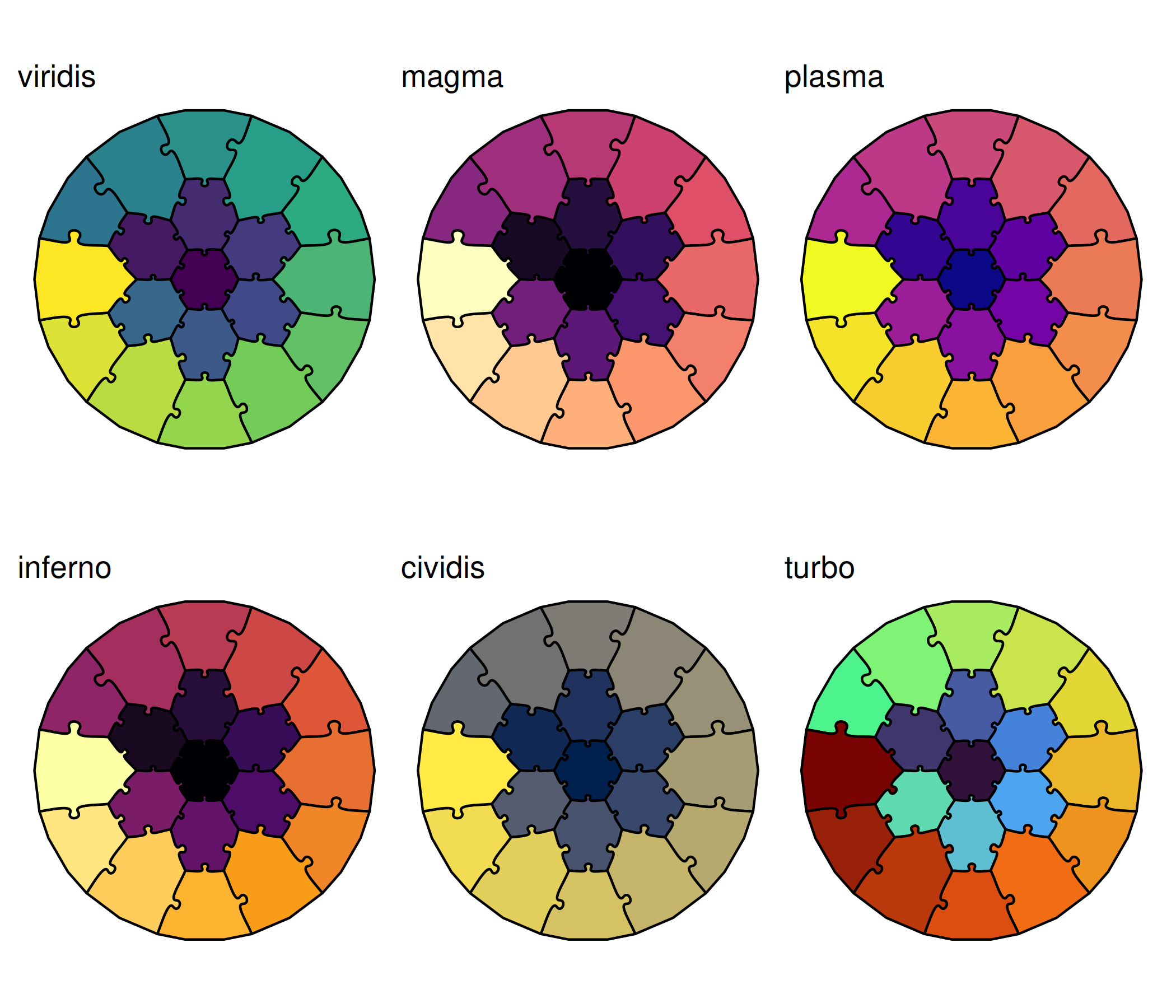
jigsawR works seamlessly with all viridis color palettes.
Viridis Options
make_palette_demo <- function(pal) {
  ggplot() +
    geom_puzzle_hex(
      aes(fill = after_stat(piece_id)),
      rings = 3, seed = 42
    ) +
    scale_fill_viridis_c(option = pal, guide = "none") +
    coord_fixed() +
    theme_puzzle() +
    labs(title = pal)
}

print((make_palette_demo("viridis") + make_palette_demo("magma") + make_palette_demo("plasma")) /
(make_palette_demo("inferno") + make_palette_demo("cividis") + make_palette_demo("turbo")))
Custom Color Scales
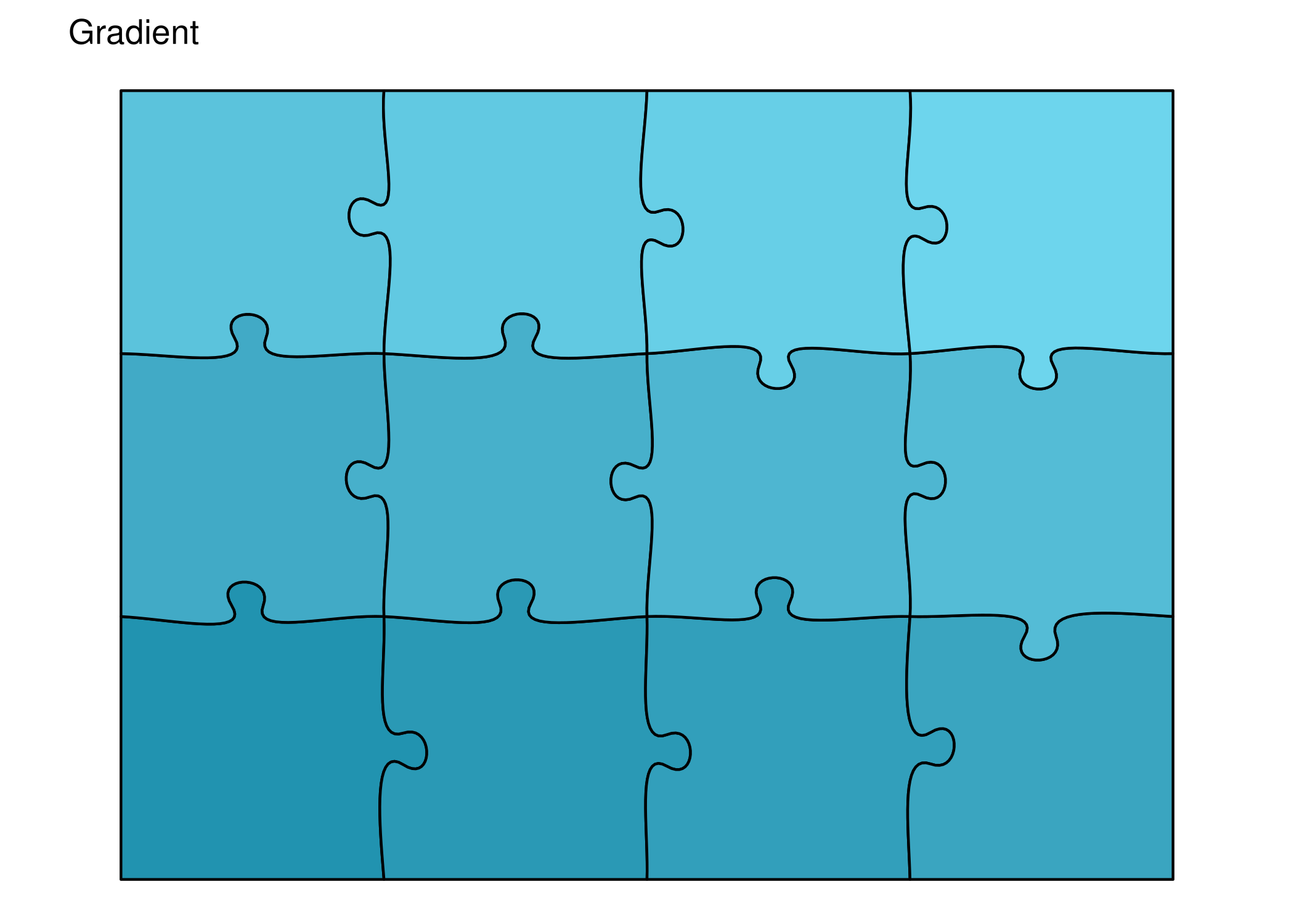
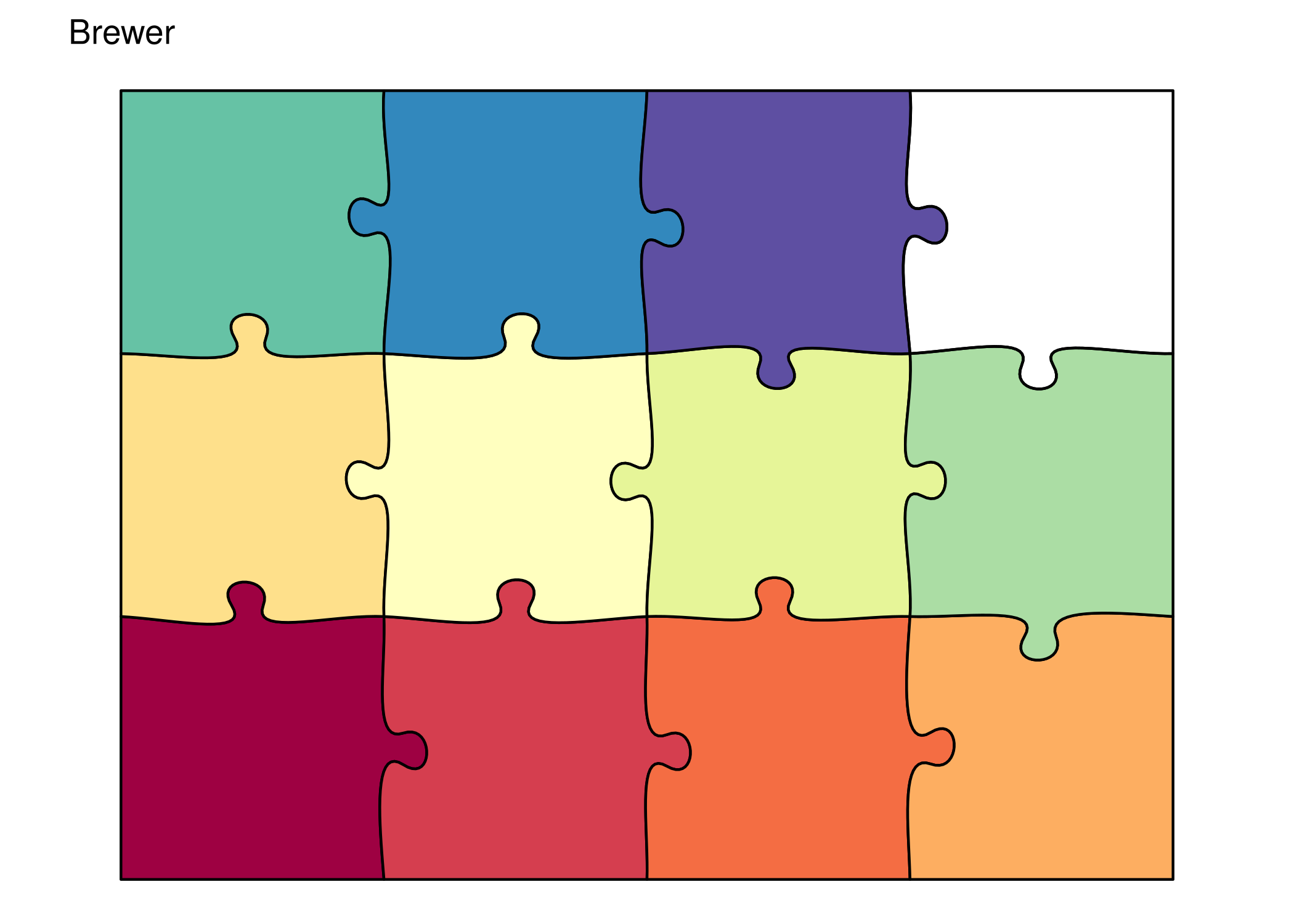
Use any ggplot2 color scale:
# Custom gradient
print(ggplot() +
  geom_puzzle_rect(
    aes(fill = after_stat(piece_id)),
    cols = 4, rows = 3,
    width = 240, height = 180,
    seed = 42
  ) +
  scale_fill_gradient(
    low = "#2193b0",
    high = "#6dd5ed",
    guide = "none"
  ) +
  coord_fixed() +
  theme_puzzle() +
  labs(title = "Gradient"))

# Brewer palette
print(ggplot() +
  geom_puzzle_rect(
    aes(fill = factor(after_stat(piece_id))),
    cols = 4, rows = 3,
    width = 240, height = 180,
    seed = 42
  ) +
  scale_fill_brewer(palette = "Spectral", guide = "none") +
  coord_fixed() +
  theme_puzzle() +
  labs(title = "Brewer"))
Themes
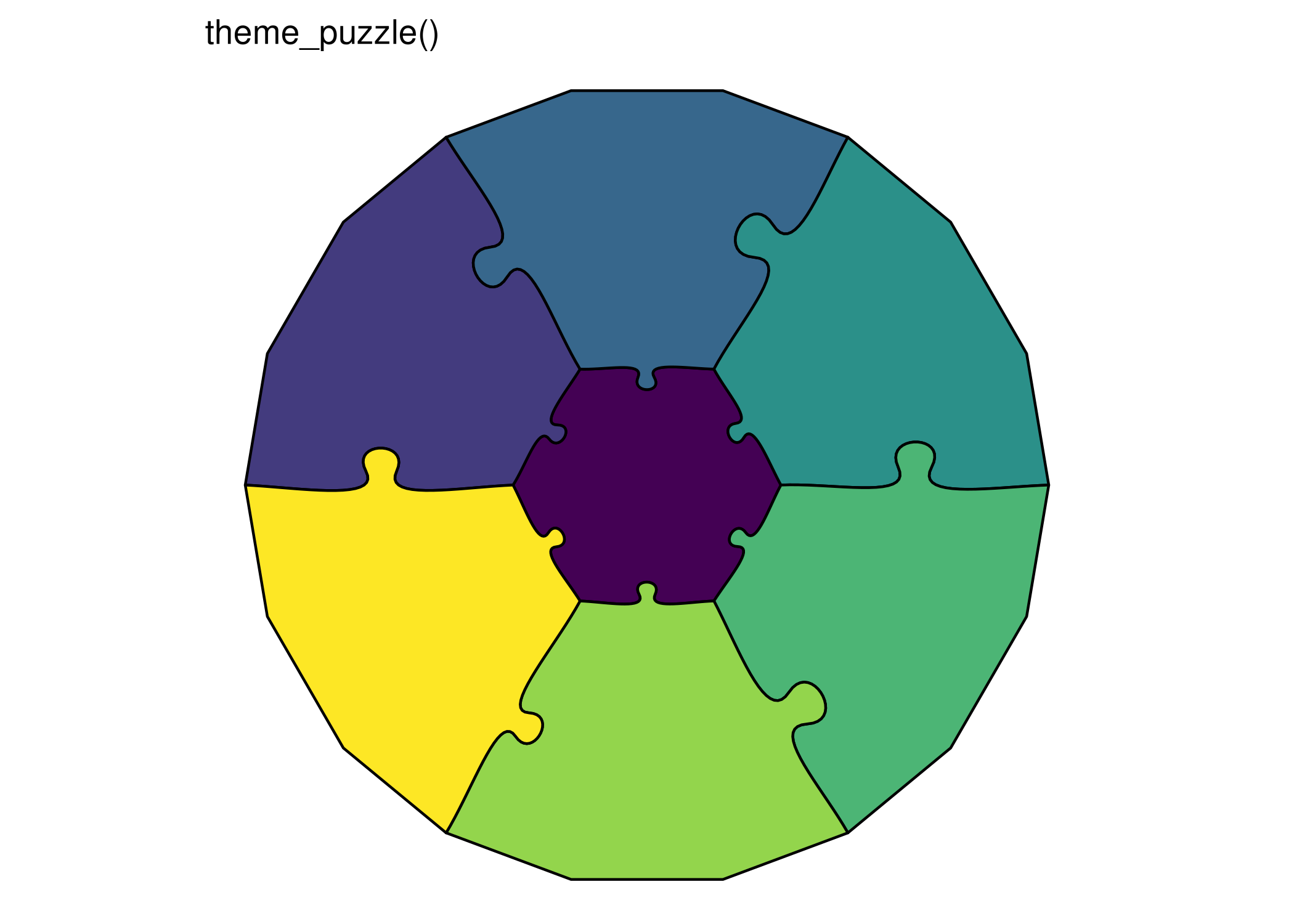
Minimal Themes
print(ggplot() +
  geom_puzzle_hex(
    aes(fill = after_stat(piece_id)),
    rings = 2, diameter = 150, seed = 42
  ) +
  scale_fill_viridis_c(guide = "none") +
  coord_fixed() +
  theme_puzzle() +
  labs(title = "theme_puzzle()"))

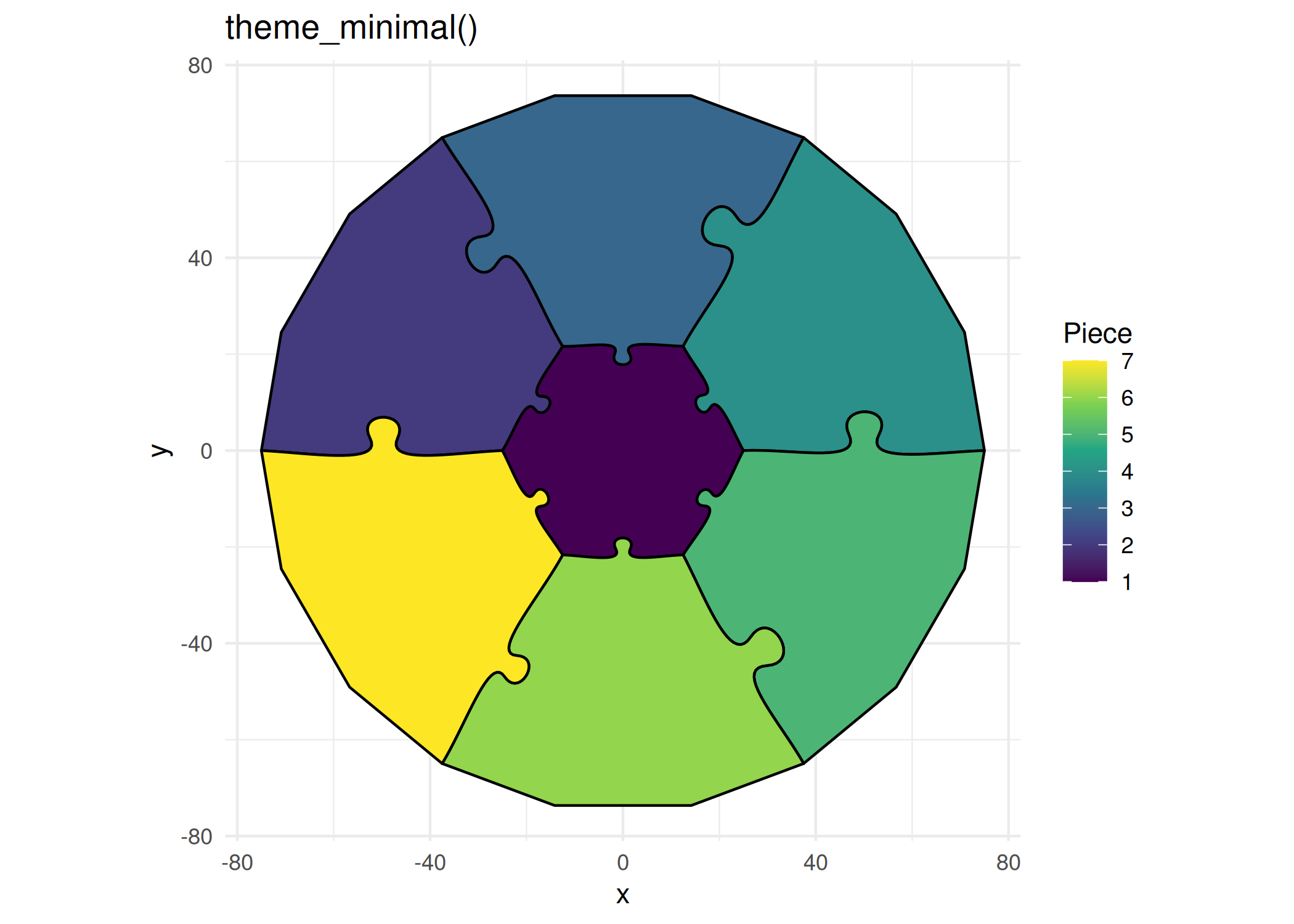
print(ggplot() +
  geom_puzzle_hex(
    aes(fill = after_stat(piece_id)),
    rings = 2, diameter = 150, seed = 42
  ) +
  scale_fill_viridis_c(name = "Piece") +
  coord_fixed() +
  theme_minimal() +
  labs(title = "theme_minimal()"))
Dark Themes
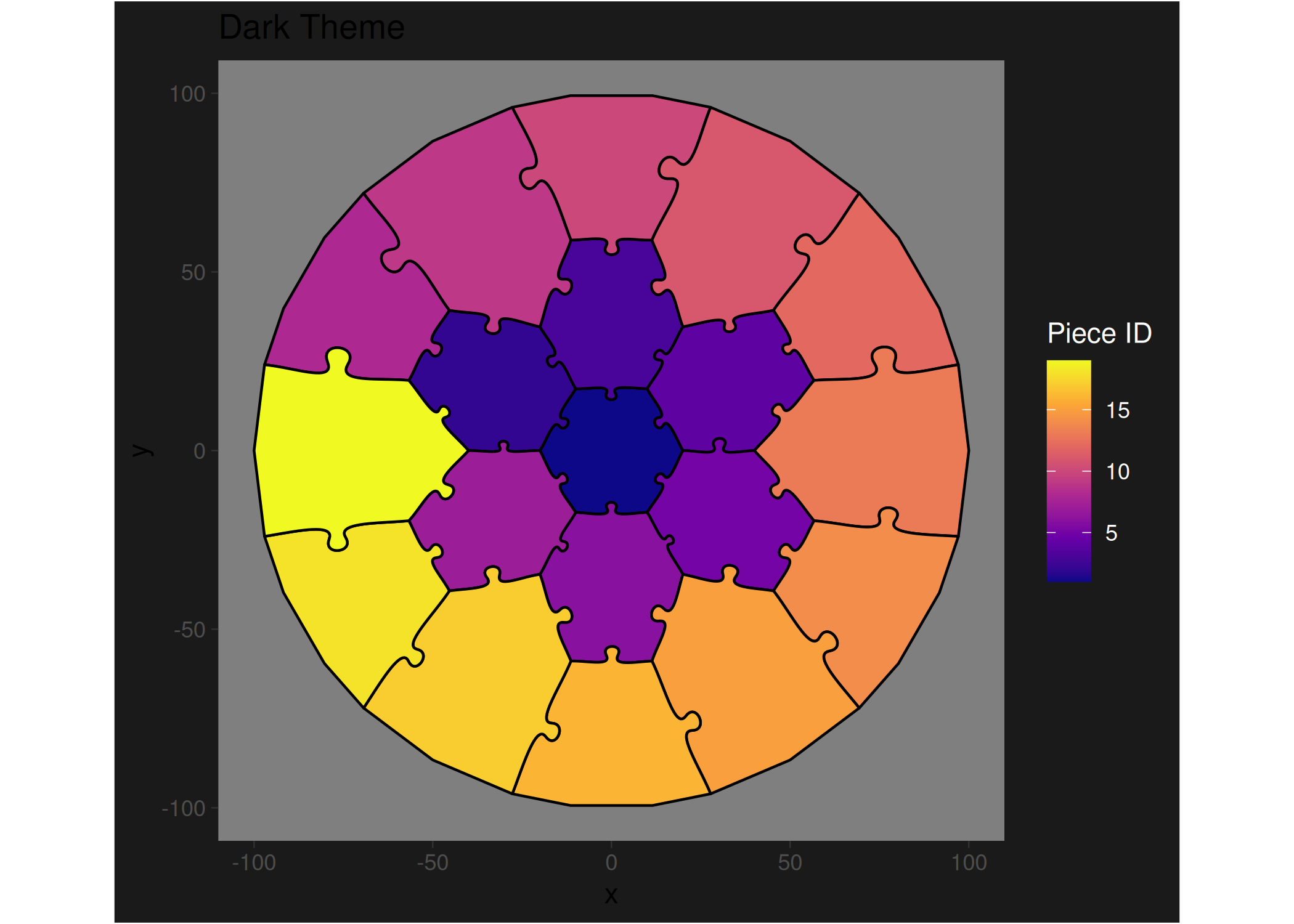
ggplot() +
  geom_puzzle_hex(
    aes(fill = after_stat(piece_id)),
    rings = 3, diameter = 200, seed = 42
  ) +
  scale_fill_viridis_c(option = "plasma") +
  coord_fixed() +
  theme_dark() +
  theme(
    panel.grid = element_blank(),
    plot.background = element_rect(fill = "#1a1a1a"),
    legend.background = element_rect(fill = "#1a1a1a"),
    legend.text = element_text(color = "white"),
    legend.title = element_text(color = "white")
  ) +
  labs(title = "Dark Theme", fill = "Piece ID")
Custom Themes
# Extend theme_puzzle() with custom settings
theme_puzzle_custom <- function() {
  theme_puzzle() +
  theme(
    plot.title = element_text(
      hjust = 0.5,
      size = 16,
      face = "bold",
      margin = margin(b = 10)
    ),
    plot.subtitle = element_text(
      hjust = 0.5,
      size = 12,
      color = "gray50",
      margin = margin(b = 20)
    ),
    legend.position = "bottom",
    legend.title = element_text(size = 10),
    legend.text = element_text(size = 8),
    plot.margin = margin(20, 20, 20, 20)
  )
}

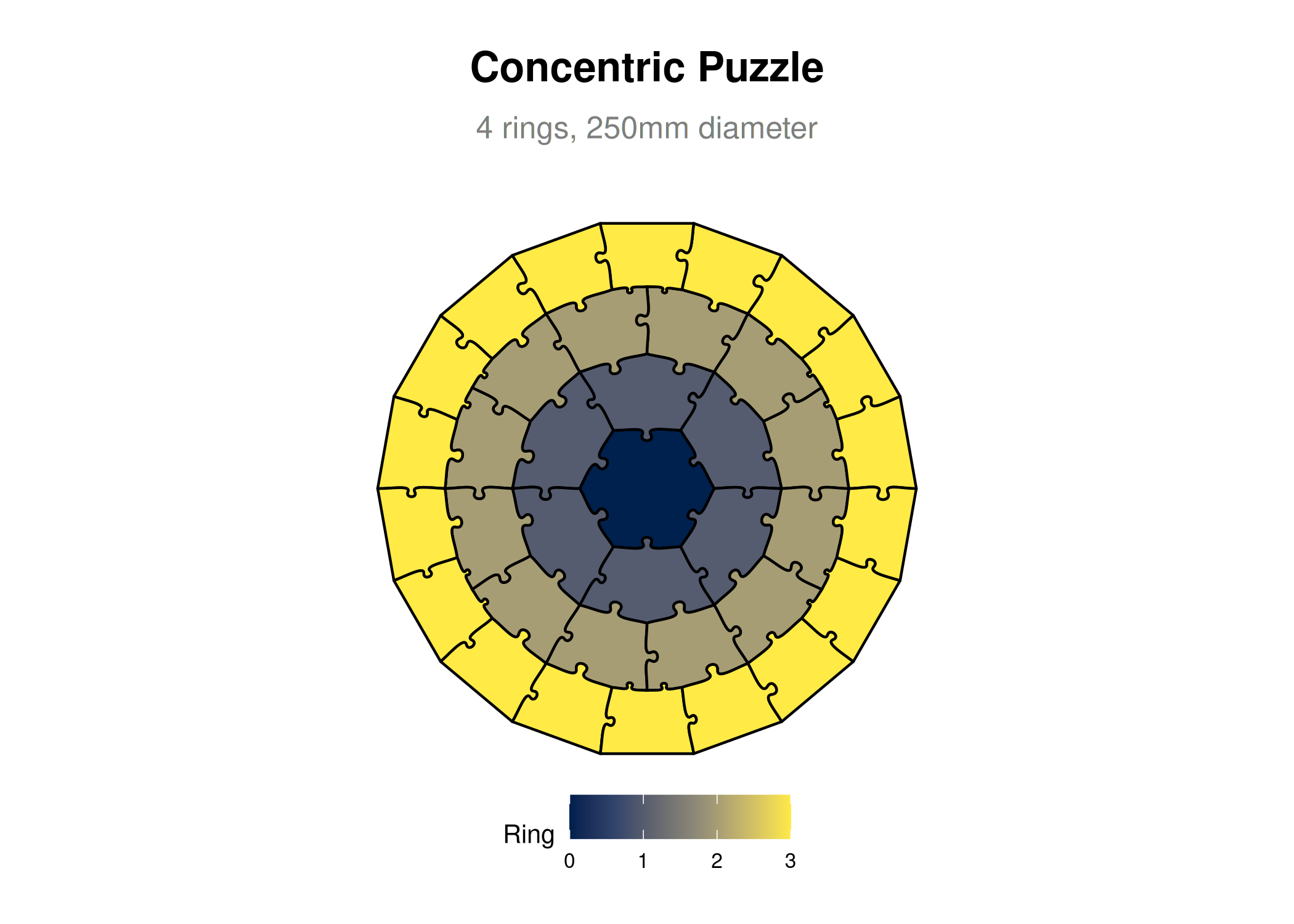
ggplot() +
  geom_puzzle_conc(
    aes(fill = after_stat(ring)),
    rings = 4, diameter = 250, seed = 42
  ) +
  scale_fill_viridis_c(option = "cividis", name = "Ring") +
  coord_fixed() +
  theme_puzzle_custom() +
  labs(
    title = "Concentric Puzzle",
    subtitle = "4 rings, 250mm diameter"
  )
Legends
Legend Position
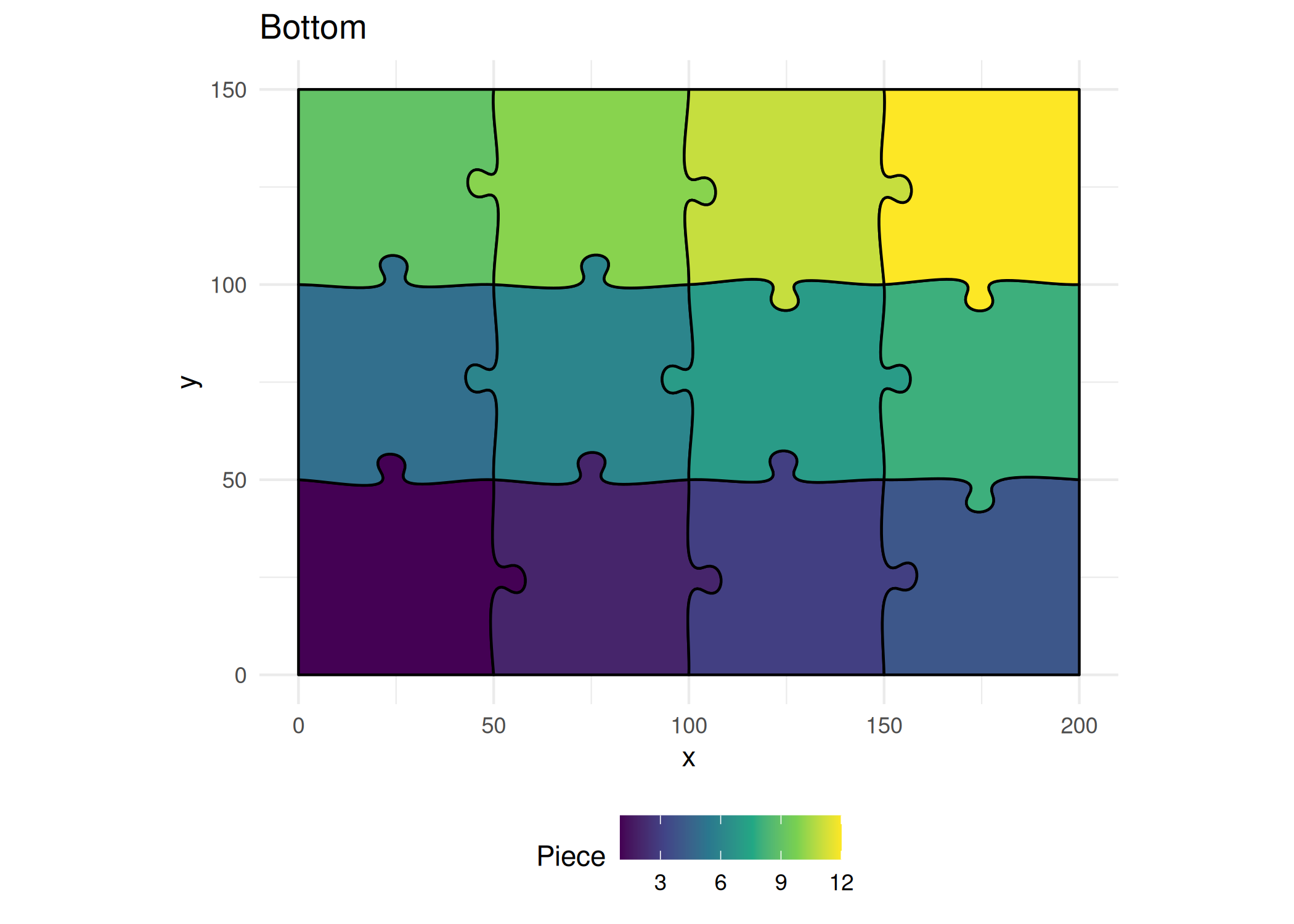
# Bottom legend
print(ggplot() +
  geom_puzzle_rect(
    aes(fill = after_stat(piece_id)),
    cols = 4, rows = 3,
    width = 200, height = 150,
    seed = 42
  ) +
  scale_fill_viridis_c(name = "Piece") +
  coord_fixed() +
  theme_minimal() +
  labs(title = "Bottom") +
  theme(legend.position = "bottom"))

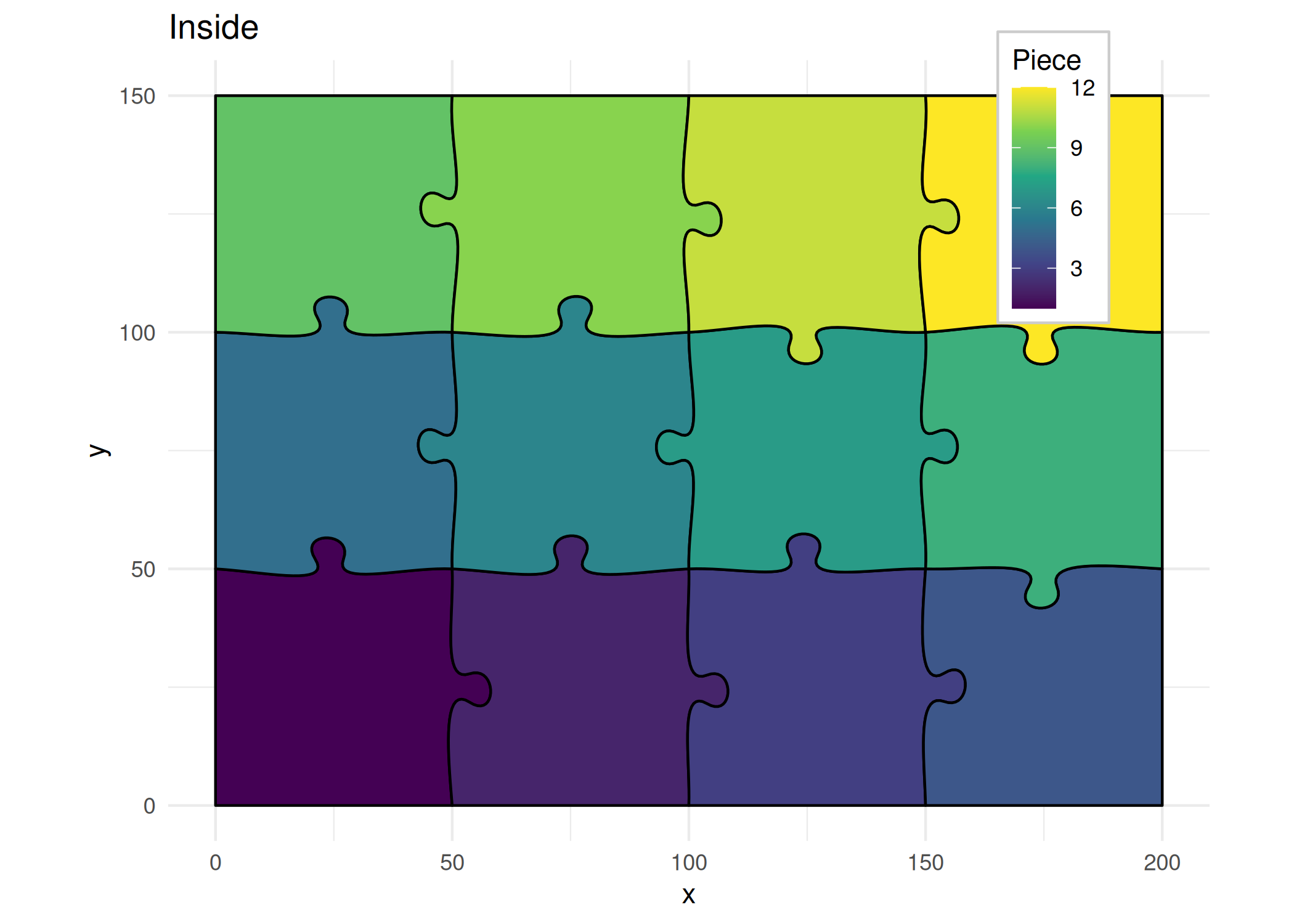
# Inside plot
print(ggplot() +
  geom_puzzle_rect(
    aes(fill = after_stat(piece_id)),
    cols = 4, rows = 3,
    width = 200, height = 150,
    seed = 42
  ) +
  scale_fill_viridis_c(name = "Piece") +
  coord_fixed() +
  theme_minimal() +
  labs(title = "Inside") +
  theme(
    legend.position = c(0.85, 0.85),
    legend.background = element_rect(fill = "white", color = "gray80")
  ))
Custom Legend Labels
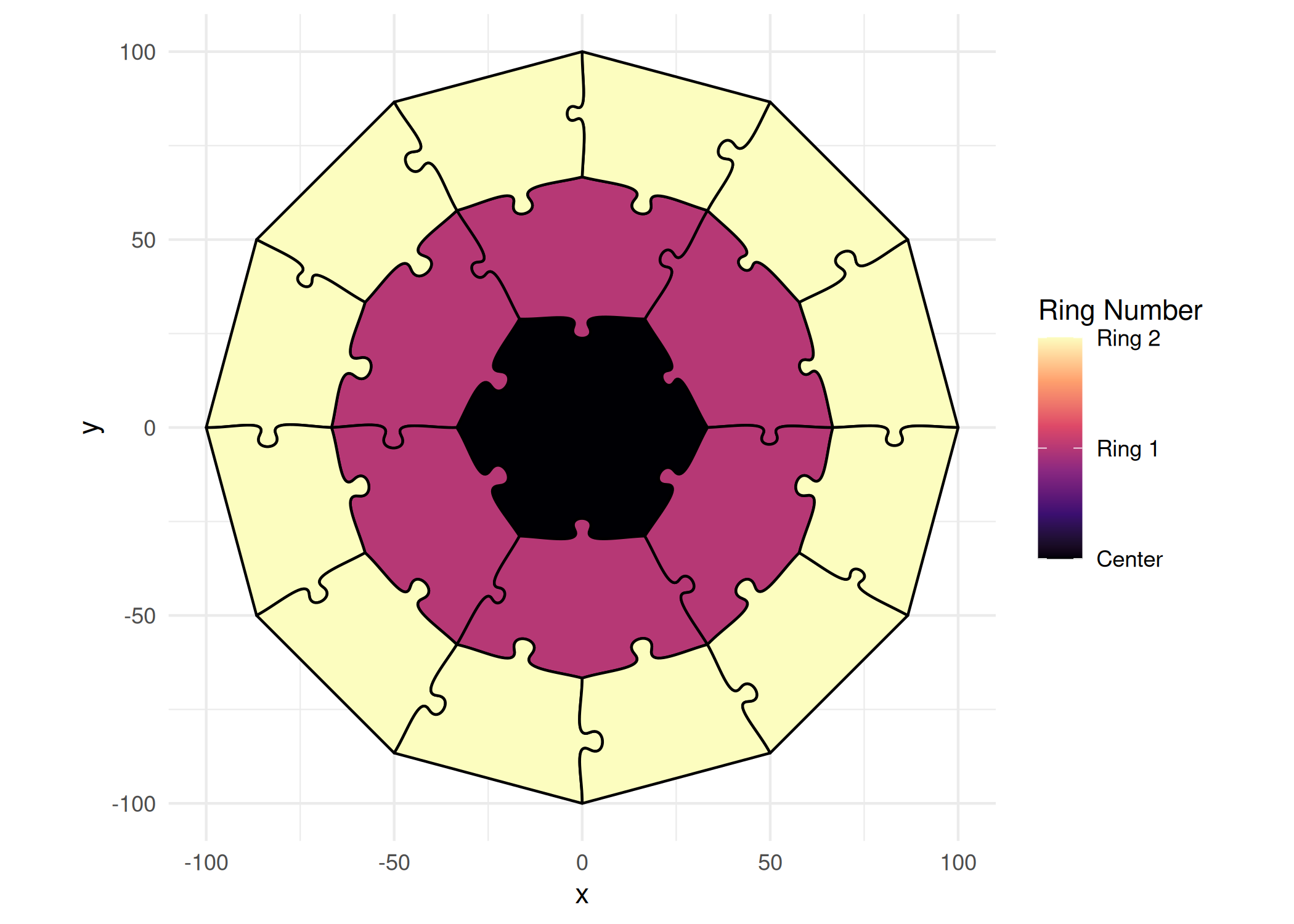
ggplot() +
  geom_puzzle_conc(
    aes(fill = after_stat(ring)),
    rings = 3, diameter = 200, seed = 42
  ) +
  scale_fill_viridis_c(
    option = "magma",
    name = "Ring Number",
    labels = c("Center", "Ring 1", "Ring 2"),
    breaks = c(0, 1, 2)
  ) +
  coord_fixed() +
  theme_minimal() +
  theme(legend.position = "right")
Annotations
Add Text
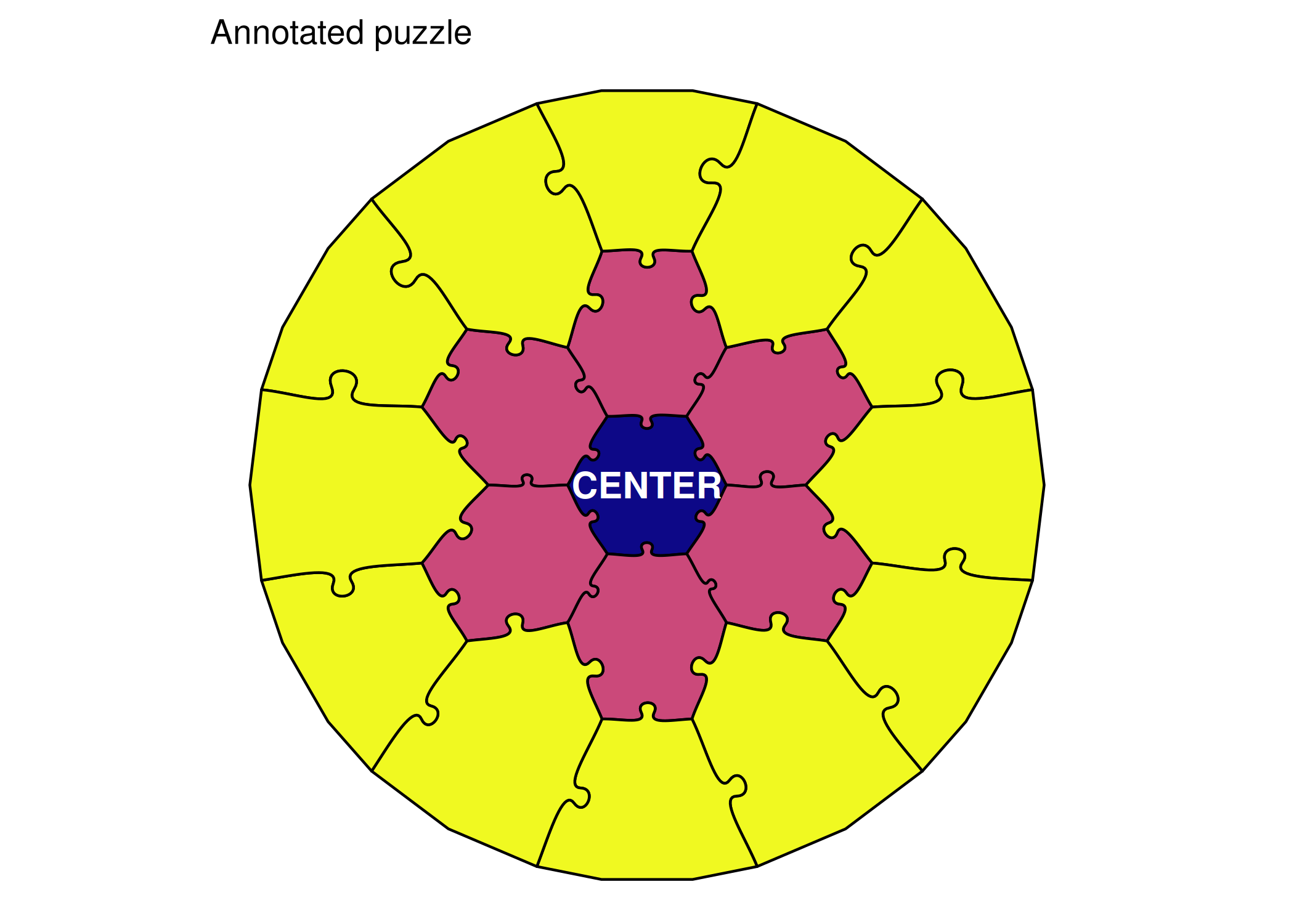
ggplot() +
  geom_puzzle_hex(
    aes(fill = after_stat(ring)),
    rings = 3, diameter = 250, seed = 42
  ) +
  annotate(
    "text",
    x = 0, y = 0,
    label = "CENTER",
    size = 5,
    fontface = "bold",
    color = "white"
  ) +
  scale_fill_viridis_c(option = "plasma", guide = "none") +
  coord_fixed() +
  theme_puzzle() +
  labs(title = "Annotated puzzle")
Add Labels with geom_text
# Get piece data
puzzle <- generate_puzzle(
  type = "hexagonal",
  grid = c(2),
  size = c(150),
  seed = 42
)

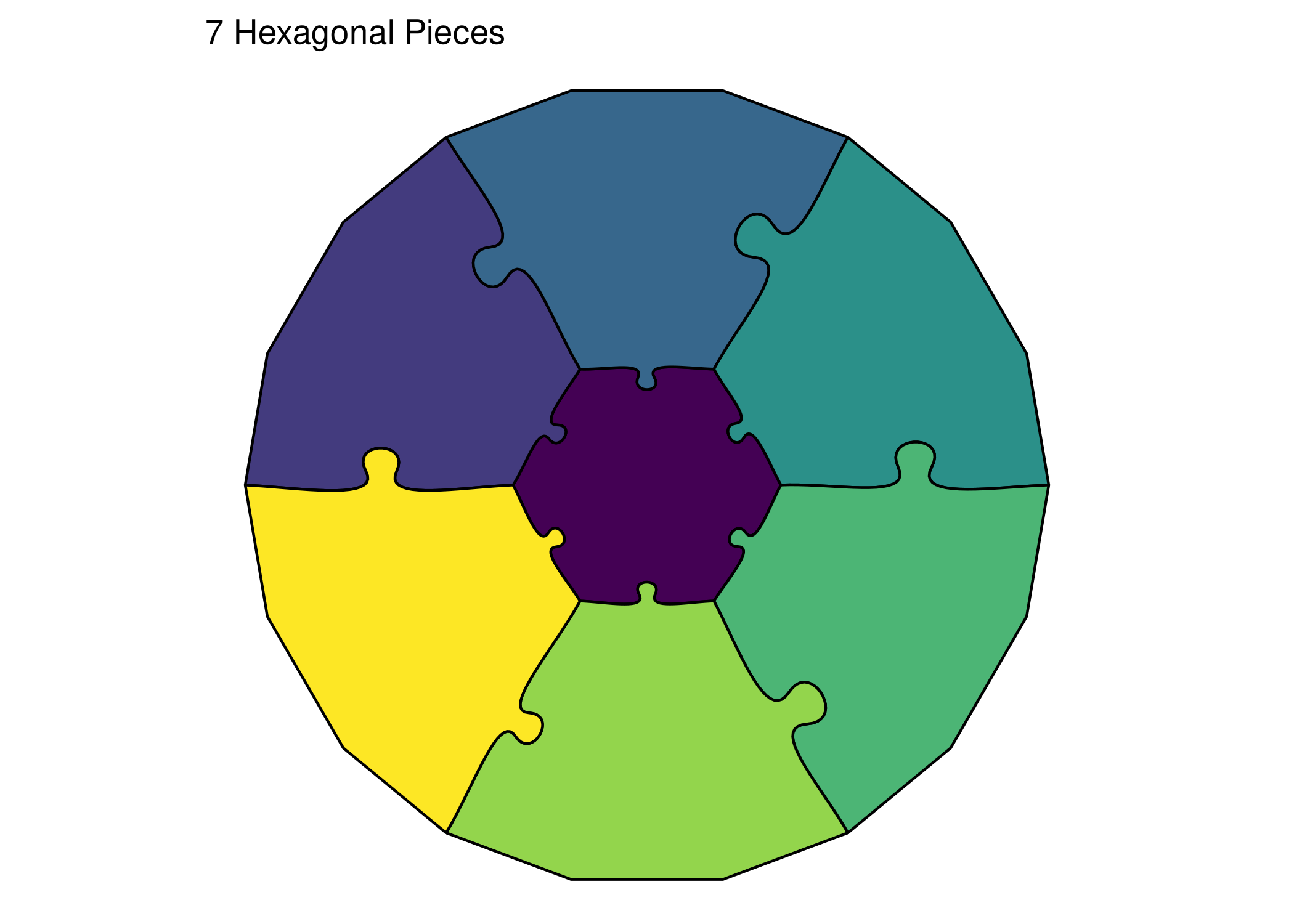
ggplot() +
  geom_puzzle_hex(
    aes(fill = after_stat(piece_id)),
    rings = 2, diameter = 150, seed = 42
  ) +
  scale_fill_viridis_c(guide = "none") +
  coord_fixed() +
  theme_puzzle() +
  labs(title = "7 Hexagonal Pieces")
Borders and Outlines
Add Borders
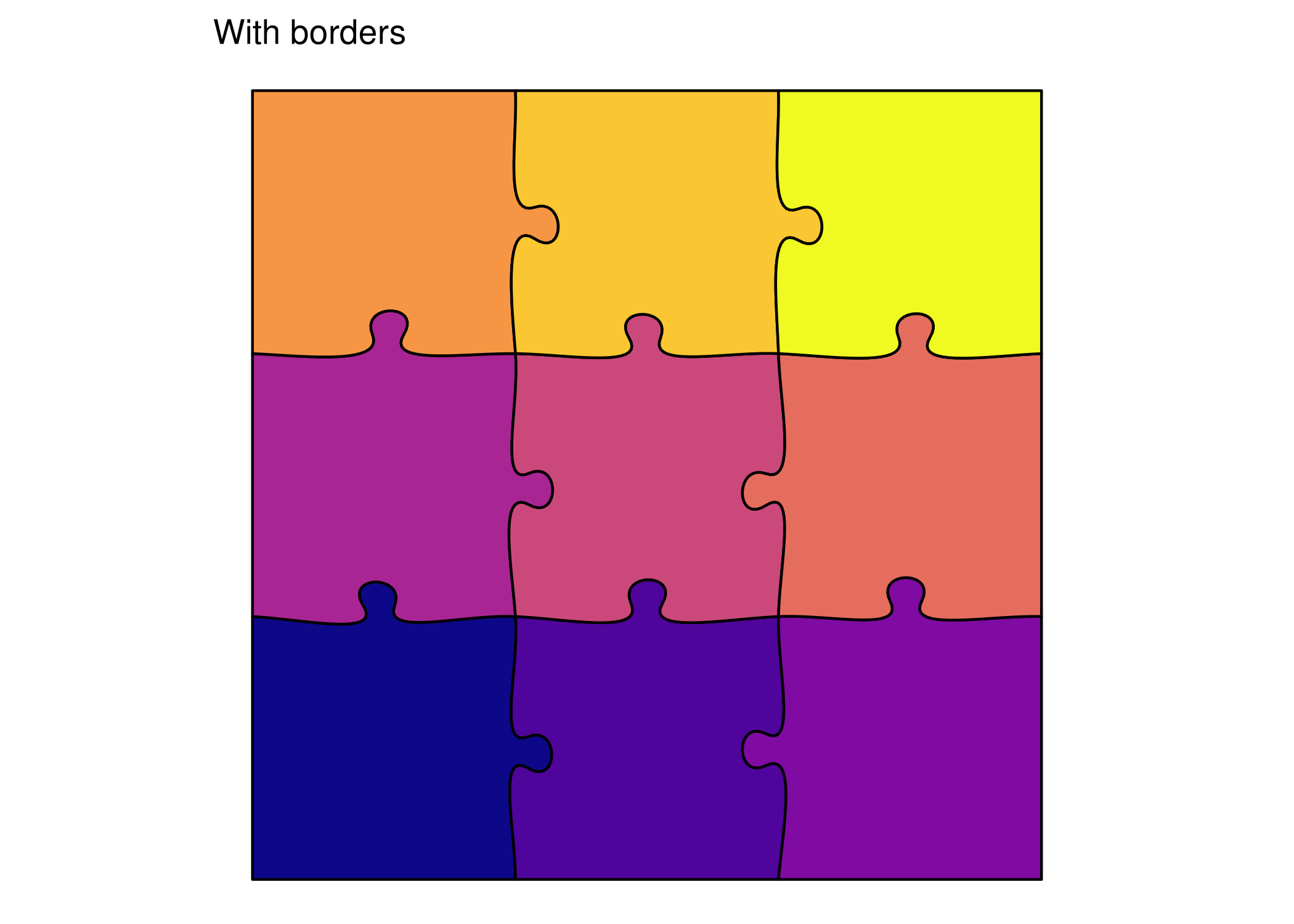
ggplot() +
  geom_puzzle_rect(
    aes(fill = after_stat(piece_id)),
    cols = 3, rows = 3,
    width = 200, height = 200,
    seed = 42,
    color = "black",    # Border color
    linewidth = 0.5       # Border width
  ) +
  scale_fill_viridis_c(option = "plasma", guide = "none") +
  coord_fixed() +
  theme_puzzle() +
  labs(title = "With borders")
Thick Borders for Emphasis
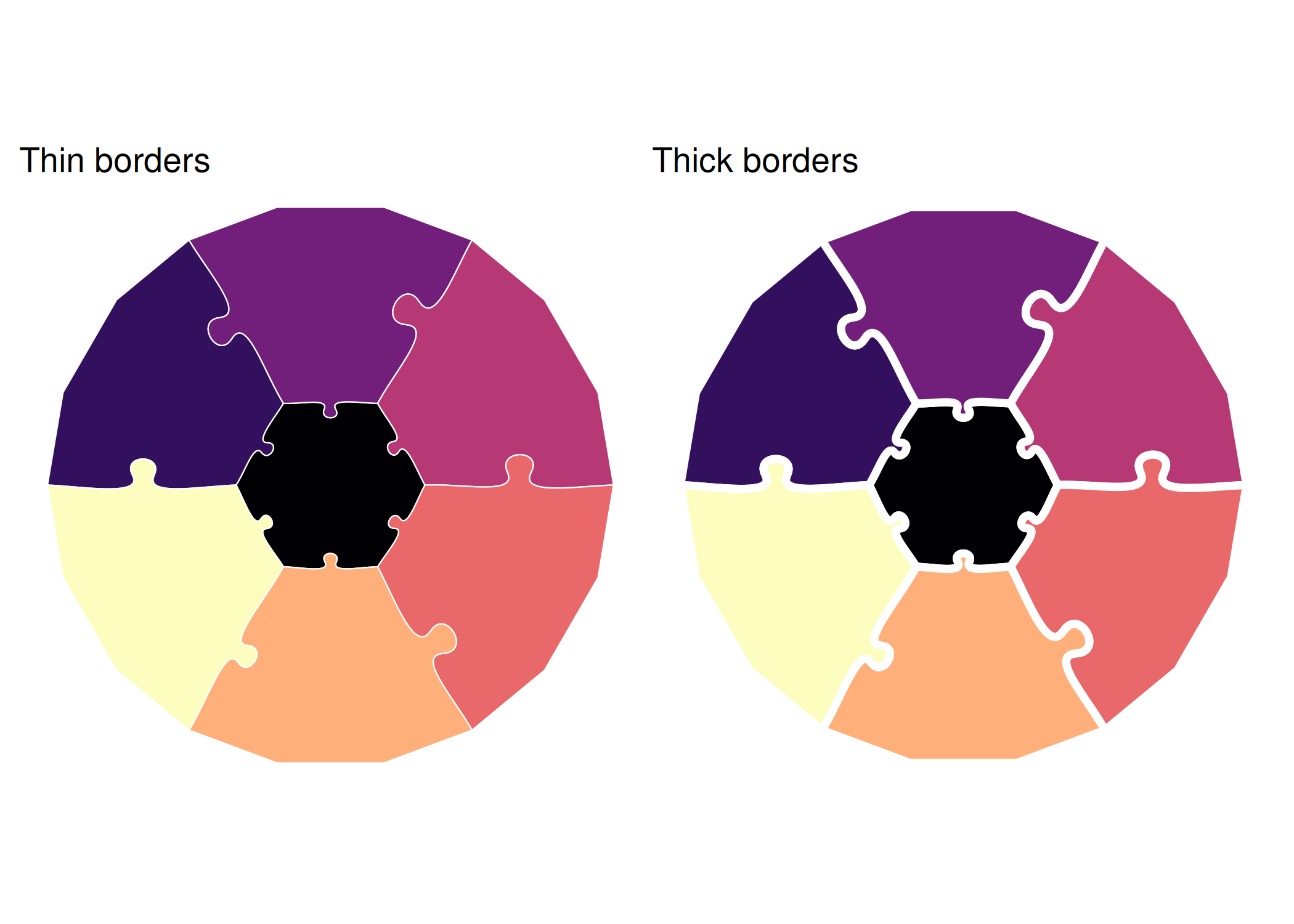
make_border_demo <- function(lw, label) {
  ggplot() +
    geom_puzzle_hex(
      aes(fill = after_stat(piece_id)),
      rings = 2, seed = 42,
      color = "white",
      linewidth = lw
    ) +
    scale_fill_viridis_c(option = "magma", guide = "none") +
    coord_fixed() +
    theme_puzzle() +
    labs(title = label)
}

print(make_border_demo(0.25, "Thin borders") + make_border_demo(1.5, "Thick borders"))
Alpha Transparency
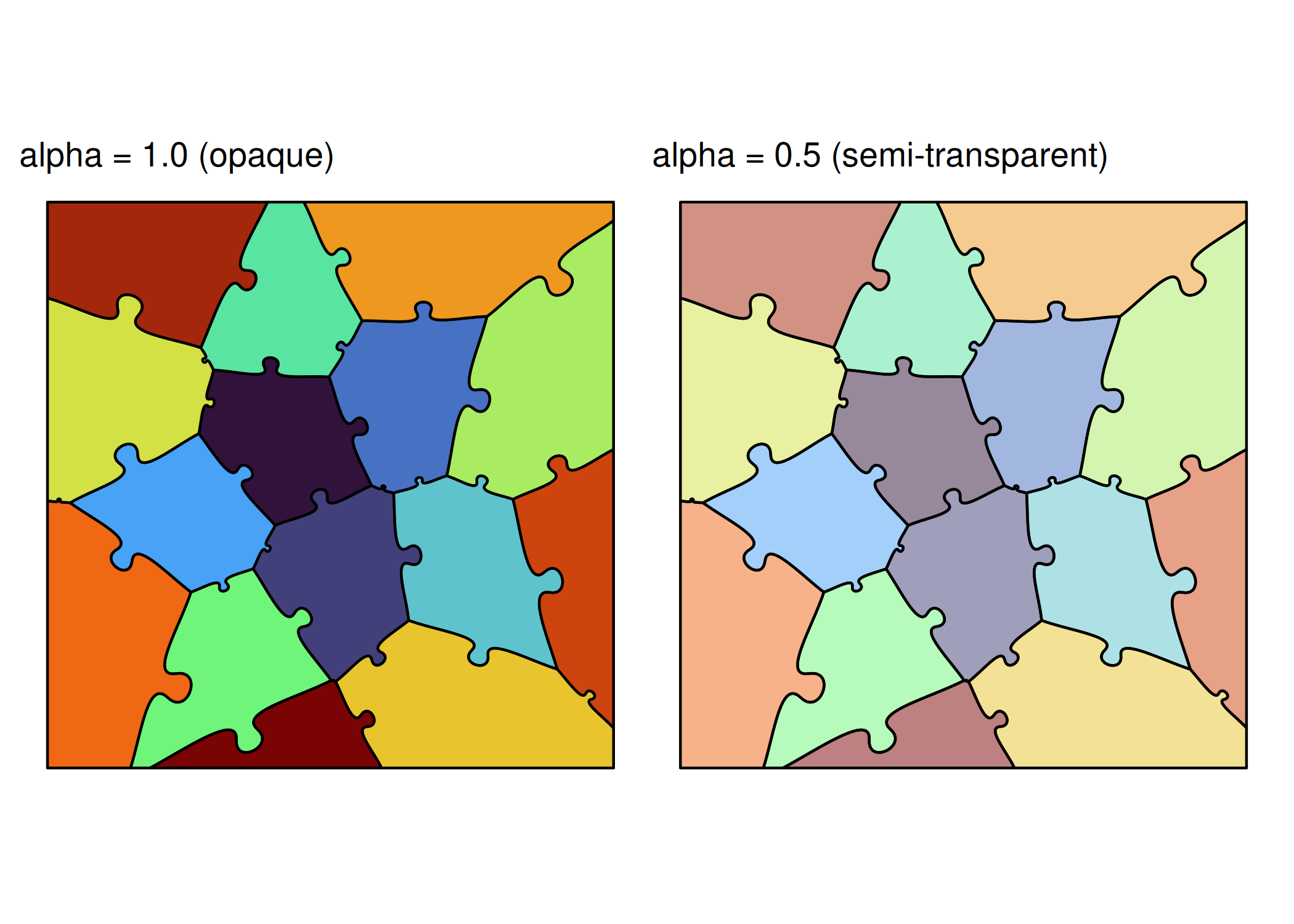
make_alpha_demo <- function(a, label) {
  ggplot() +
    geom_puzzle_voronoi(
      aes(fill = after_stat(piece_id)),
      n_cells = 15,
      seed = 42,
      alpha = a
    ) +
    scale_fill_viridis_c(option = "turbo", guide = "none") +
    coord_fixed() +
    theme_puzzle() +
    labs(title = label)
}

print(make_alpha_demo(1.0, "alpha = 1.0 (opaque)") + make_alpha_demo(0.5, "alpha = 0.5 (semi-transparent)"))
Saving High-Quality Output
PNG (Raster)
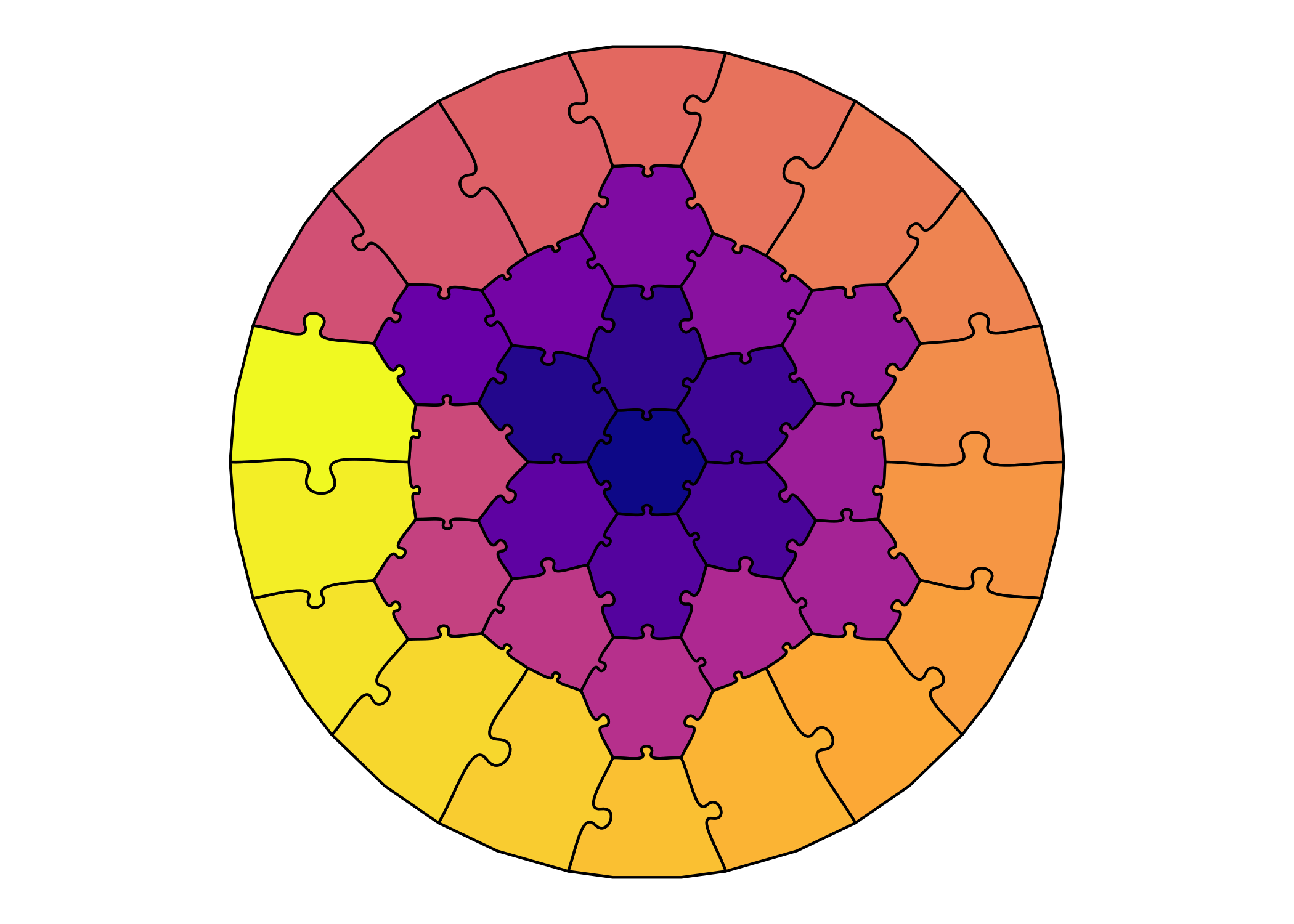
p <- ggplot() +
  geom_puzzle_hex(
    aes(fill = after_stat(piece_id)),
    rings = 4, diameter = 300, seed = 42
  ) +
  scale_fill_viridis_c(option = "plasma", guide = "none") +
  coord_fixed() +
  theme_puzzle()
print(p)
# ggsave("puzzle.png", p, width = 8, height = 8, dpi = 150)
# ggsave("puzzle_hq.png", p, width = 8, height = 8, dpi = 300)
# ggsave("puzzle_print.png", p, width = 12, height = 12, dpi = 600)
SVG (Vector)
# Vector format - infinite scalability
ggsave("puzzle.svg", p, width = 8, height = 8)
PDF (Vector, Print-ready)
ggsave("puzzle.pdf", p, width = 8, height = 8)
Summary
You’ve learned:
- ✅ Using viridis and custom color palettes
- ✅ Applying and customizing themes
- ✅ Configuring legends
- ✅ Adding annotations and labels
- ✅ Using borders and transparency
- ✅ Saving high-quality output