ggplot() +
  geom_puzzle_rect(
    aes(fill = after_stat(piece_id)),
    cols = 4, rows = 3,
    seed = 42
  ) +
  scale_fill_viridis_c(name = "Piece") +
  coord_fixed() +
  theme_minimal()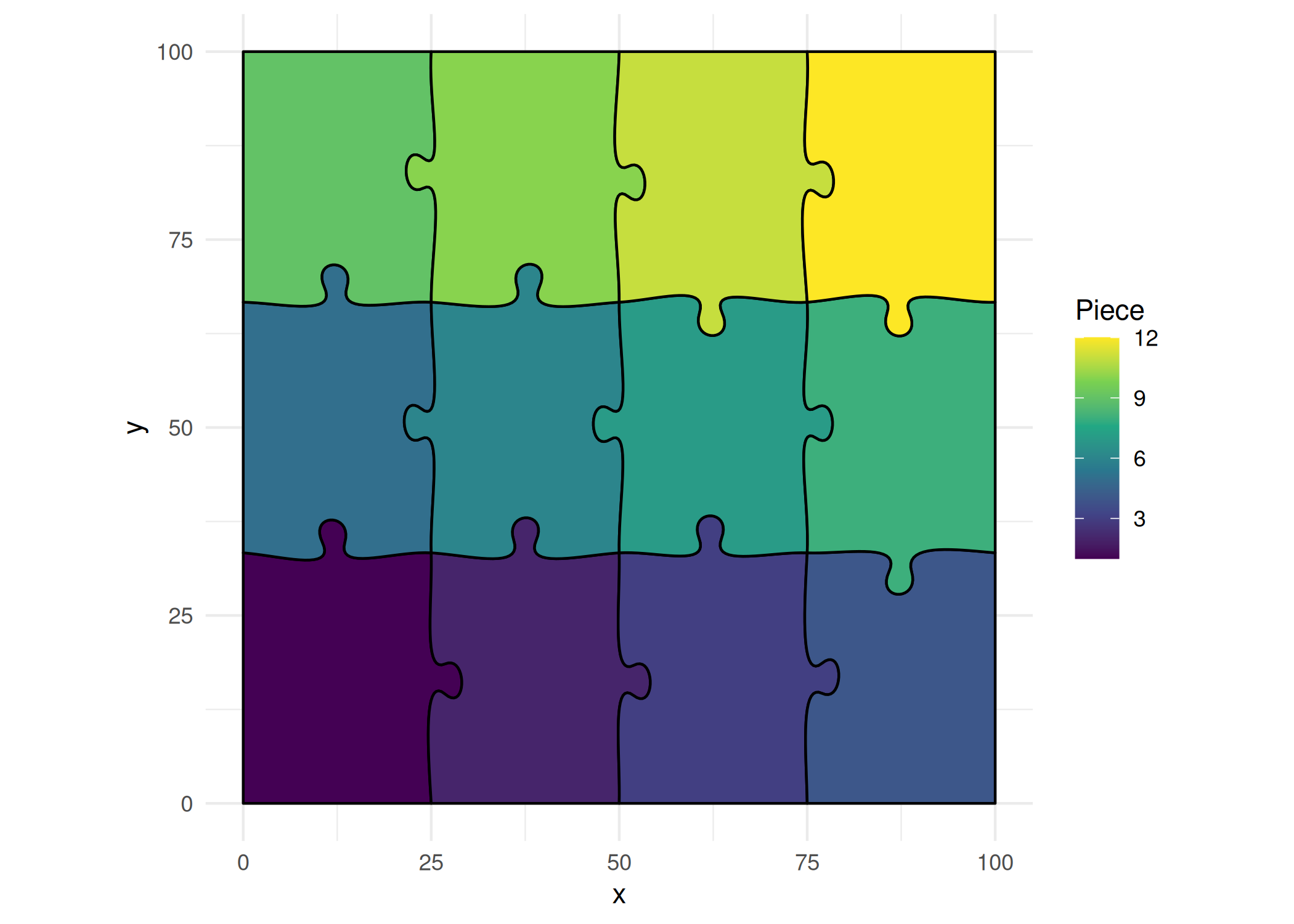
Native ggplot2 integration for puzzle visualization
jigsawR provides native ggplot2 geoms for each puzzle type, enabling seamless integration with the ggplot2 ecosystem. Map data to puzzle pieces, combine with other geoms, use faceting, and apply any ggplot2 theme.
| Geom | Description |
|---|---|
geom_puzzle_rect() |
Rectangular jigsaw puzzles |
geom_puzzle_hex() |
Hexagonal honeycomb puzzles |
geom_puzzle_conc() |
Concentric ring puzzles |
geom_puzzle_voronoi() |
Voronoi tessellation puzzles |
geom_puzzle_random() |
Random shape puzzles |
geom_puzzle_snic() |
SNIC superpixel puzzles |
ggplot() +
geom_puzzle_rect(
aes(fill = after_stat(piece_id)),
cols = 4, rows = 3,
seed = 42
) +
scale_fill_viridis_c(name = "Piece") +
coord_fixed() +
theme_minimal()
ggplot() +
  geom_puzzle_hex(
    aes(fill = after_stat(piece_id)),
    rings = 3,
    seed = 42
  ) +
  scale_fill_viridis_c(option = "plasma", name = "Piece") +
  coord_fixed() +
  theme_minimal()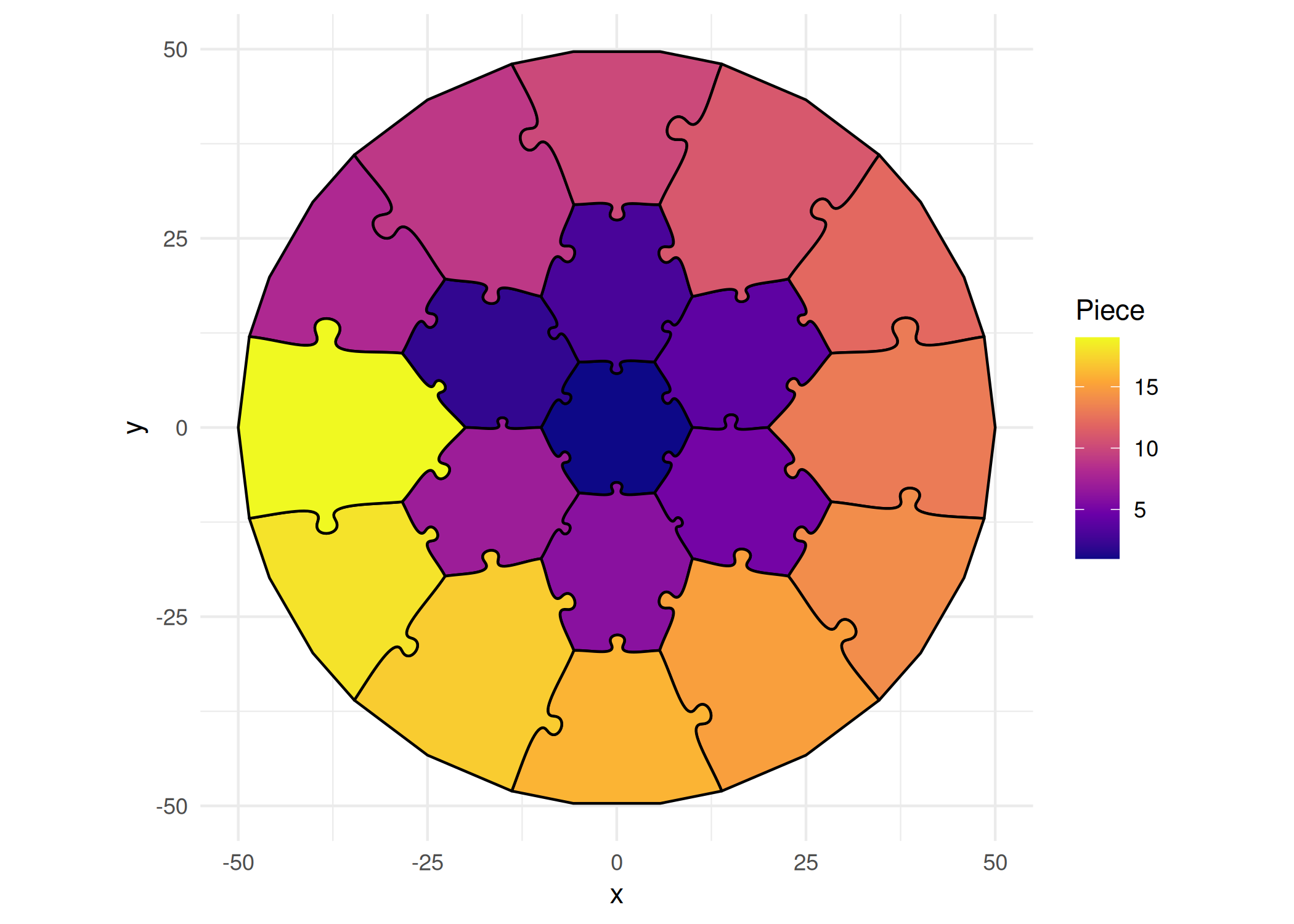
ggplot() +
  geom_puzzle_conc(
    aes(fill = after_stat(ring)),
    rings = 3,
    center_shape = "hexagon",
    seed = 42
  ) +
  scale_fill_viridis_c(option = "cividis", name = "Ring") +
  coord_fixed() +
  theme_minimal()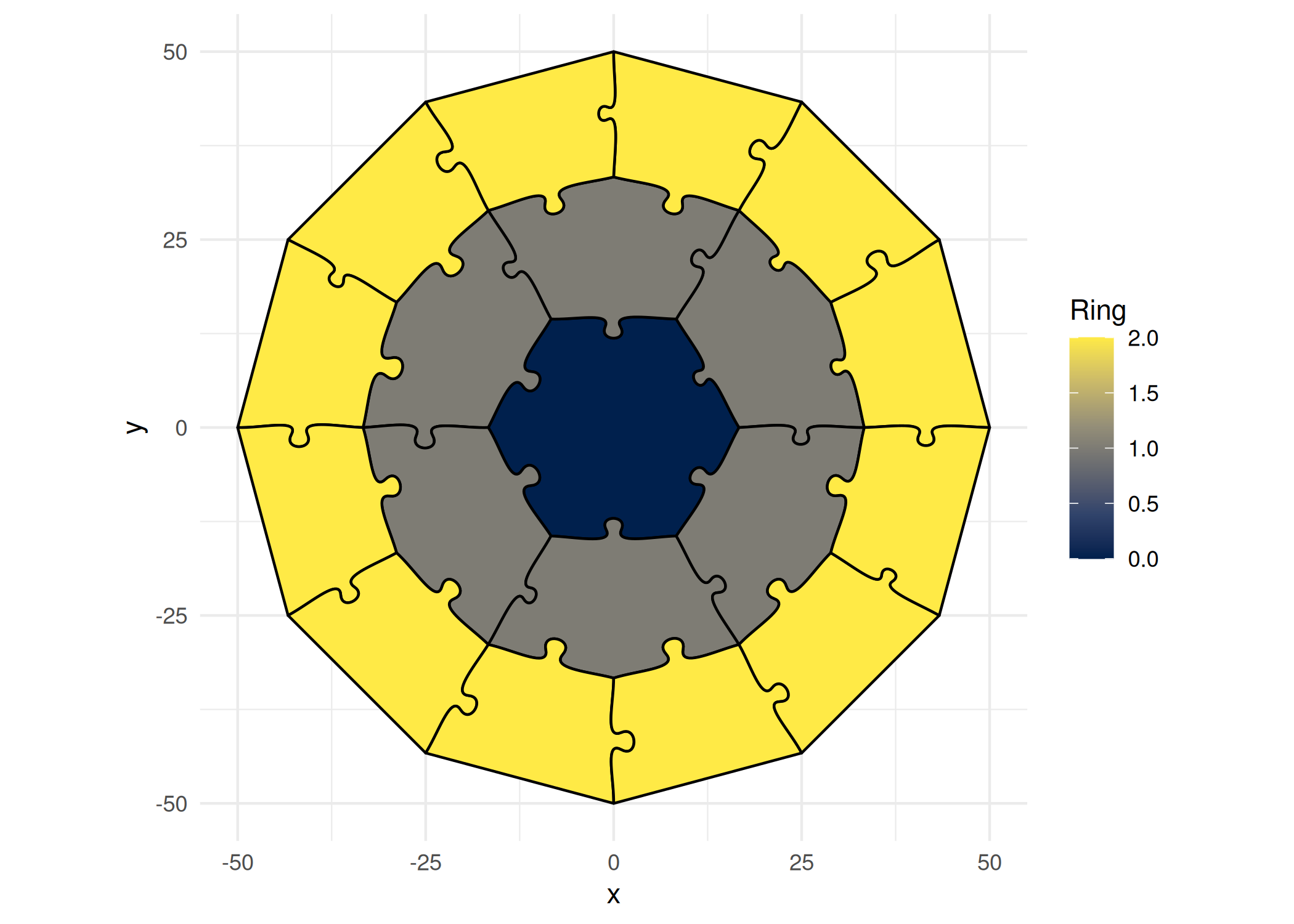
ggplot() +
  geom_puzzle_voronoi(
    aes(fill = after_stat(piece_id)),
    n_cells = 25,
    seed = 42
  ) +
  scale_fill_viridis_c(option = "turbo", name = "Cell") +
  coord_fixed() +
  theme_minimal()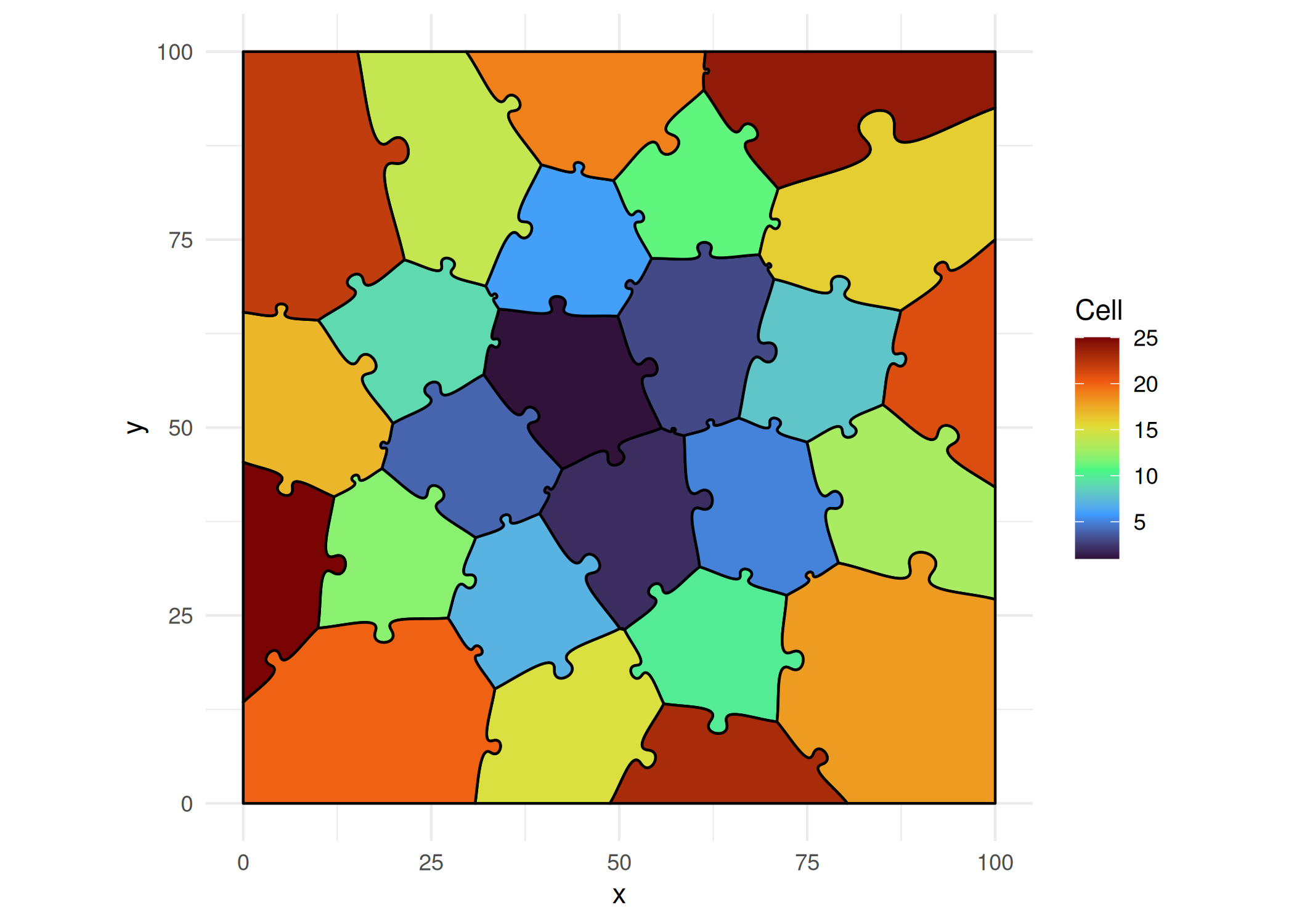
ggplot() +
  geom_puzzle_random(
    aes(fill = after_stat(piece_id)),
    n_interior = 10,
    n_corner = 5,
    seed = 42
  ) +
  scale_fill_viridis_c(option = "inferno", name = "Piece") +
  coord_fixed() +
  theme_minimal()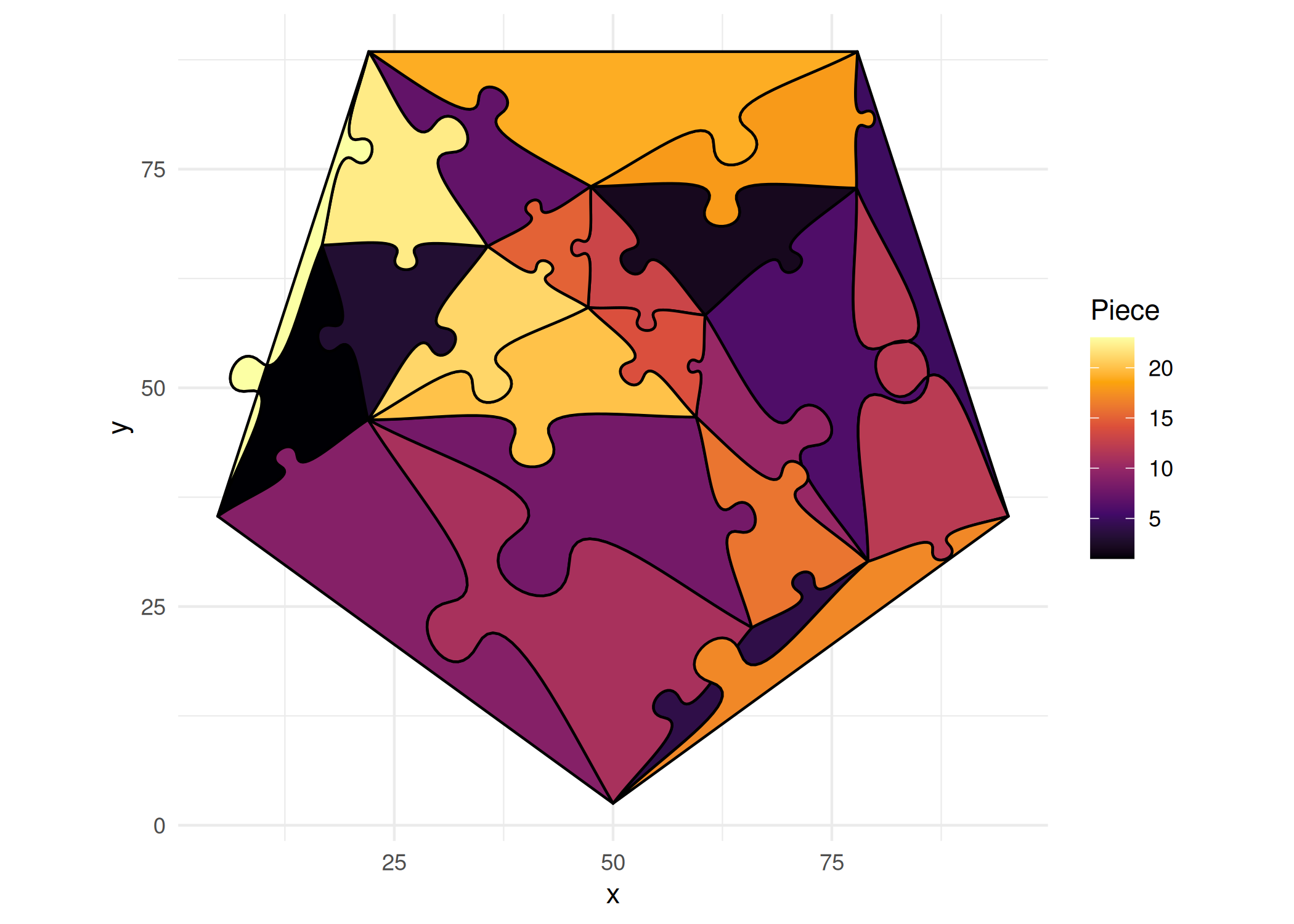
ggplot() +
  geom_puzzle_snic(
    aes(fill = after_stat(piece_id)),
    n_cells = 25,
    seed = 42
  ) +
  scale_fill_viridis_c(option = "turbo", name = "Cell") +
  coord_fixed() +
theme_minimal()SNIC puzzles require the snic package. Image-based usage additionally requires magick.
All geoms compute these variables that can be mapped to aesthetics:
| Variable | Description | Available In |
|---|---|---|
piece_id |
Unique piece identifier | All types |
group_id |
Fusion group identifier | All types |
ring |
Ring number (0 = center) | hex, conc |
is_center |
TRUE for center piece | hex, conc |
is_boundary |
TRUE for boundary pieces | All types |
row |
Row number | rectangular |
col |
Column number | rectangular |
# Create some data
data <- data.frame(
  region = 1:7,
  population = c(1200, 800, 1500, 600, 2000, 900, 1100)
)

# Map to puzzle pieces
ggplot(data) +
  geom_puzzle_hex(
    aes(fill = population),
    rings = 2,
    seed = 42
  ) +
  scale_fill_viridis_c(
    option = "plasma",
    name = "Population",
    labels = scales::comma
  ) +
  coord_fixed() +
  theme_puzzle() +
  labs(title = "Population by Region")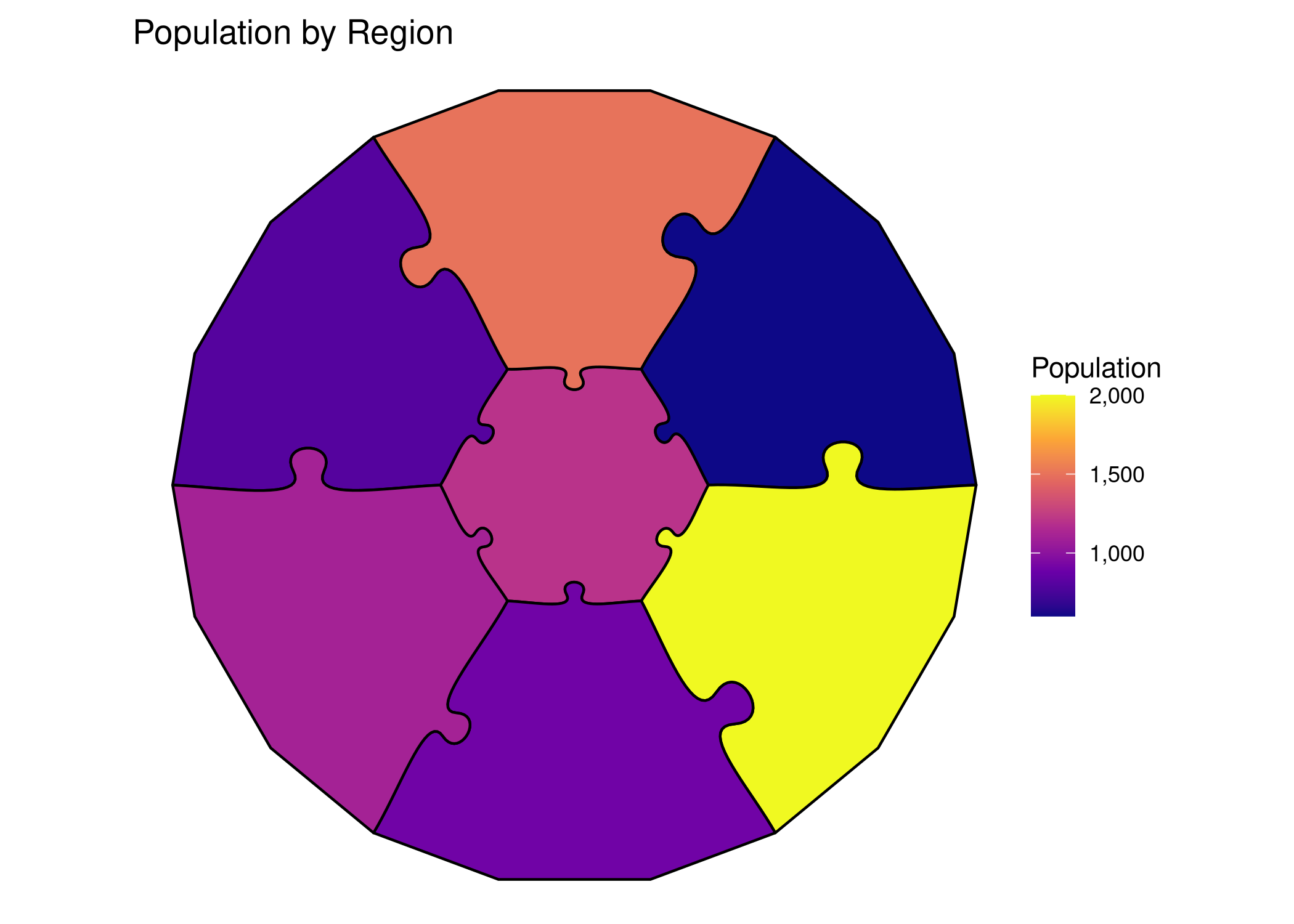
| Parameter | Type | Default | Description |
|---|---|---|---|
seed |
integer | random | Random seed for reproducibility |
offset |
numeric | 0 | Piece separation distance |
layout |
string | “grid” | Layout algorithm: "grid" or "repel" |
repel_margin |
numeric | 2 | Minimum margin between pieces when layout = "repel" |
repel_max_iter |
integer | 100 | Maximum iterations for repel layout |
bezier_resolution |
integer | 20 | Points per bezier curve segment |
fill_direction |
string | “forward” | Spatial color order: "forward" or "reverse" |
| Parameter | Type | Default | Description |
|---|---|---|---|
cols |
integer | required | Number of columns |
rows |
integer | required | Number of rows |
width |
numeric | required | Total width in mm |
height |
numeric | required | Total height in mm |
tabsize |
numeric | 6 | Tab size (% of edge length) |
jitter |
numeric | 2 | Tab randomness (% of edge length) |
| Parameter | Type | Default | Description |
|---|---|---|---|
rings |
integer | required | Number of rings |
diameter |
numeric | required | Outer diameter in mm |
do_warp |
logical | TRUE | Apply circular warping |
do_trunc |
logical | TRUE | Truncate to boundary |
do_circular_border |
logical | FALSE | Use perfect circular arc borders |
tabsize |
numeric | 6 | Tab size (% of edge length) |
jitter |
numeric | 2 | Tab randomness (% of edge length) |
| Parameter | Type | Default | Description |
|---|---|---|---|
rings |
integer | required | Number of rings |
diameter |
numeric | required | Outer diameter in mm |
center_shape |
string | “hexagon” | Center: “hexagon” or “circle” |
do_circular_border |
logical | FALSE | Use perfect circular arc borders |
boundary_facing |
string | “inward” | Boundary tab facing direction |
| Parameter | Type | Default | Description |
|---|---|---|---|
n_cells |
integer | required | Number of cells |
width |
numeric | required | Canvas width in mm |
height |
numeric | required | Canvas height in mm |
relaxation |
integer | 0 | Lloyd relaxation iterations |
point_distribution |
string | “fermat” | Seed point distribution method |
| Parameter | Type | Default | Description |
|---|---|---|---|
n_interior |
integer | 12 | Number of interior points (influences piece count) |
width |
numeric | 100 | Canvas width in mm |
height |
numeric | 100 | Canvas height in mm |
n_corner |
integer | 4 | Corners for base polygon (3-8) |
| Parameter | Type | Default | Description |
|---|---|---|---|
n_cells |
integer | 50 | Number of superpixel cells |
width |
numeric | 100 | Canvas width in mm |
height |
numeric | 100 | Canvas height in mm |
compactness |
numeric | 0.5 | Superpixel compactness (0.0-2.0) |
seed_type |
string | “hexagonal” | Seed grid: "hexagonal", "rectangular", "diamond", "random" |
image_path |
string | NULL | Path to image file (optional) |
ggpuzzle geoms work seamlessly with other ggplot2 elements:
ggplot() +
  # Puzzle as background
  geom_puzzle_hex(
    aes(fill = after_stat(ring)),
    rings = 3,
    diameter = 200,
    seed = 42,
    alpha = 0.7
  ) +
  # Add annotations
  annotate(
    "text",
    x = 0, y = 0,
    label = "CENTER",
    size = 4,
    fontface = "bold"
  ) +
  scale_fill_viridis_c(option = "plasma", guide = "none") +
  coord_fixed() +
  theme_puzzle()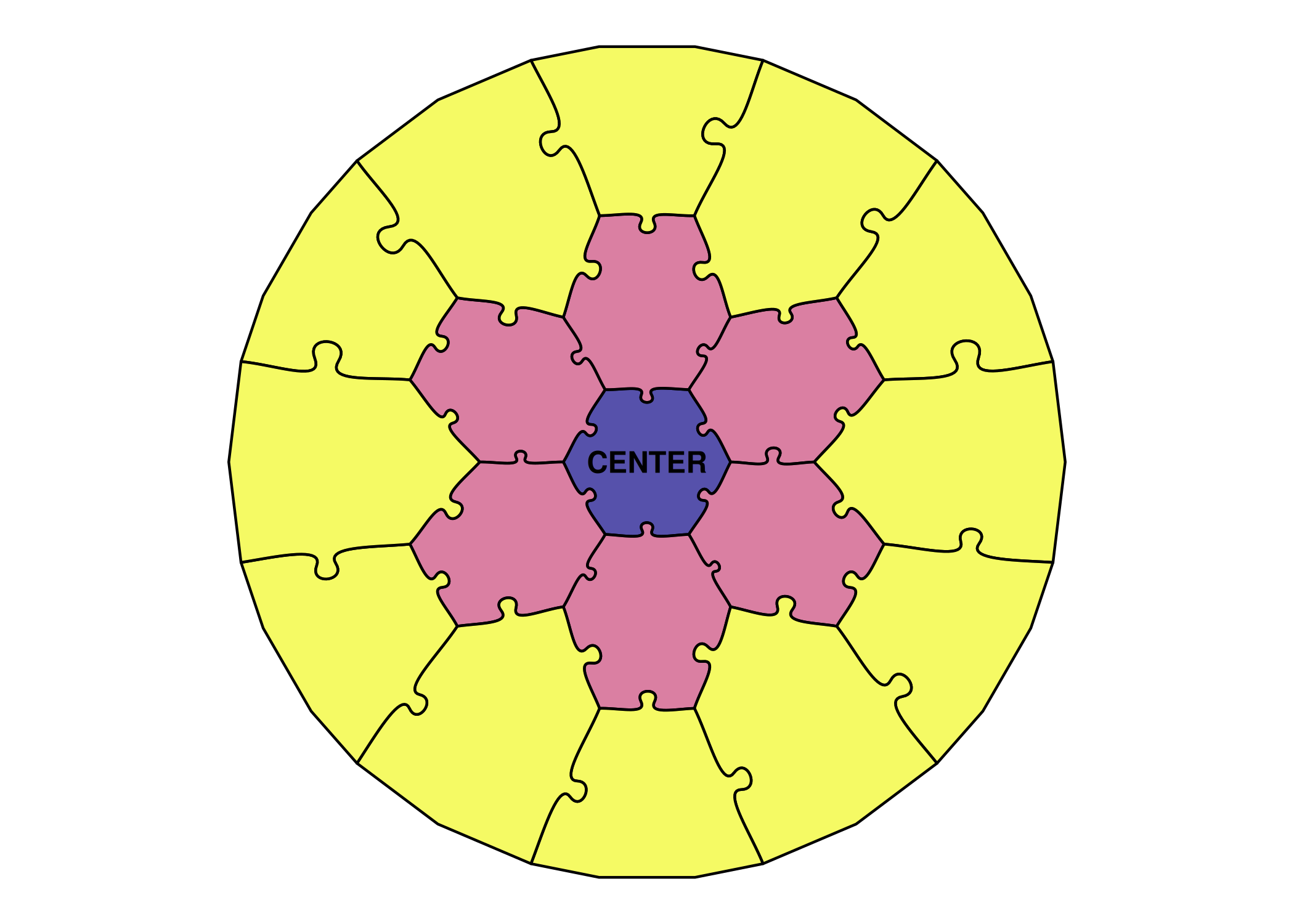
Use faceting to show variations:
# Create data for faceting
variations <- data.frame(
  rings = c(2, 3, 4),
  label = c("2 Rings", "3 Rings", "4 Rings")
)

ggplot(variations) +
  geom_puzzle_hex(
    aes(fill = after_stat(piece_id)),
    rings = 3,  # Will be overridden
    diameter = 150,
    seed = 42
  ) +
  facet_wrap(~label) +
  scale_fill_viridis_c(guide = "none") +
  coord_fixed() +
  theme_puzzle()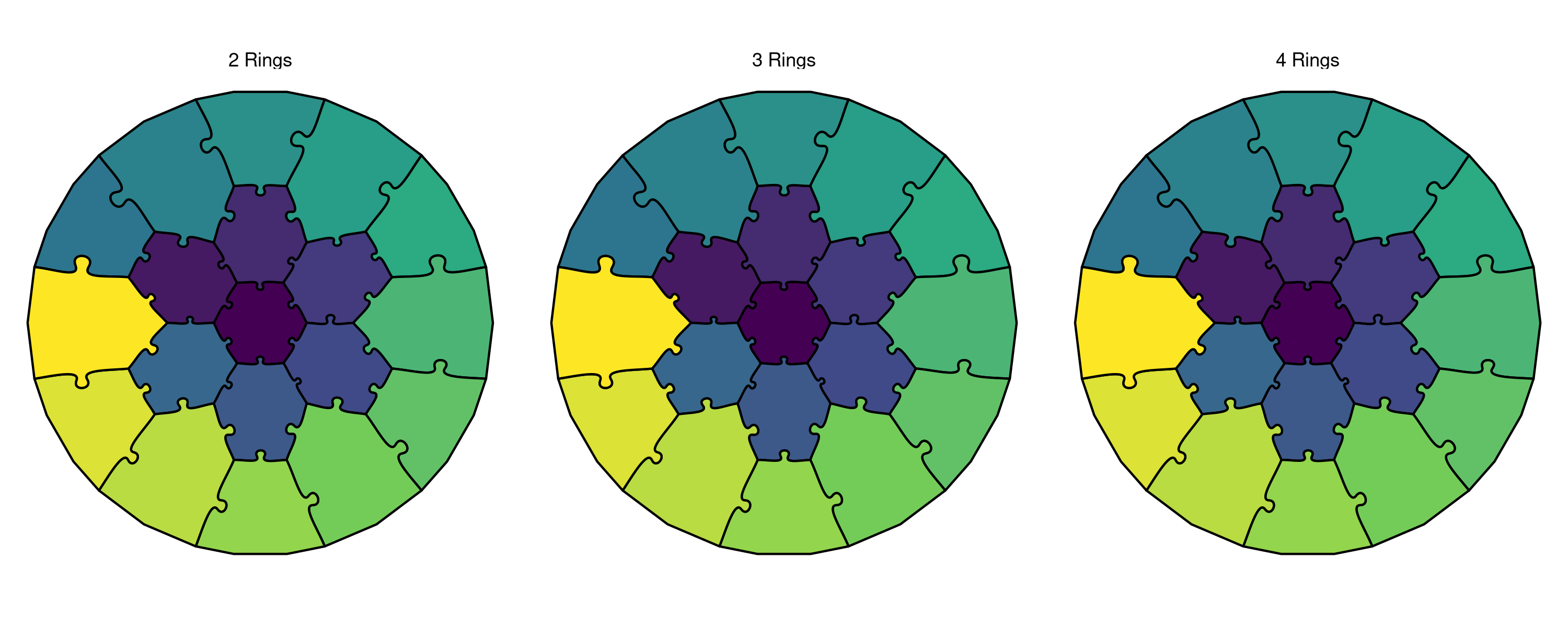
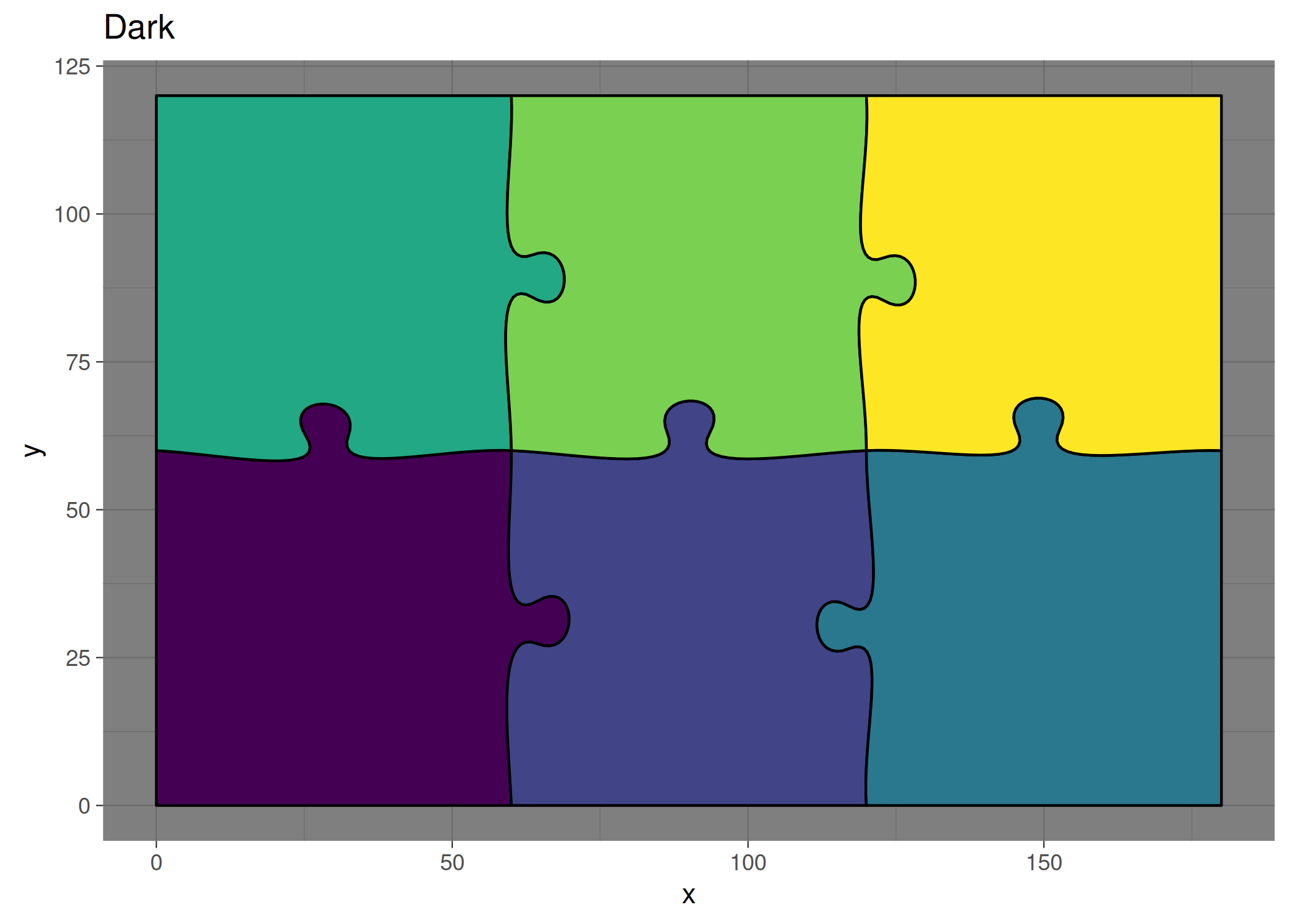
Apply any ggplot2 theme:
# Minimal theme
print(ggplot() +
  geom_puzzle_rect(
    aes(fill = after_stat(piece_id)),
    cols = 3, rows = 2,
    width = 180, height = 120,
    seed = 42
  ) +
  scale_fill_viridis_c(guide = "none") +
  coord_fixed() +
  theme_minimal() +
  labs(title = "Minimal"))

# Dark theme
print(ggplot() +
  geom_puzzle_rect(
    aes(fill = after_stat(piece_id)),
    cols = 3, rows = 2,
    width = 180, height = 120,
    seed = 42
  ) +
  scale_fill_viridis_c(guide = "none") +
  coord_fixed() +
  theme_dark() +
  labs(title = "Dark"))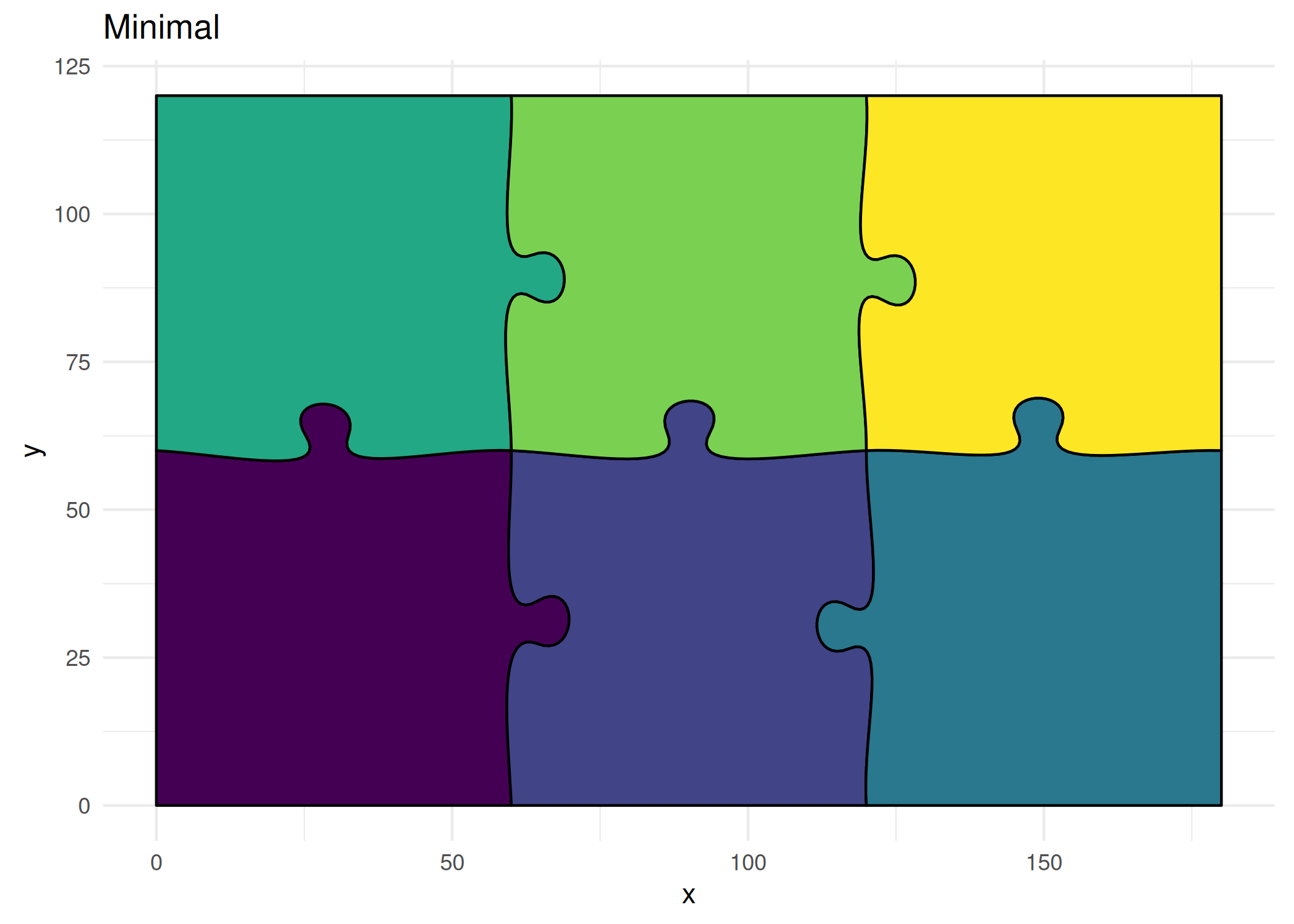
# Create plot
p <- ggplot() +
  geom_puzzle_hex(
    aes(fill = after_stat(piece_id)),
    rings = 4,
    diameter = 300,
    seed = 42
  ) +
  scale_fill_viridis_c(option = "turbo", guide = "none") +
  coord_fixed() +
  theme_puzzle()
print(p)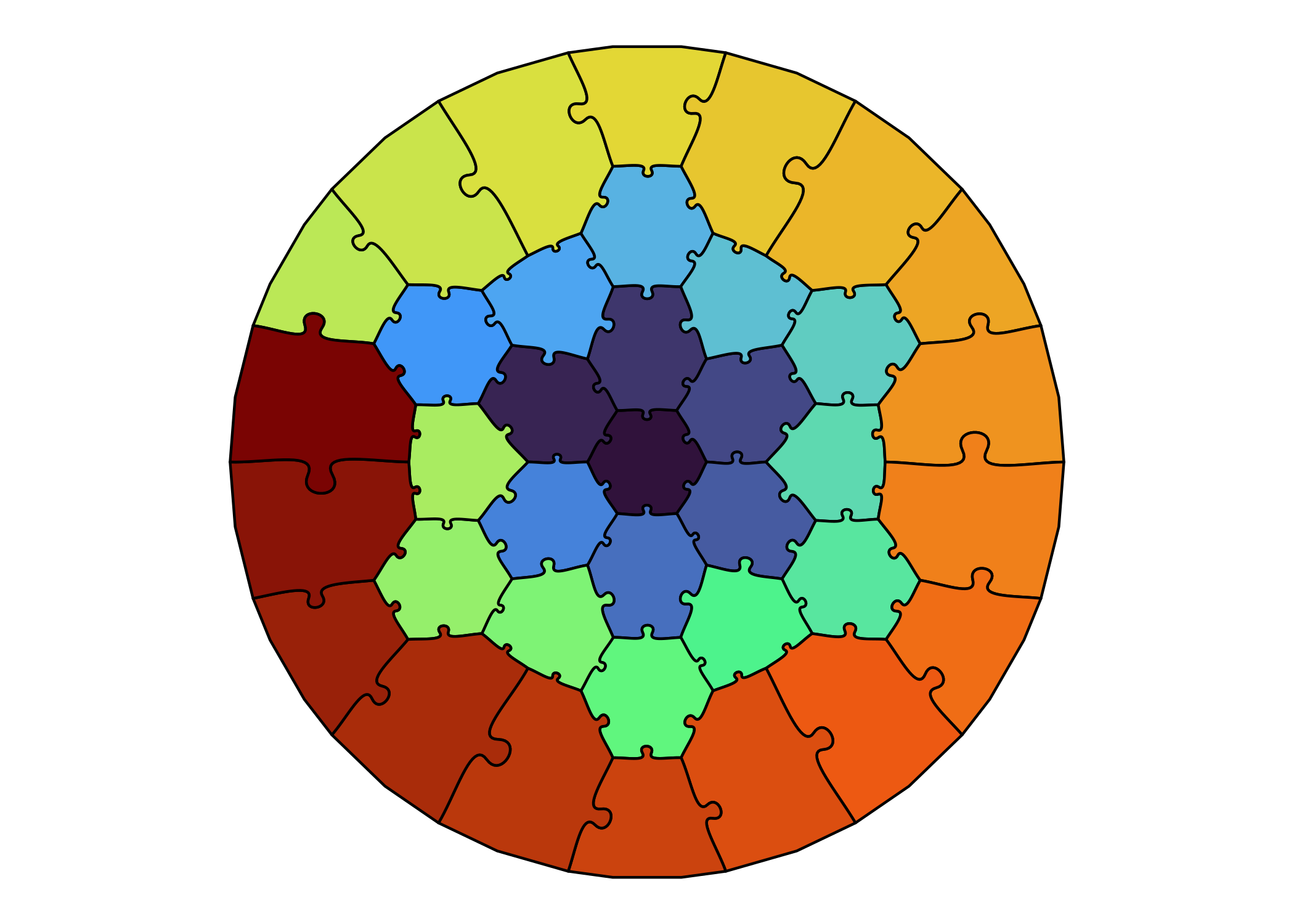
# ggsave("puzzle.png", p, width = 8, height = 8, dpi = 300)
# ggsave("puzzle.svg", p, width = 8, height = 8)
# ggsave("puzzle.pdf", p, width = 8, height = 8)