Aspect Ratios
Overview
All jigsawR puzzle types that use rectangular canvases (rectangular, voronoi, and random) adapt seamlessly to any aspect ratio. Whether you need a wide panoramic puzzle, a square format, or a tall portrait orientation, the pieces automatically adjust to fill the canvas.
Aspect ratio is simply the relationship between width and height. Common ratios include:
- 16:9 - Widescreen/cinematic
- 4:3 - Classic photo format
- 1:1 - Square (Instagram-style)
- 3:4 - Portrait photo
- 9:16 - Tall/mobile
Comparison Across Puzzle Types
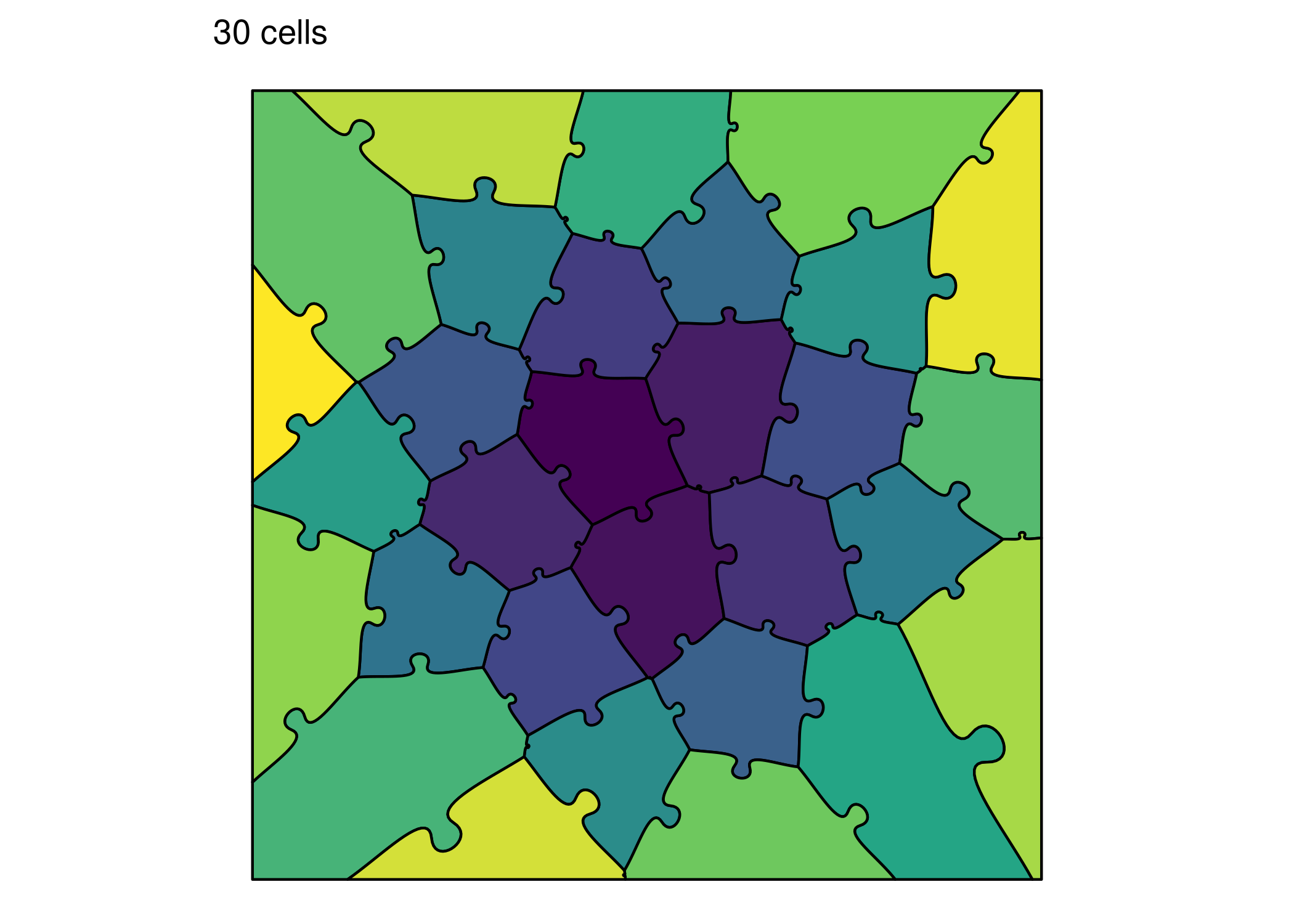
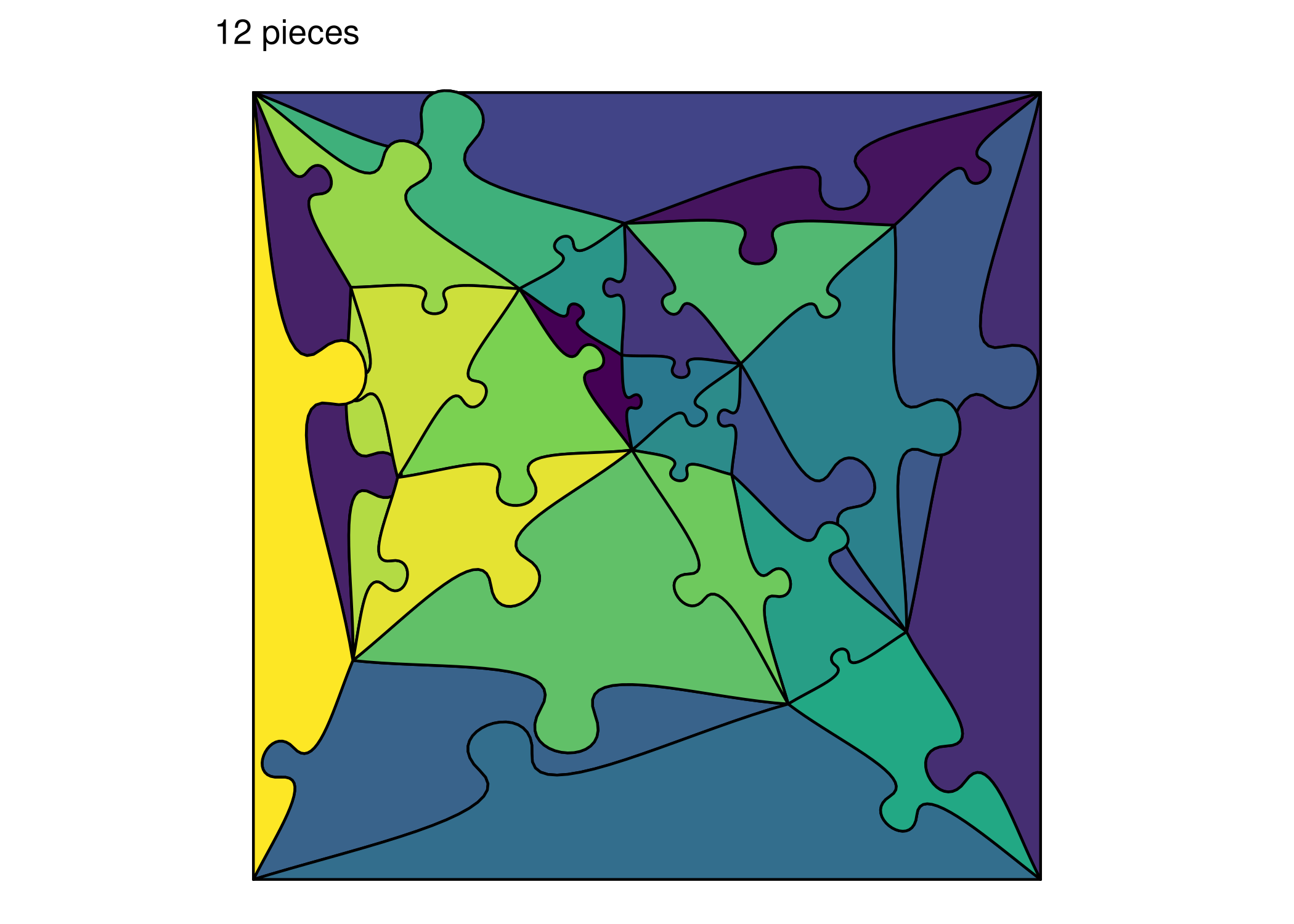
The following examples demonstrate how rectangular, voronoi, and random puzzles handle the same three aspect ratios:
Wide Format (16:9)
# Rectangular - wide
print(ggplot() +
  geom_puzzle_rect(
    aes(fill = after_stat(piece_id)),
    cols = 8, rows = 4,
    seed = 42
  ) +
  scale_fill_viridis_c(option = "viridis", guide = "none") +
  coord_fixed() +
  theme_puzzle() +
  labs(title = "8x4 grid"))

# Voronoi - wide
print(ggplot() +
  geom_puzzle_voronoi(
    aes(fill = after_stat(piece_id)),
    n_cells = 30,
    seed = 42
  ) +
  scale_fill_viridis_c(option = "viridis", guide = "none") +
  coord_fixed() +
  theme_puzzle() +
  labs(title = "30 cells"))

# Random - wide
print(ggplot() +
  geom_puzzle_random(
    aes(fill = after_stat(piece_id)),
    n_interior = 12,
    seed = 42
  ) +
  scale_fill_viridis_c(option = "viridis", guide = "none") +
  coord_fixed() +
  theme_puzzle() +
  labs(title = "12 pieces"))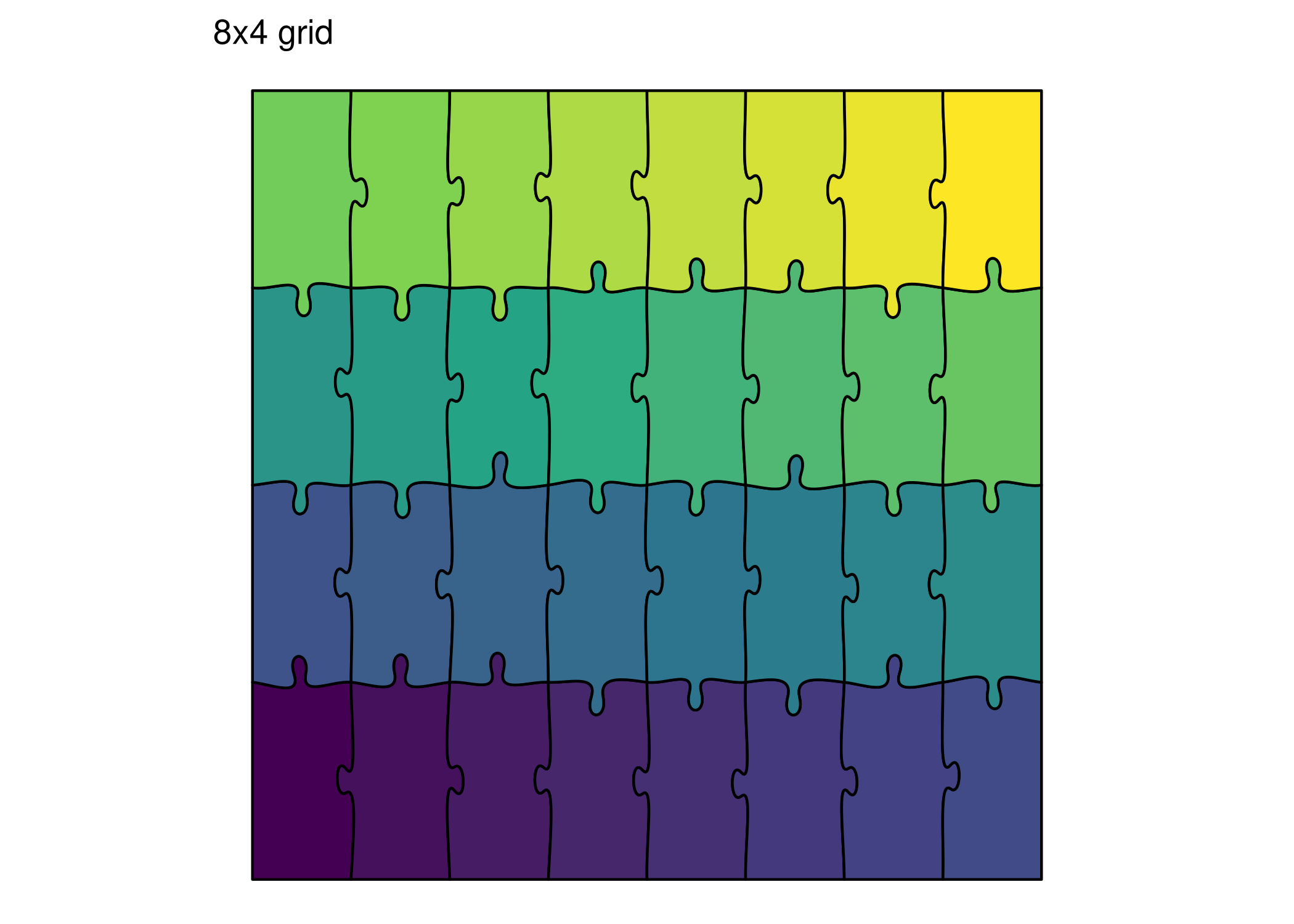
Square Format (1:1)
# Rectangular - square
print(ggplot() +
  geom_puzzle_rect(
    aes(fill = after_stat(piece_id)),
    cols = 5, rows = 5,
    seed = 42
  ) +
  scale_fill_viridis_c(option = "plasma", guide = "none") +
  coord_fixed() +
  theme_puzzle() +
  labs(title = "5x5 grid"))

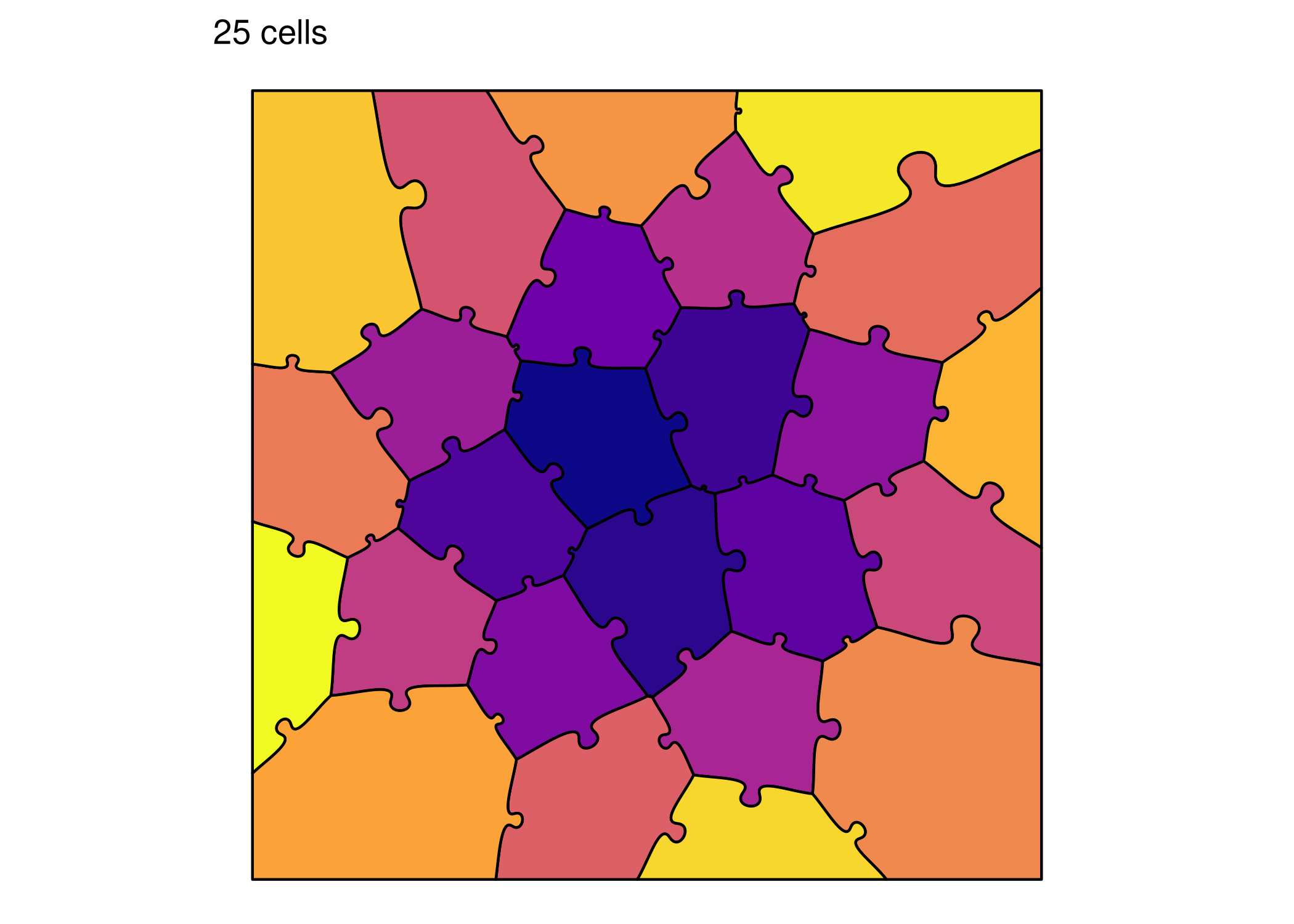
# Voronoi - square
print(ggplot() +
  geom_puzzle_voronoi(
    aes(fill = after_stat(piece_id)),
    n_cells = 25,
    seed = 42
  ) +
  scale_fill_viridis_c(option = "plasma", guide = "none") +
  coord_fixed() +
  theme_puzzle() +
  labs(title = "25 cells"))

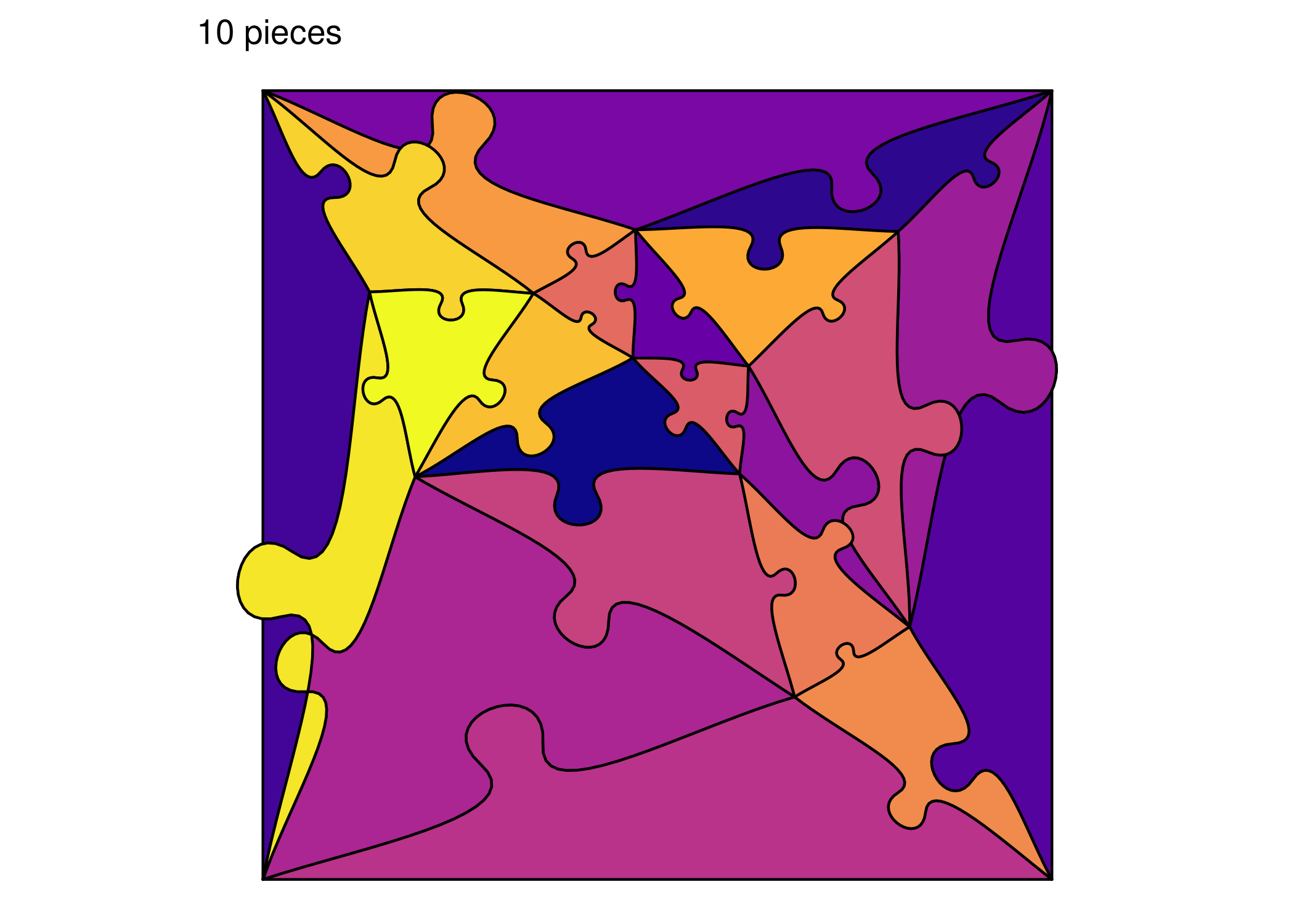
# Random - square
print(ggplot() +
  geom_puzzle_random(
    aes(fill = after_stat(piece_id)),
    n_interior = 10,
    seed = 42
  ) +
  scale_fill_viridis_c(option = "plasma", guide = "none") +
  coord_fixed() +
  theme_puzzle() +
  labs(title = "10 pieces"))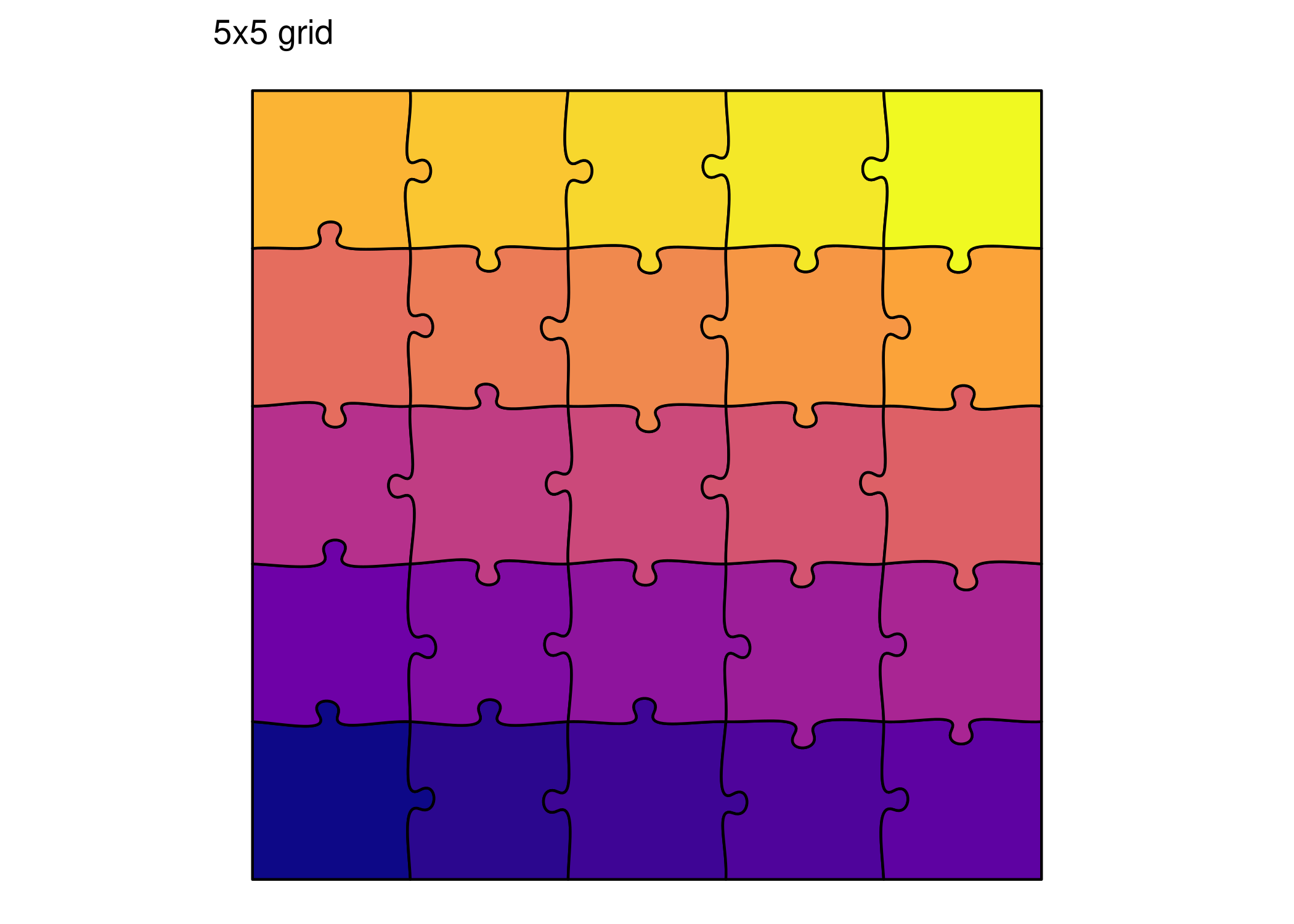
Tall Format (9:16)
# Rectangular - tall
print(ggplot() +
  geom_puzzle_rect(
    aes(fill = after_stat(piece_id)),
    cols = 3, rows = 6,
    seed = 42
  ) +
  scale_fill_viridis_c(option = "magma", guide = "none") +
  coord_fixed() +
  theme_puzzle() +
  labs(title = "3x6 grid"))

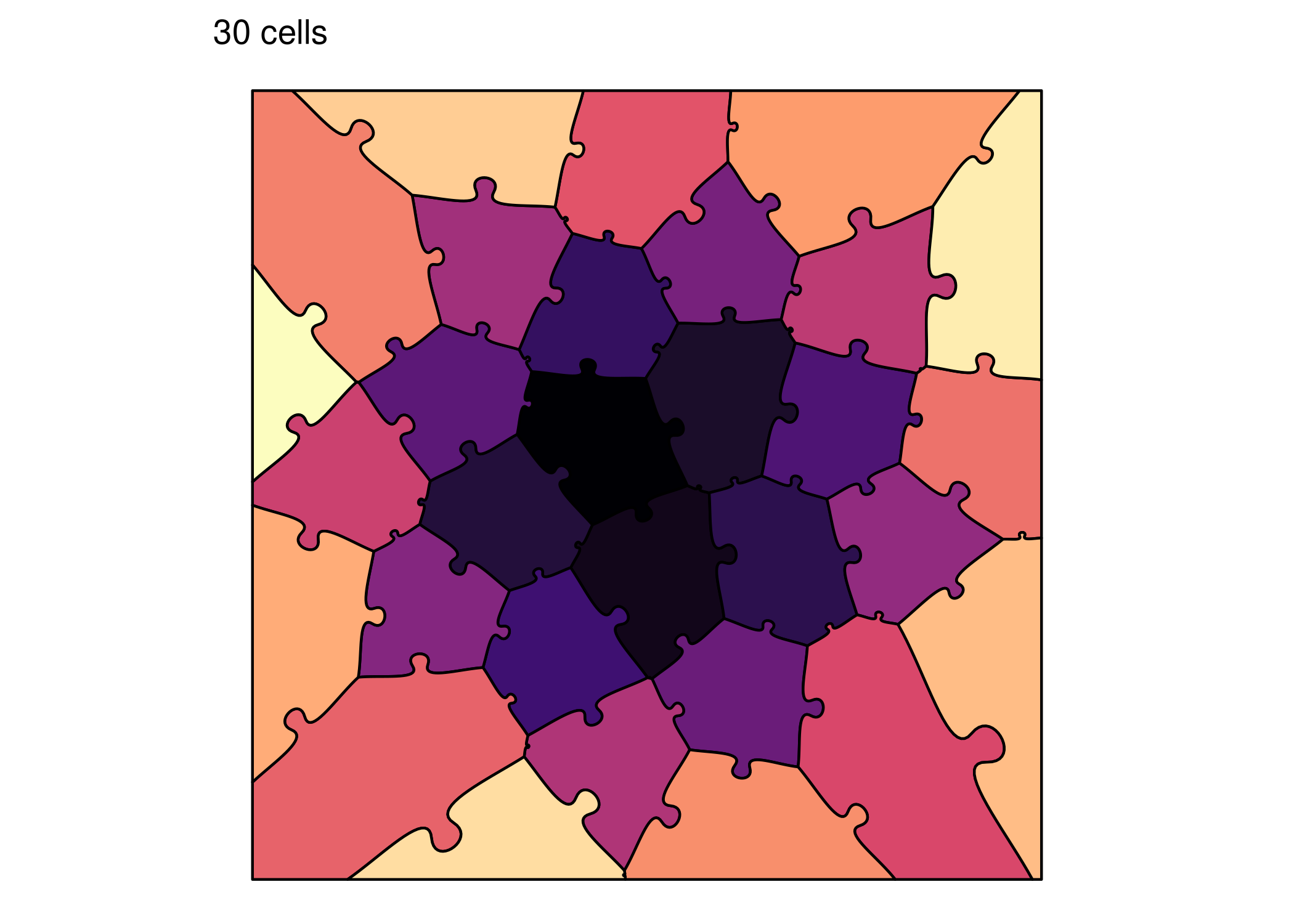
# Voronoi - tall
print(ggplot() +
  geom_puzzle_voronoi(
    aes(fill = after_stat(piece_id)),
    n_cells = 30,
    seed = 42
  ) +
  scale_fill_viridis_c(option = "magma", guide = "none") +
  coord_fixed() +
  theme_puzzle() +
  labs(title = "30 cells"))

# Random - tall
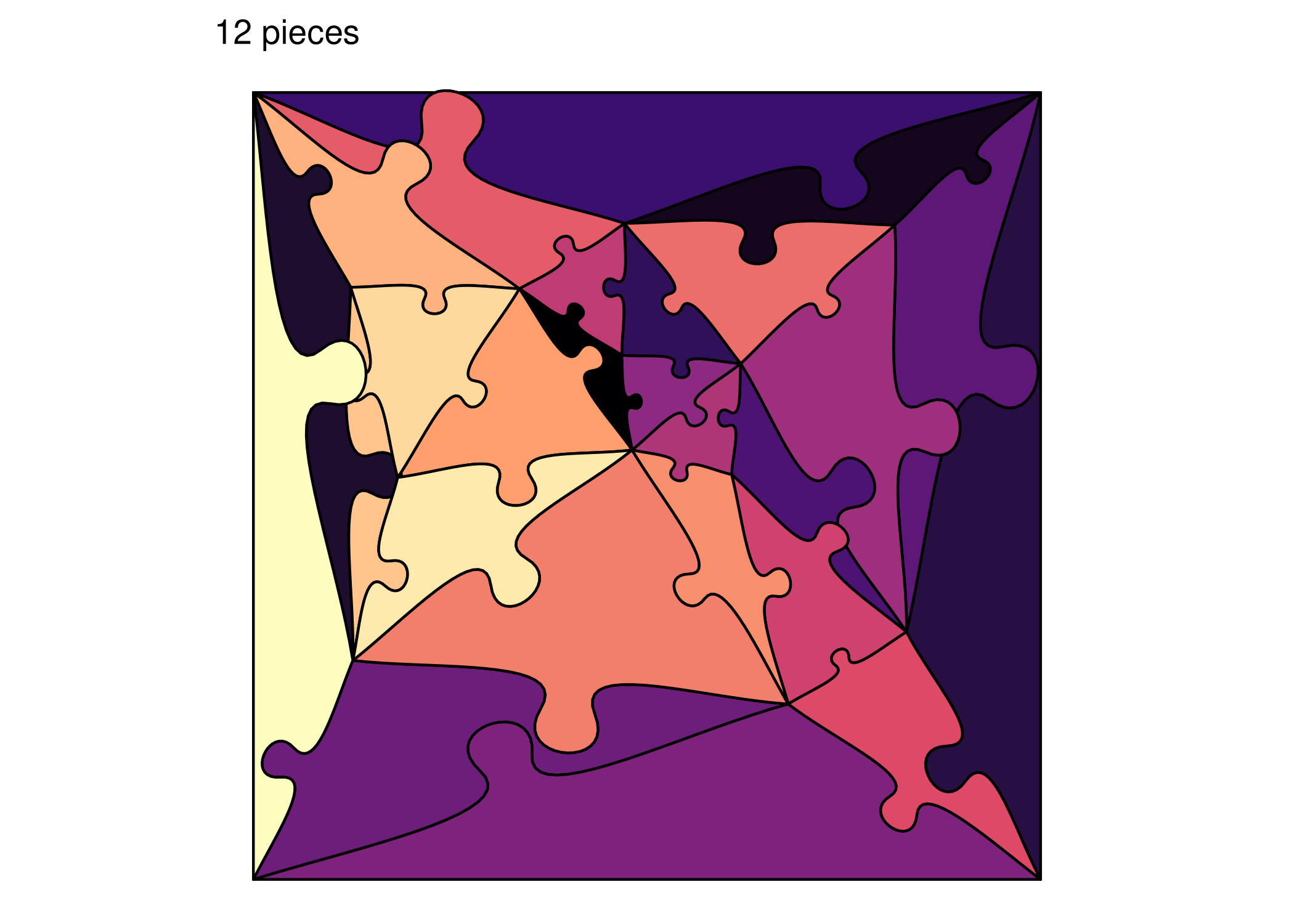
print(ggplot() +
  geom_puzzle_random(
    aes(fill = after_stat(piece_id)),
    n_interior = 12,
    seed = 42
  ) +
  scale_fill_viridis_c(option = "magma", guide = "none") +
  coord_fixed() +
  theme_puzzle() +
  labs(title = "12 pieces"))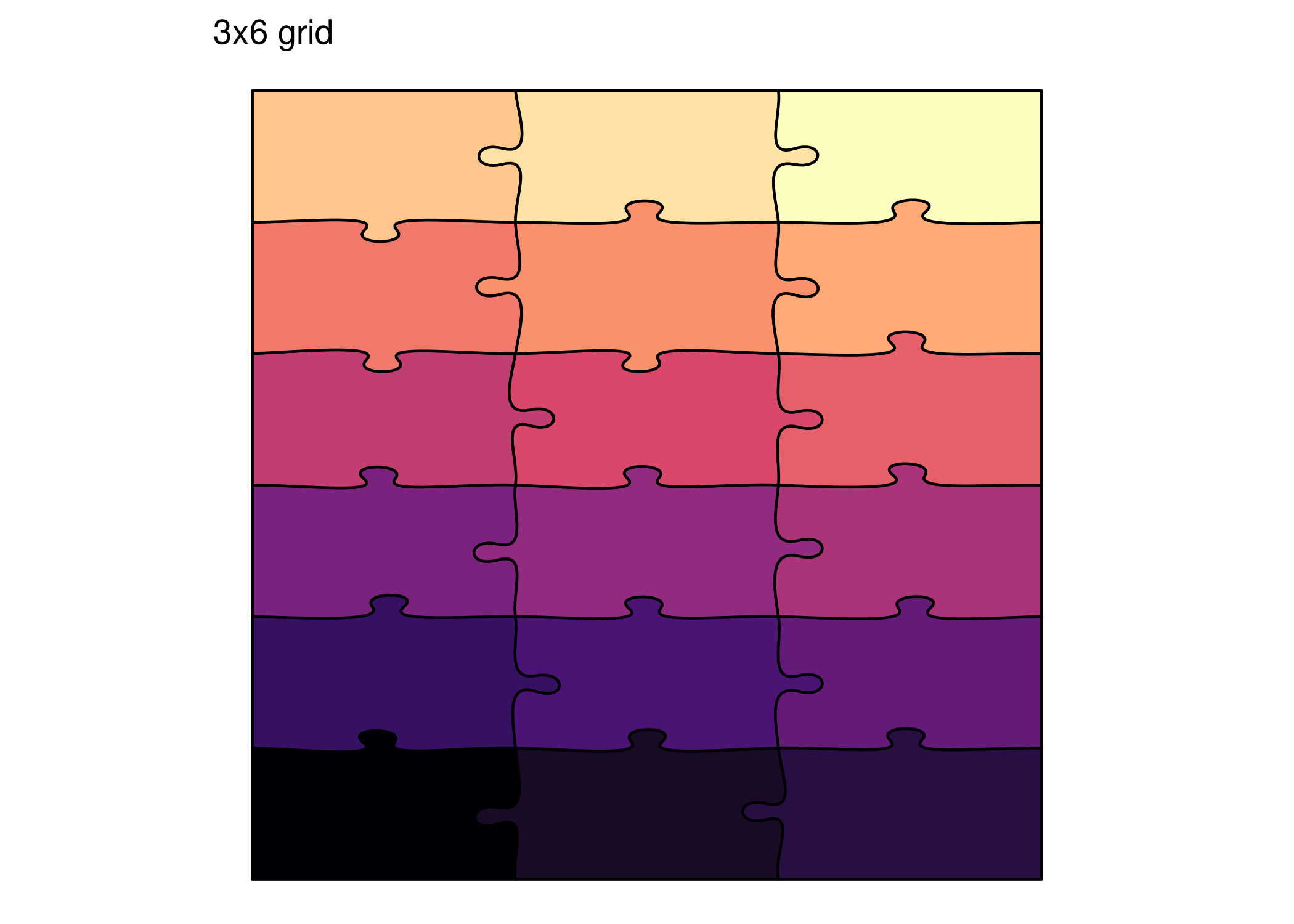
Technical Notes
Using coord_fixed()
When creating puzzles with ggpuzzle, always use coord_fixed() to preserve the aspect ratio. Without it, ggplot2 may stretch the puzzle to fill the available space, distorting piece shapes.
# Good - preserves aspect ratio
ggplot() +
  geom_puzzle_rect(cols = 8, rows = 4) +
  coord_fixed()  # Essential!

# Bad - pieces may be distorted
ggplot() +
  geom_puzzle_rect(cols = 8, rows = 4)
  # Missing coord_fixed()
Choosing Grid Parameters
For rectangular puzzles, the aspect ratio is determined by the cols and rows parameters:
| Aspect Ratio | Example Grid |
|---|---|
| 16:9 (wide) | 8x4, 16x9 |
| 4:3 | 4x3, 8x6 |
| 1:1 (square) | 5x5, 6x6 |
| 3:4 | 3x4, 6x8 |
| 9:16 (tall) | 4x8, 9x16 |
For voronoi and random puzzles, the aspect ratio is controlled by the underlying data or the plotting area. Use coord_fixed(ratio = height/width) to set a specific ratio.
Hexagonal and Concentric Puzzles
Hexagonal and concentric puzzles are inherently circular/hexagonal, so aspect ratio doesn’t apply in the same way. These puzzle types always produce their natural shape regardless of the plotting area.
See Also
- Rectangular Gallery - More rectangular puzzle examples
- Voronoi Gallery - More voronoi puzzle examples
- Random Gallery - More random puzzle examples
- Size Parameters - How to specify physical dimensions