Overview
Rectangular puzzles are the classic jigsaw format with interlocking tabs on all sides. Each piece connects to its neighbors through curved tabs that can point inward or outward.
Size Variations
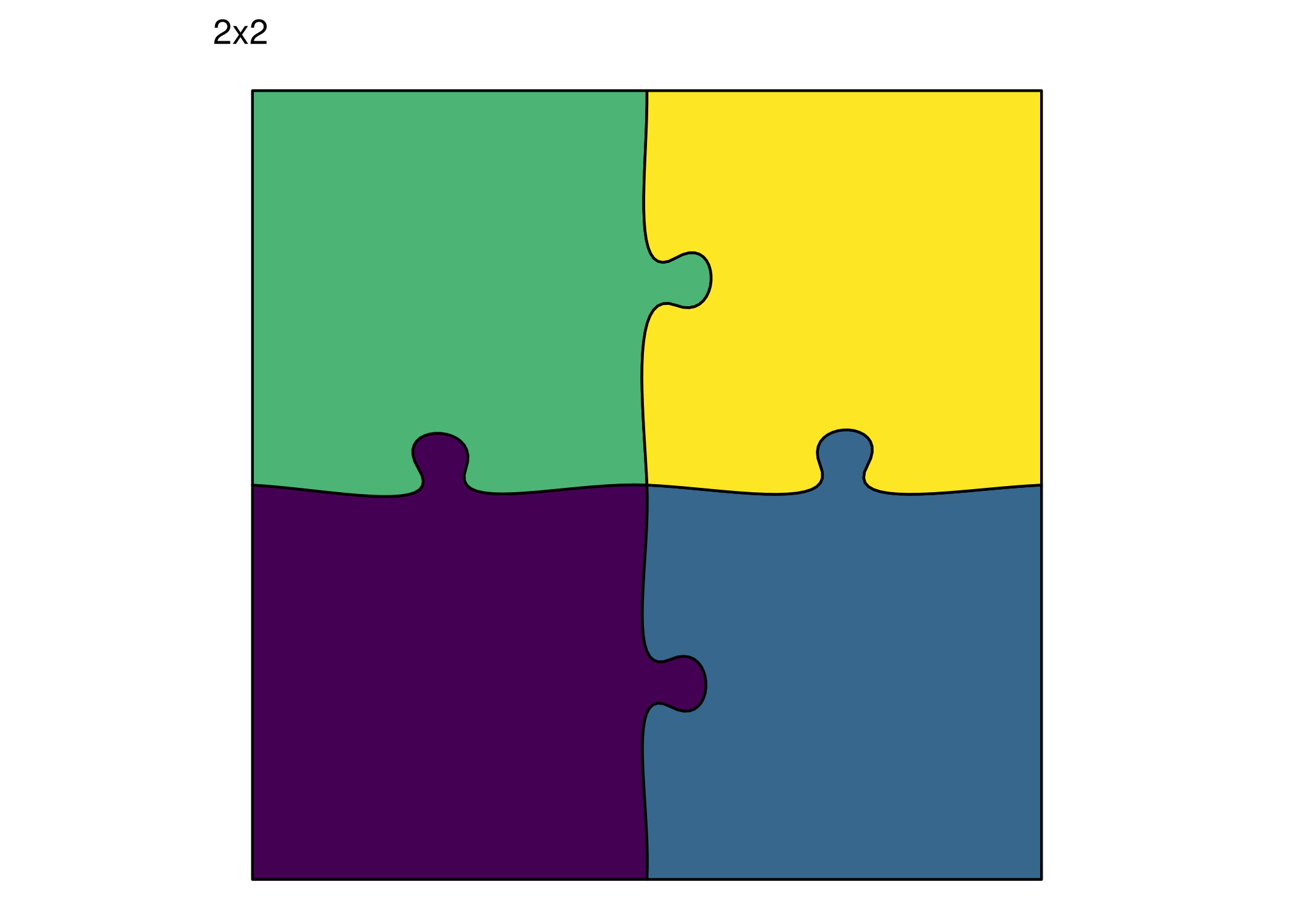
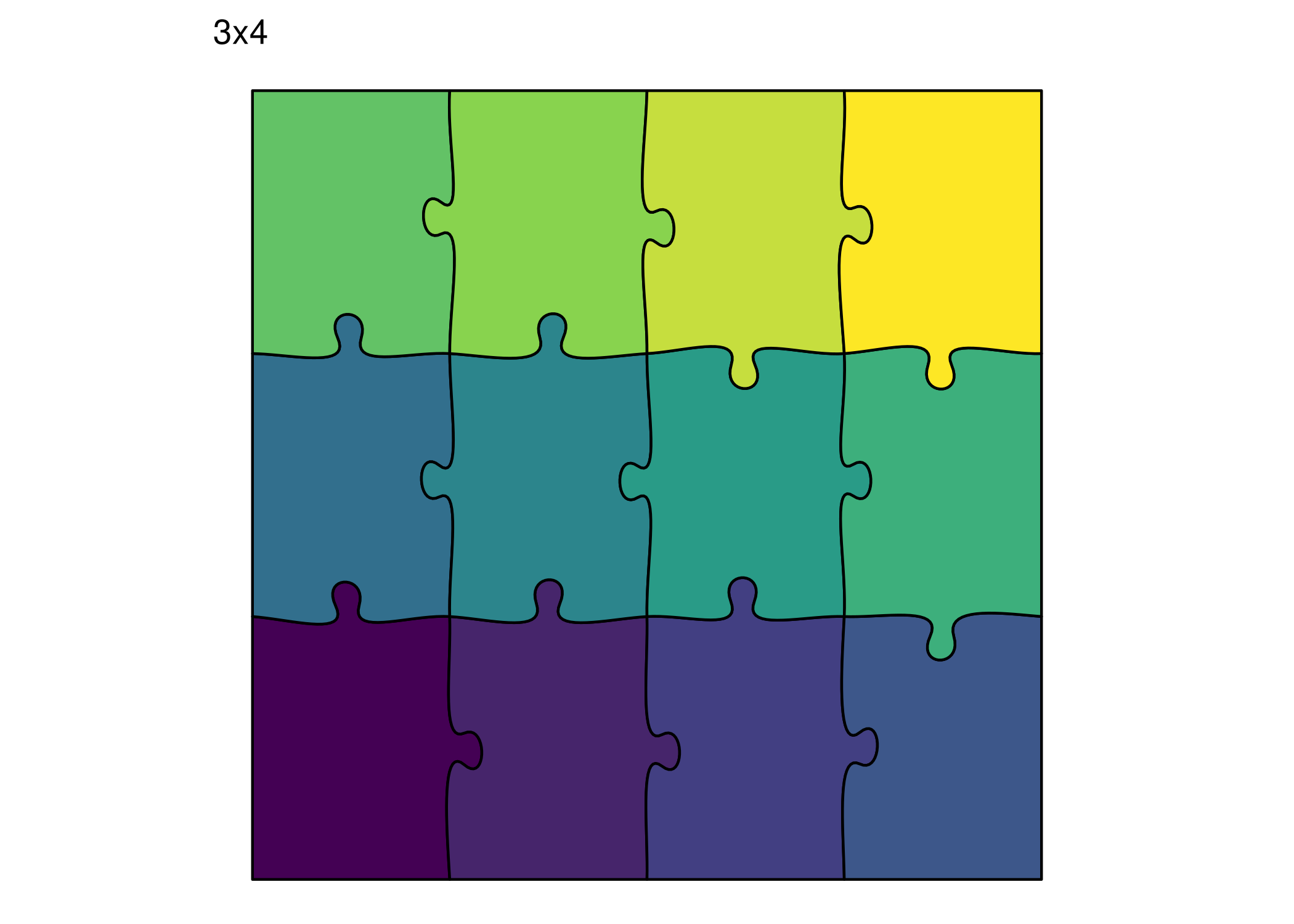
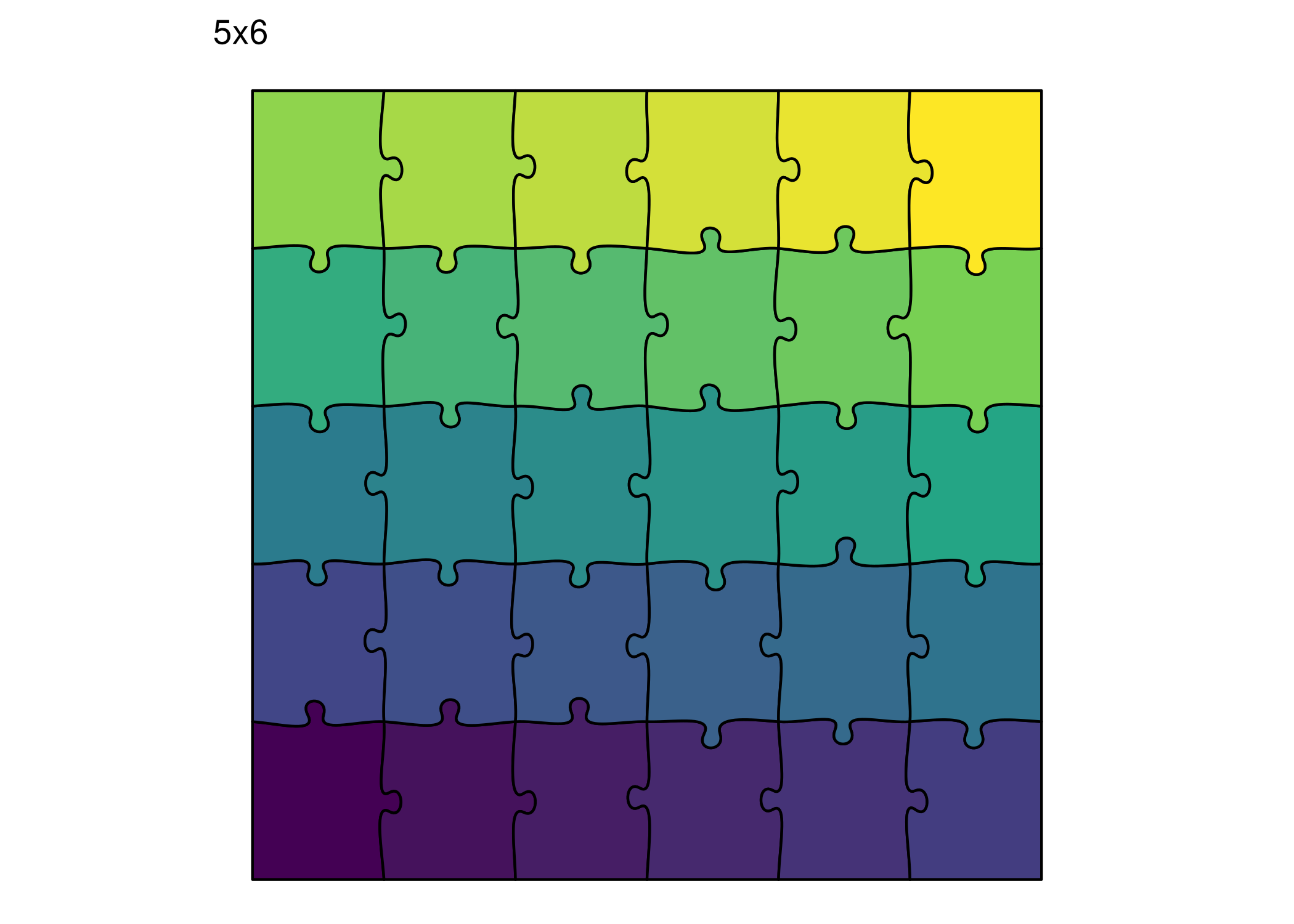
Explore different grid sizes:
print (ggplot () + geom_puzzle_rect (aes (fill = after_stat (piece_id)),cols = 2 , rows = 2 ,seed = 42 + scale_fill_viridis_c (option = "viridis" , guide = "none" ) + coord_fixed () + theme_puzzle () + labs (title = "2x2" ))print (ggplot () + geom_puzzle_rect (aes (fill = after_stat (piece_id)),cols = 4 , rows = 3 ,seed = 42 + scale_fill_viridis_c (option = "viridis" , guide = "none" ) + coord_fixed () + theme_puzzle () + labs (title = "3x4" ))print (ggplot () + geom_puzzle_rect (aes (fill = after_stat (piece_id)),cols = 6 , rows = 5 ,seed = 42 + scale_fill_viridis_c (option = "viridis" , guide = "none" ) + coord_fixed () + theme_puzzle () + labs (title = "5x6" ))
<- generate_puzzle (type = "rectangular" ,grid = c (2 , 2 ),size = c (200 , 200 ),seed = 42 ,fill_palette = "viridis" render_puzzle_preview (result_2x2, title = "2x2" )<- generate_puzzle (type = "rectangular" ,grid = c (3 , 4 ),size = c (300 , 400 ),seed = 42 ,fill_palette = "viridis" render_puzzle_preview (result_4x3, title = "3x4" )<- generate_puzzle (type = "rectangular" ,grid = c (5 , 6 ),size = c (500 , 600 ),seed = 42 ,fill_palette = "viridis" render_puzzle_preview (result_6x5, title = "5x6" )
Color Palettes
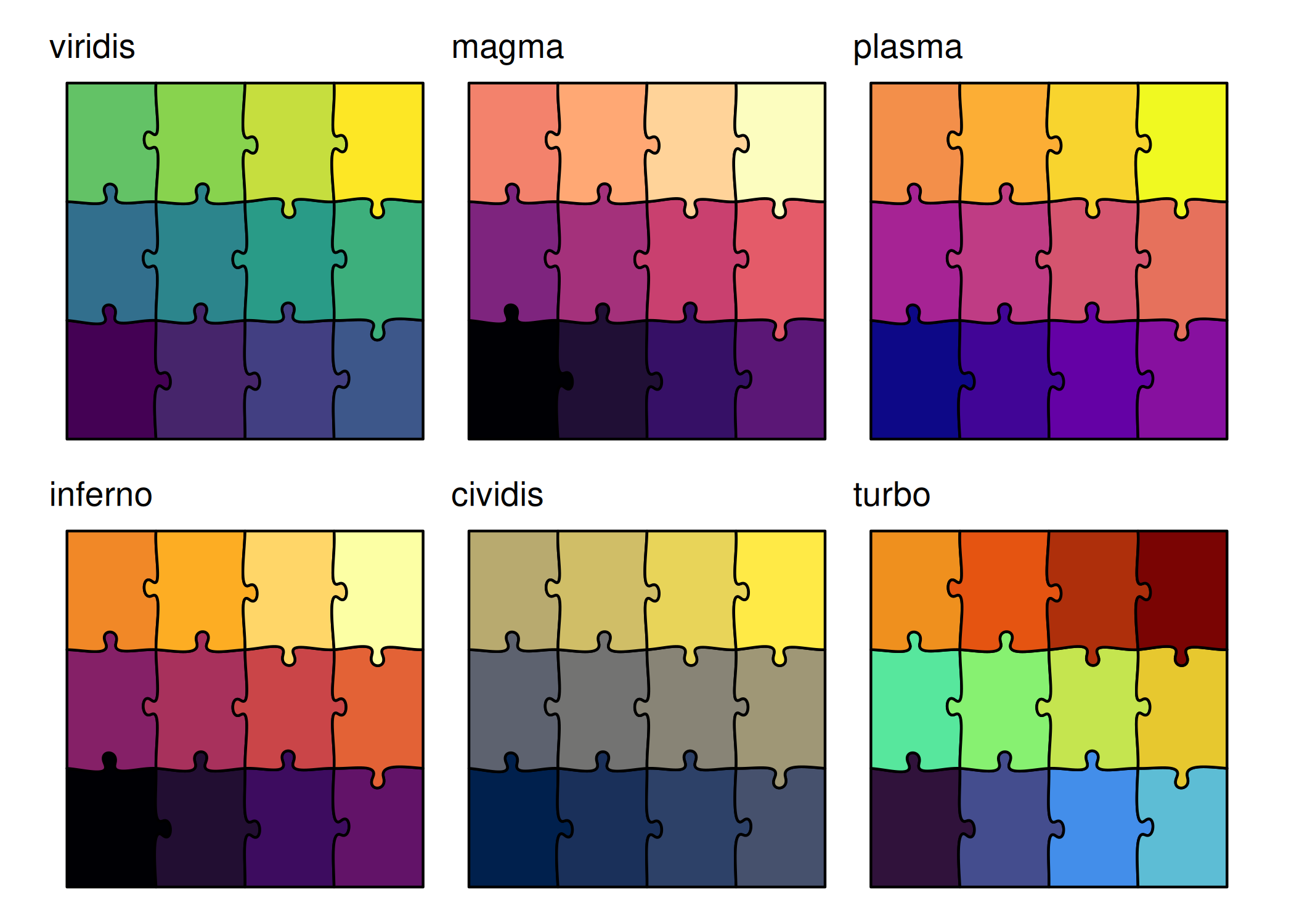
All viridis palettes work beautifully with puzzle pieces:
<- function (pal) {ggplot () + geom_puzzle_rect (aes (fill = after_stat (piece_id)),cols = 4 , rows = 3 ,seed = 42 + scale_fill_viridis_c (option = pal, guide = "none" ) + coord_fixed () + theme_puzzle () + labs (title = pal)print ((make_palette_plot ("viridis" ) + make_palette_plot ("magma" ) + make_palette_plot ("plasma" )) / make_palette_plot ("inferno" ) + make_palette_plot ("cividis" ) + make_palette_plot ("turbo" )))
# Generate all palette previews and combine into a grid <- c ("viridis" , "magma" , "plasma" , "inferno" , "cividis" , "turbo" )<- lapply (palettes, function (pal) {generate_puzzle (type = "rectangular" , grid = c (3 , 4 ), size = c (300 , 400 ), seed = 42 , fill_palette = pal)render_puzzle_grid (items, ncol = 3 , labels = palettes)
Fill Direction
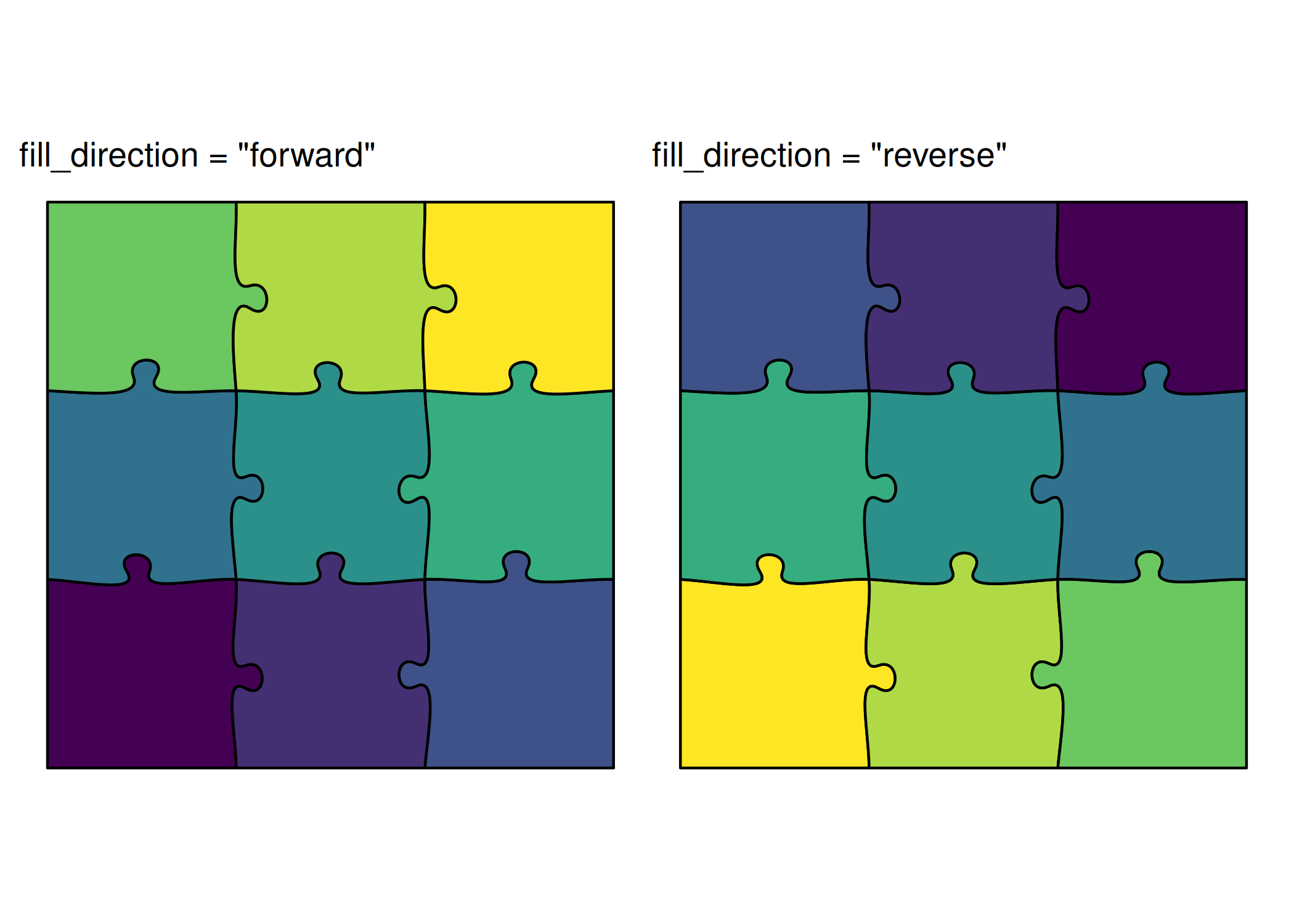
Control the spatial order of color assignment. This is distinct from palette_invert which reverses the dark↔︎light ends of the palette.
<- function (dir) {ggplot () + geom_puzzle_rect (aes (fill = after_stat (fill_order)),cols = 3 , rows = 3 ,fill_direction = dir,seed = 42 + scale_fill_viridis_c (option = "viridis" , guide = "none" ) + coord_fixed () + theme_puzzle () + labs (title = paste0 ("fill_direction = \" " , dir, " \" " ))print (make_direction_plot ("forward" ) + make_direction_plot ("reverse" ))
<- c ("forward" , "reverse" )<- lapply (directions, function (dir) {generate_puzzle (type = "rectangular" , grid = c (3 , 3 ), size = c (300 , 300 ), seed = 42 , fill_palette = "viridis" , fill_direction = dir)render_puzzle_grid (items, ncol = 2 , labels = paste0 ("fill_direction = \" " , directions, " \" " ))
Offset (Separation)
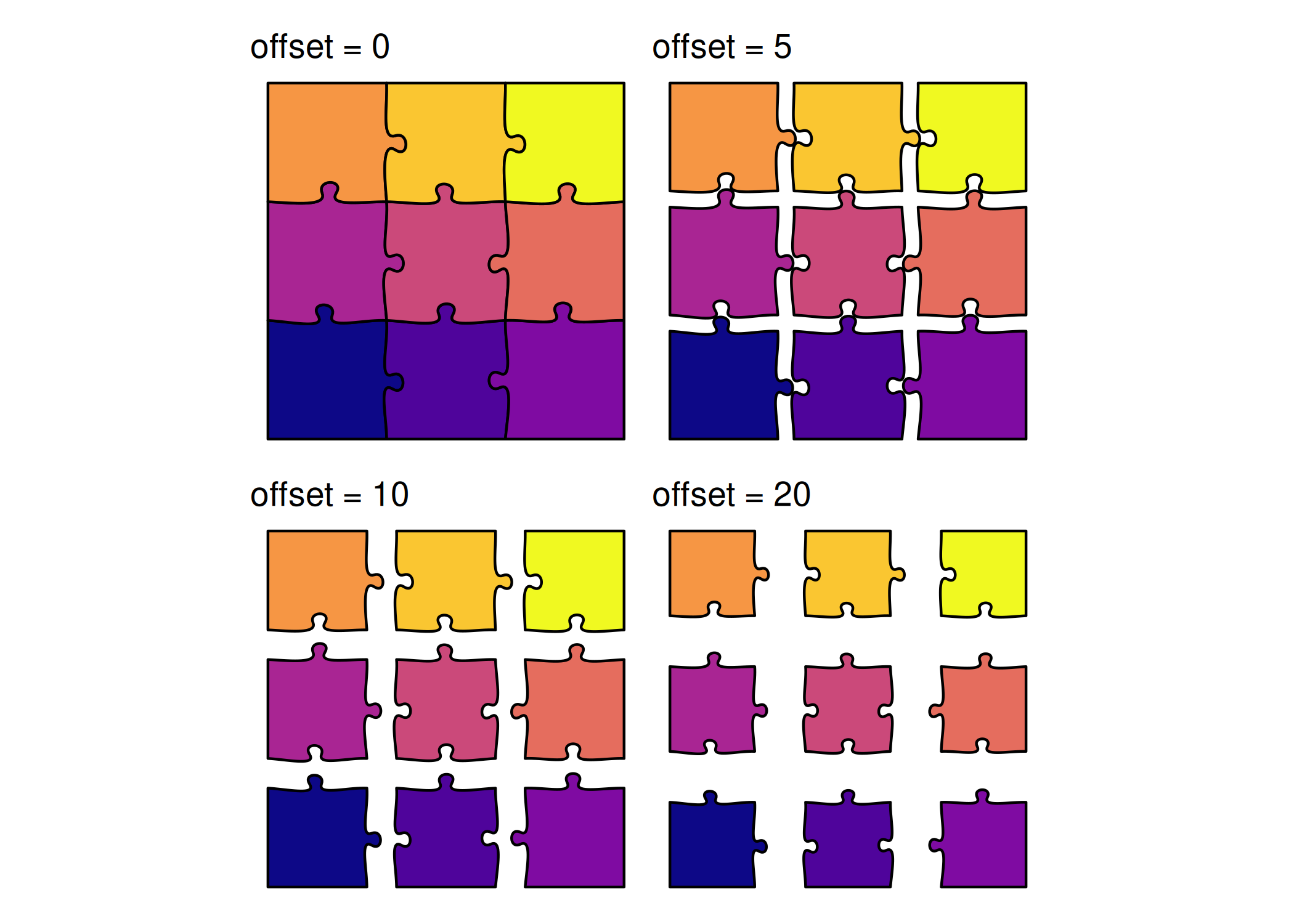
Control spacing between pieces:
<- function (off) {ggplot () + geom_puzzle_rect (aes (fill = after_stat (piece_id)),cols = 3 , rows = 3 ,offset = off,seed = 42 + scale_fill_viridis_c (option = "plasma" , guide = "none" ) + coord_fixed () + theme_puzzle () + labs (title = paste0 ("offset = " , off))print (make_offset_plot (0 ) + make_offset_plot (5 ) + make_offset_plot (10 ) + make_offset_plot (20 ))
# Generate offset previews in a grid <- c (0 , 5 , 10 , 20 )<- lapply (offsets, function (off) {generate_puzzle (type = "rectangular" , grid = c (3 , 3 ), size = c (300 , 300 ), offset = off, seed = 42 , fill_palette = "plasma" )render_puzzle_grid (items, ncol = 4 , labels = paste ("offset =" , offsets))
Fusion Groups
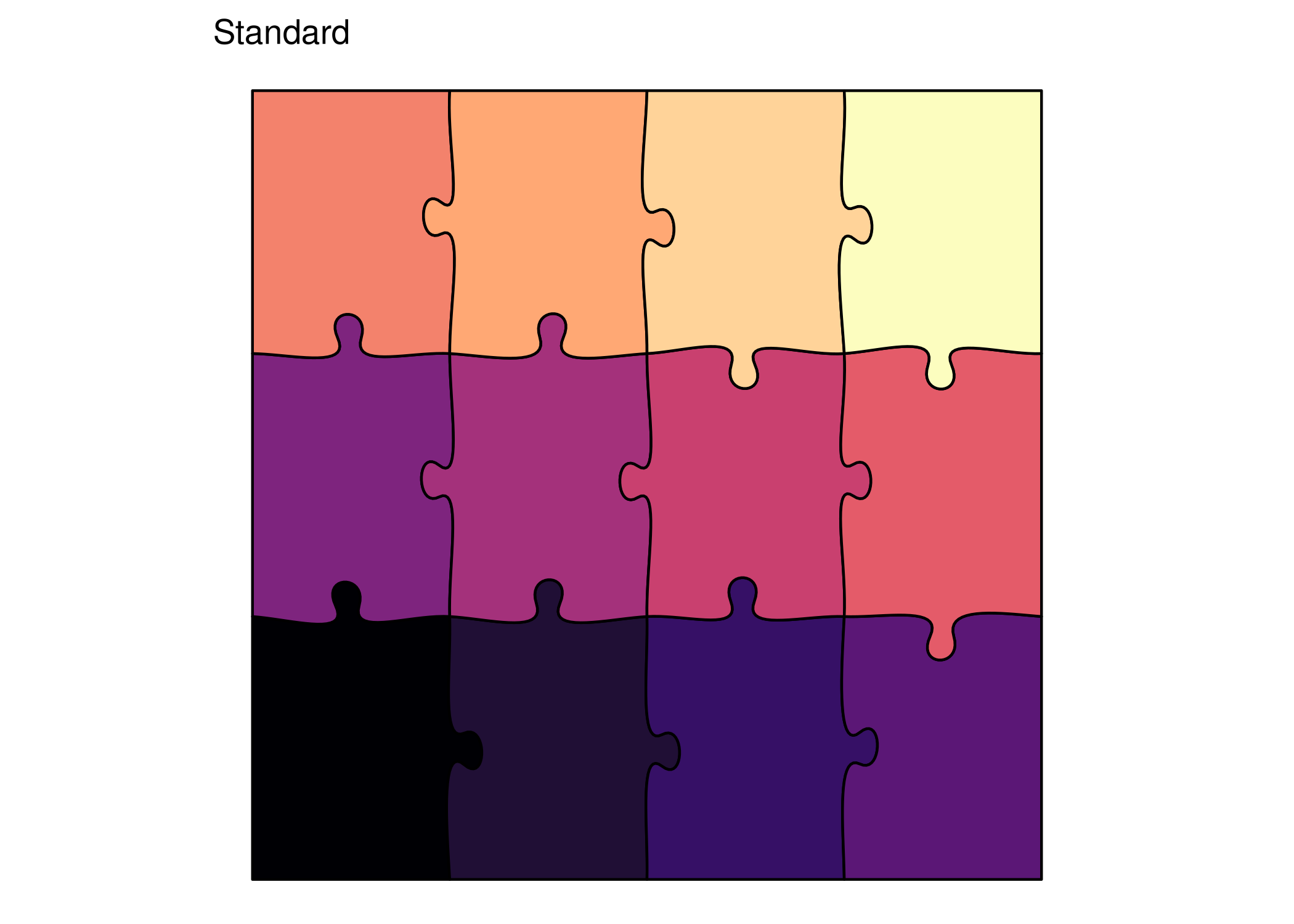
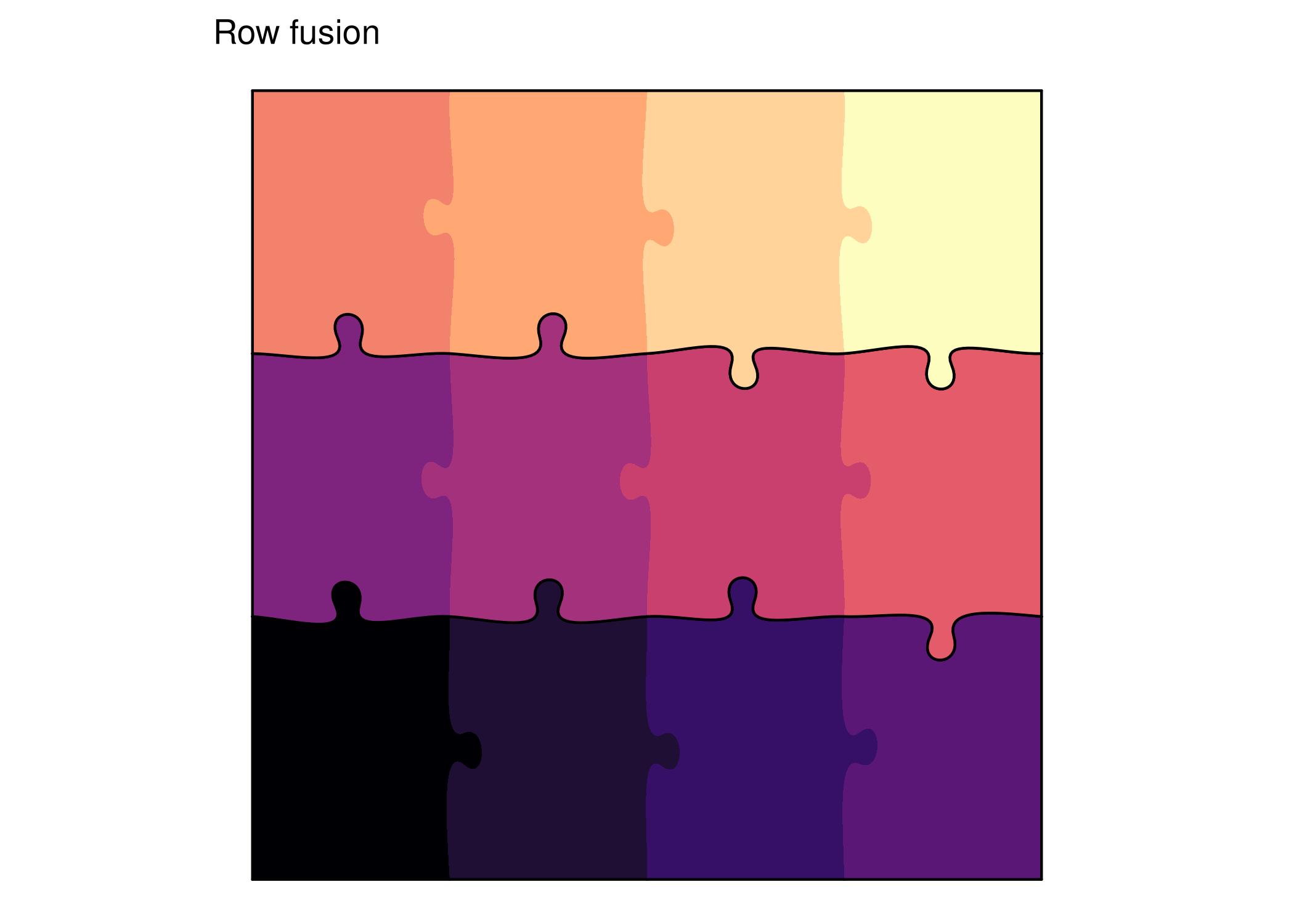
Merge pieces together using PILES notation:
# Standard print (ggplot () + geom_puzzle_rect (aes (fill = after_stat (piece_id)),cols = 4 , rows = 3 ,seed = 42 + scale_fill_viridis_c (option = "magma" , guide = "none" ) + coord_fixed () + theme_puzzle () + labs (title = "Standard" ))# With row fusion print (ggplot () + geom_puzzle_rect (aes (fill = after_stat (piece_id)),cols = 4 , rows = 3 ,seed = 42 ,fusion_groups = "R1,R2,R3" + scale_fill_viridis_c (option = "magma" , guide = "none" ) + coord_fixed () + theme_puzzle () + labs (title = "Row fusion" ))
# Standard <- generate_puzzle (type = "rectangular" ,grid = c (3 , 4 ),size = c (300 , 400 ),seed = 42 ,fill_palette = "magma" render_puzzle_preview (result_standard, title = "Standard" )# With row fusion <- generate_puzzle (type = "rectangular" ,grid = c (3 , 4 ),size = c (300 , 400 ),seed = 42 ,fill_palette = "magma" ,fusion_groups = "R1,R2,R3" render_puzzle_preview (result_fusion, title = "Row fusion" )
Rectangular puzzles handle any aspect ratio - wide, square, or tall. See the Aspect Ratios Tutorial for examples comparing all puzzle types.
Parameters Reference
colsinteger
3
Number of columns
rowsinteger
3
Number of rows
seedinteger
random
Random seed for reproducibility
offsetnumeric
0 (mm)
Piece separation distance
tabsizenumeric
6 (%)
Tab size as percentage of edge length
jitternumeric
2 (%)
Randomness in tab shape as percentage
min_tab_sizenumeric
0 (mm)
Minimum tab size in millimeters
max_tab_sizenumeric
Inf (mm)
Maximum tab size in millimeters
fusion_groupsstring
NULL
PILES notation for fusing pieces
fusion_stylestring
“none”
Style for fused edges: “none”, “dashed”, “solid”
Code Example
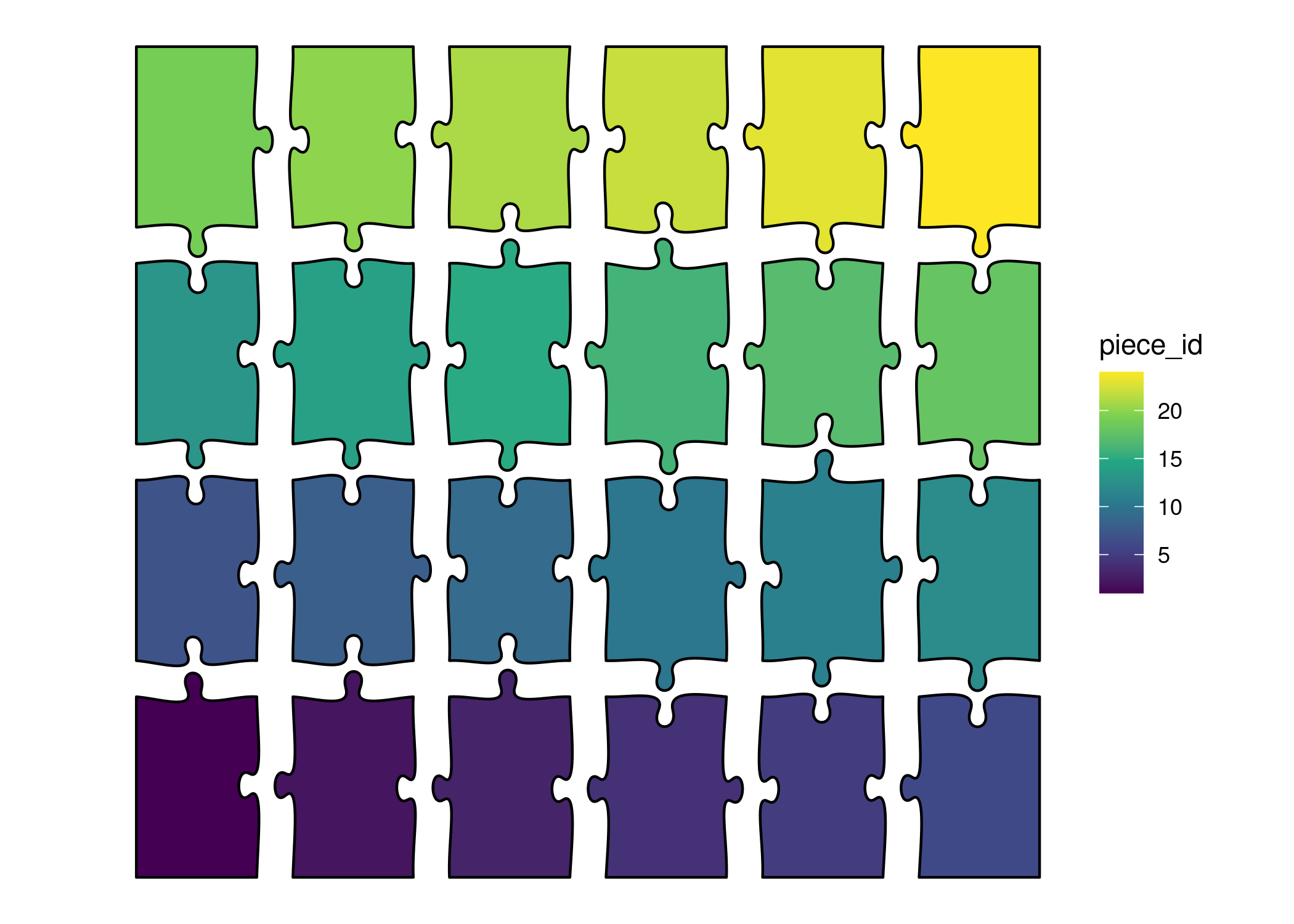
# Visualize with ggplot2 ggplot () + geom_puzzle_rect (aes (fill = after_stat (piece_id)),cols = 6 , rows = 4 ,seed = 42 , offset = 5 + scale_fill_viridis_c () + coord_fixed () + theme_puzzle ()# ggsave("rectangular_puzzle.png", width = 10, height = 8, dpi = 300)
# Generate puzzle <- generate_puzzle (type = "rectangular" ,grid = c (4 , 6 ), # 4 rows, 6 columns size = c (400 , 600 ), # height=400mm, width=600mm seed = 42 ,offset = 5 # Slight separation # writeLines(result$svg_content, "rectangular_puzzle.svg") render_puzzle_preview (result)