Getting Started

Install jigsawR and create your first puzzle

Installation

Dependencies

jigsawR requires:

  • R ≥ 4.0.0
  • ggplot2, ggforce, ggfx (for ggpuzzle extension)
  • viridis (for color palettes)

Optional dependencies:

  • rsvg (for PNG export)
  • magick (for image processing)

Your First Puzzle

jigsawR offers two ways to create puzzles:

  1. API (generate_puzzle()): Returns SVG content and piece data for manufacturing
  2. ggpuzzle (geom_puzzle_*()): Integrates with ggplot2 for visualization
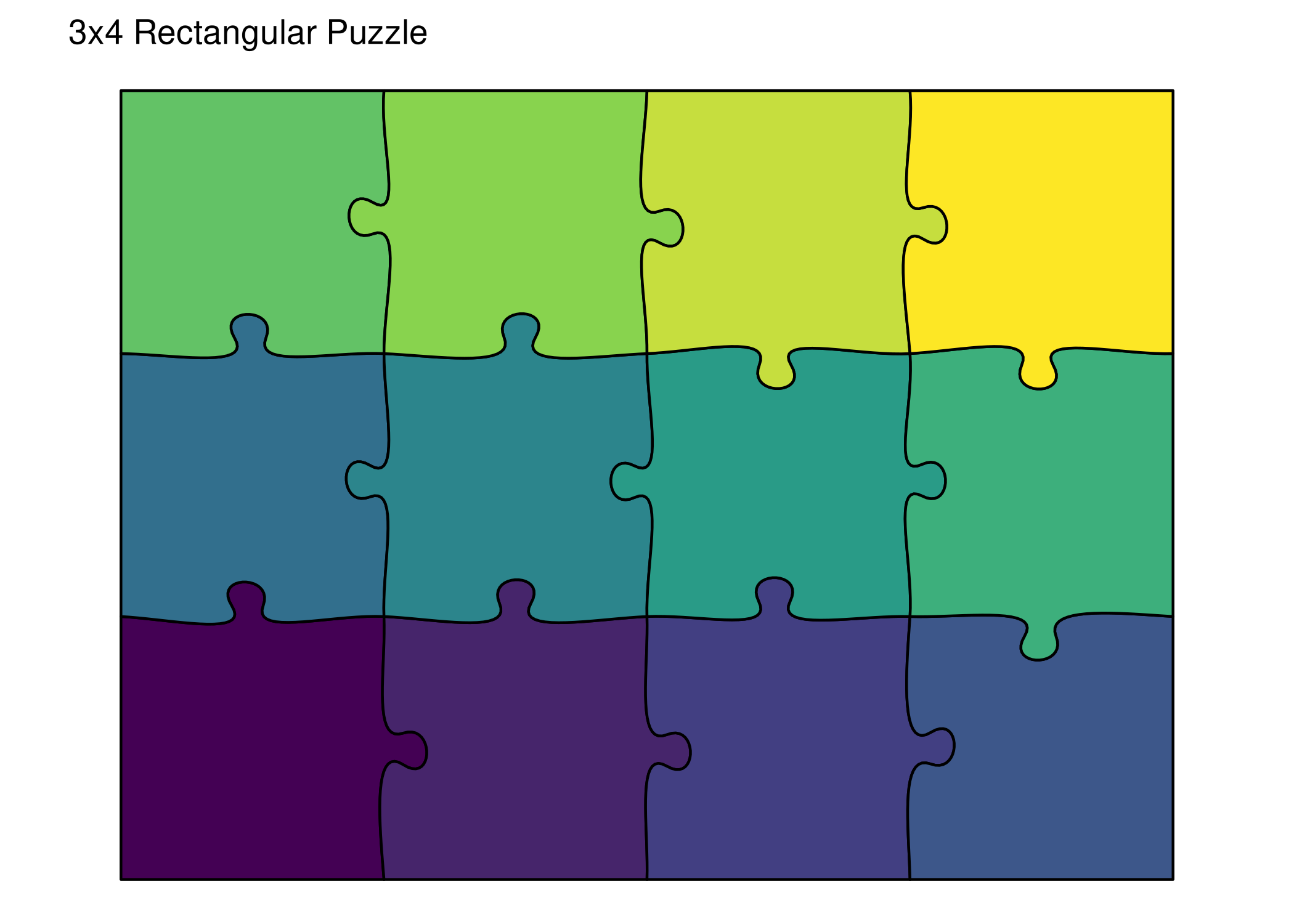
library(ggplot2)
library(viridis)

ggplot() +
  geom_puzzle_rect(
    aes(fill = after_stat(piece_id)),
    rows = 3, cols = 4,    # Same as grid = c(3, 4)
    width = 400, height = 300,
    seed = 42
  ) +
  scale_fill_viridis_c(option = "viridis", guide = "none") +
  coord_fixed() +
  theme_puzzle() +
  labs(title = "3x4 Rectangular Puzzle")

Save your puzzle:

# Save as PNG with ggsave
ggsave("my_puzzle.png", width = 8, height = 6, dpi = 300)
library(jigsawR)

# Generate a 3x4 puzzle
result <- generate_puzzle(

  type = "rectangular",
  grid = c(3, 4),        # 3 rows, 4 columns
  size = c(300, 400),    # height=300mm, width=400mm (landscape)
  seed = 42,             # For reproducibility
  fill_palette = "viridis"
)

# Check the result
n_pieces <- length(result$pieces)
canvas_w <- result$canvas_size[1]
canvas_h <- result$canvas_size[2]
cli::cli_alert_info("Generated {n_pieces} pieces")
cli::cli_alert_info("Canvas size: {canvas_w} x {canvas_h} mm")

Render the SVG:

render_puzzle_preview(result)

Save your puzzle:

# Save as SVG (for laser cutting, etc.)
writeLines(result$svg_content, "my_puzzle.svg")

# Save as PNG (requires rsvg)
rsvg::rsvg_png(charToRaw(result$svg_content), "my_puzzle.png", width = 800)
TipWhich approach should I use?
  • API: Best for manufacturing (laser cutting, 3D printing) and when you need raw SVG output
  • ggpuzzle: Best for visualization, data exploration, and when you want ggplot2’s styling options

Parameter Mapping

The two approaches use equivalent parameters:

API (generate_puzzle()) ggpuzzle (geom_puzzle_rect())
type = "rectangular" Use geom_puzzle_rect()
grid = c(3, 4) rows = 3, cols = 4
size = c(300, 400) height = 300, width = 400
seed = 42 seed = 42
tabsize = 6 tabsize = 6
offset = 10 offset = 10

Puzzle Types

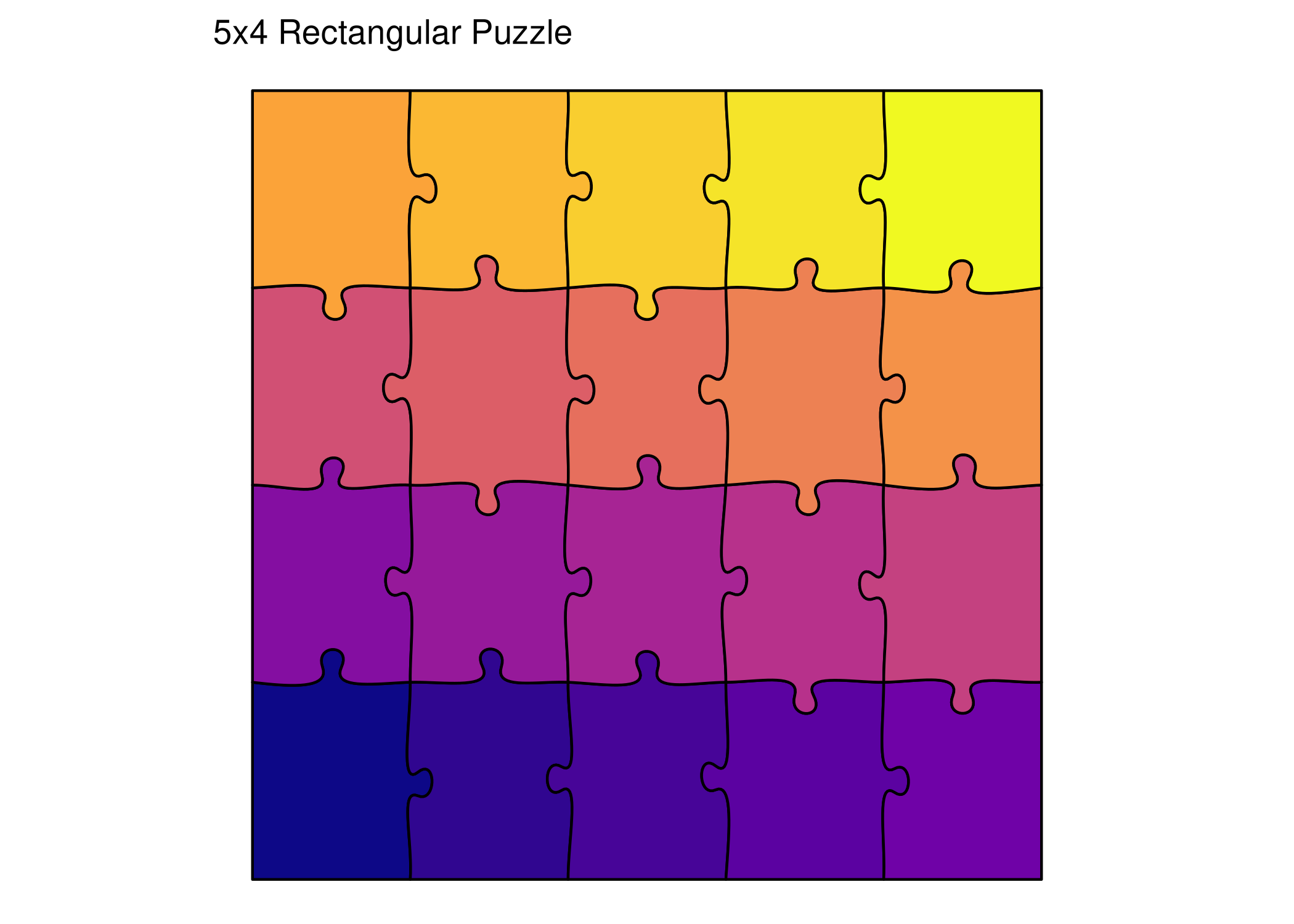
1. Rectangular

Classic jigsaw with interlocking tabs on all sides.
ggplot() +
  geom_puzzle_rect(
    aes(fill = after_stat(piece_id)),
    cols = 5, rows = 4,
    seed = 123
  ) +
  scale_fill_viridis_c(option = "plasma", guide = "none") +
  coord_fixed() +
  theme_puzzle() +
  labs(title = "5x4 Rectangular Puzzle")

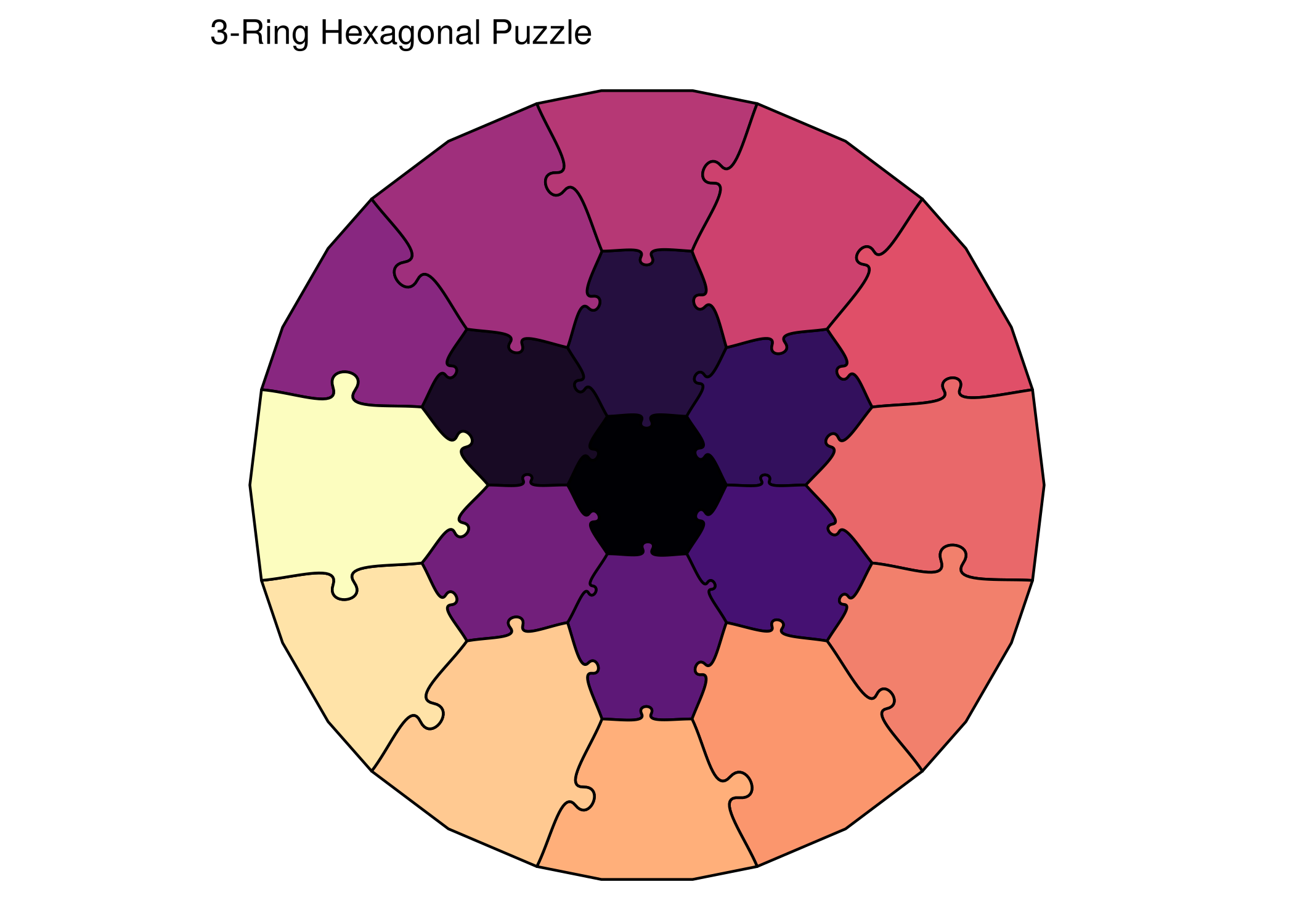
2. Hexagonal

Honeycomb pattern with beautiful curved tabs.

ggplot() +
  geom_puzzle_hex(
    aes(fill = after_stat(piece_id)),
    rings = 3,
    seed = 456
  ) +
  scale_fill_viridis_c(option = "magma", guide = "none") +
  coord_fixed() +
  theme_puzzle() +
  labs(title = "3-Ring Hexagonal Puzzle")

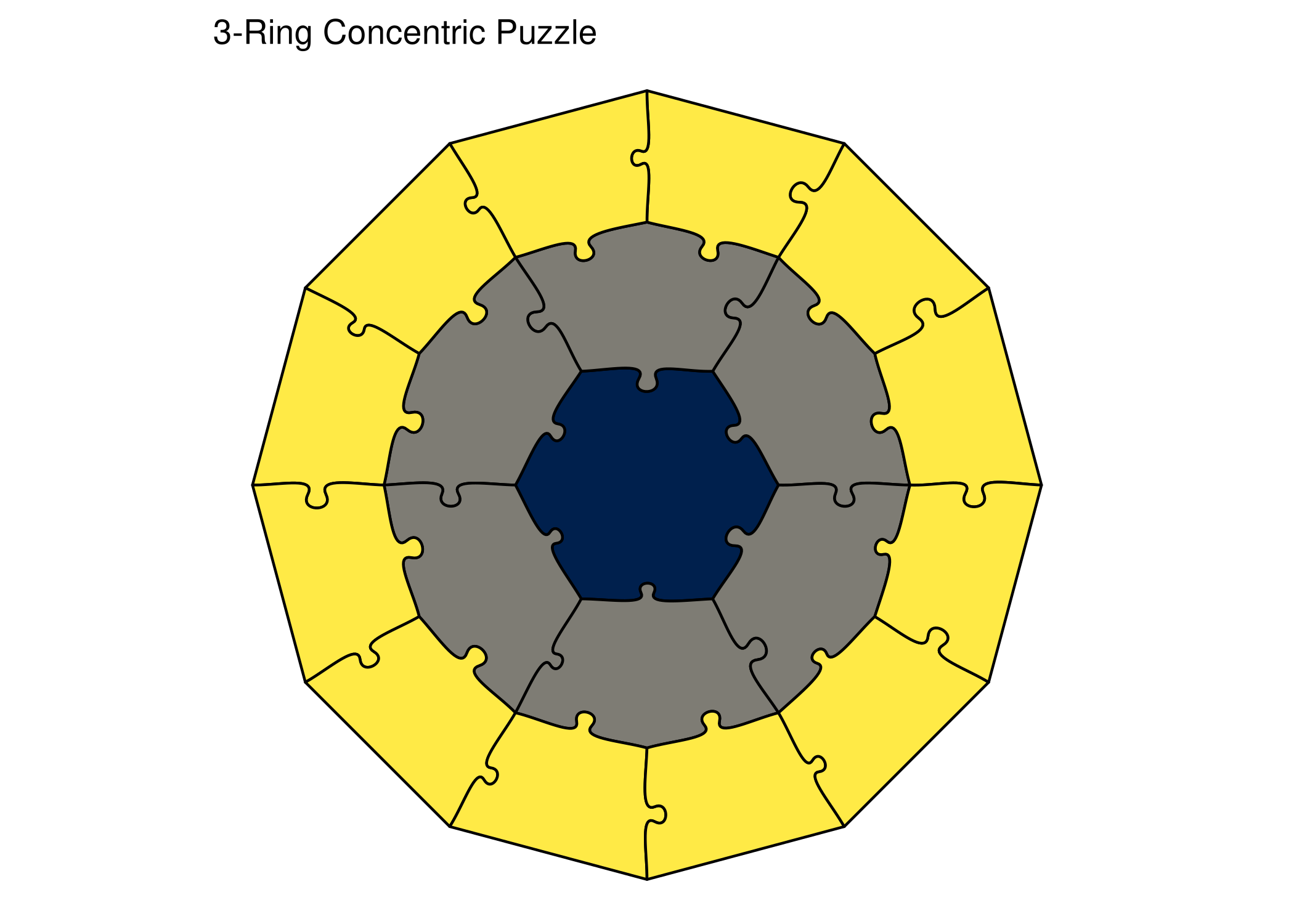
3. Concentric

Rings of pieces radiating from a central shape.

ggplot() +
  geom_puzzle_conc(
    aes(fill = after_stat(ring)),
    rings = 3,
    center_shape = "hexagon",
    seed = 789
  ) +
  scale_fill_viridis_c(option = "cividis", guide = "none") +
  coord_fixed() +
  theme_puzzle() +
  labs(title = "3-Ring Concentric Puzzle")

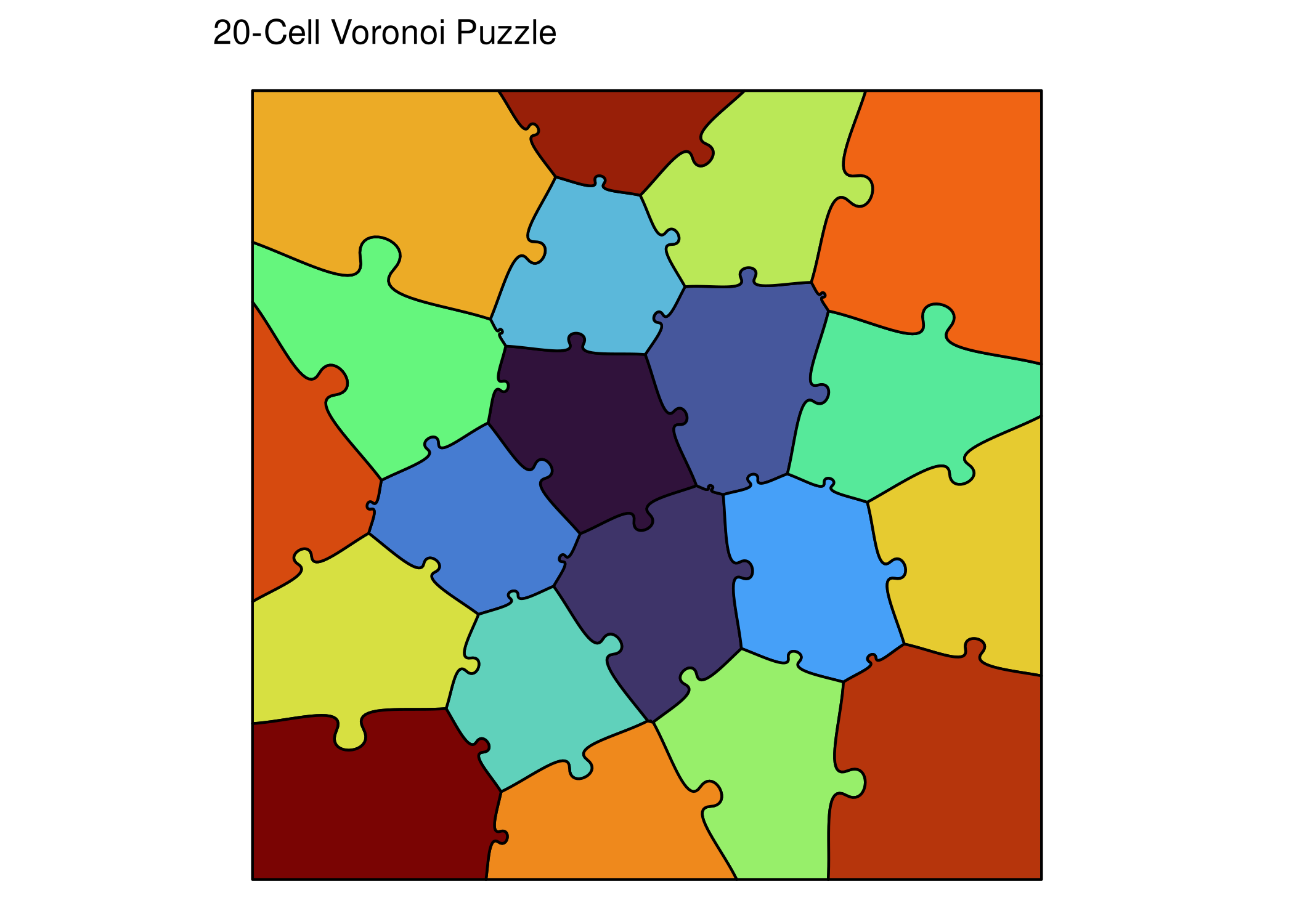
4. Voronoi

Organic, natural-looking pieces based on Voronoi tessellation.

ggplot() +
  geom_puzzle_voronoi(
    aes(fill = after_stat(piece_id)),
    n_cells = 20,
    seed = 101
  ) +
  scale_fill_viridis_c(option = "turbo", guide = "none") +
  coord_fixed() +
  theme_puzzle() +
  labs(title = "20-Cell Voronoi Puzzle")

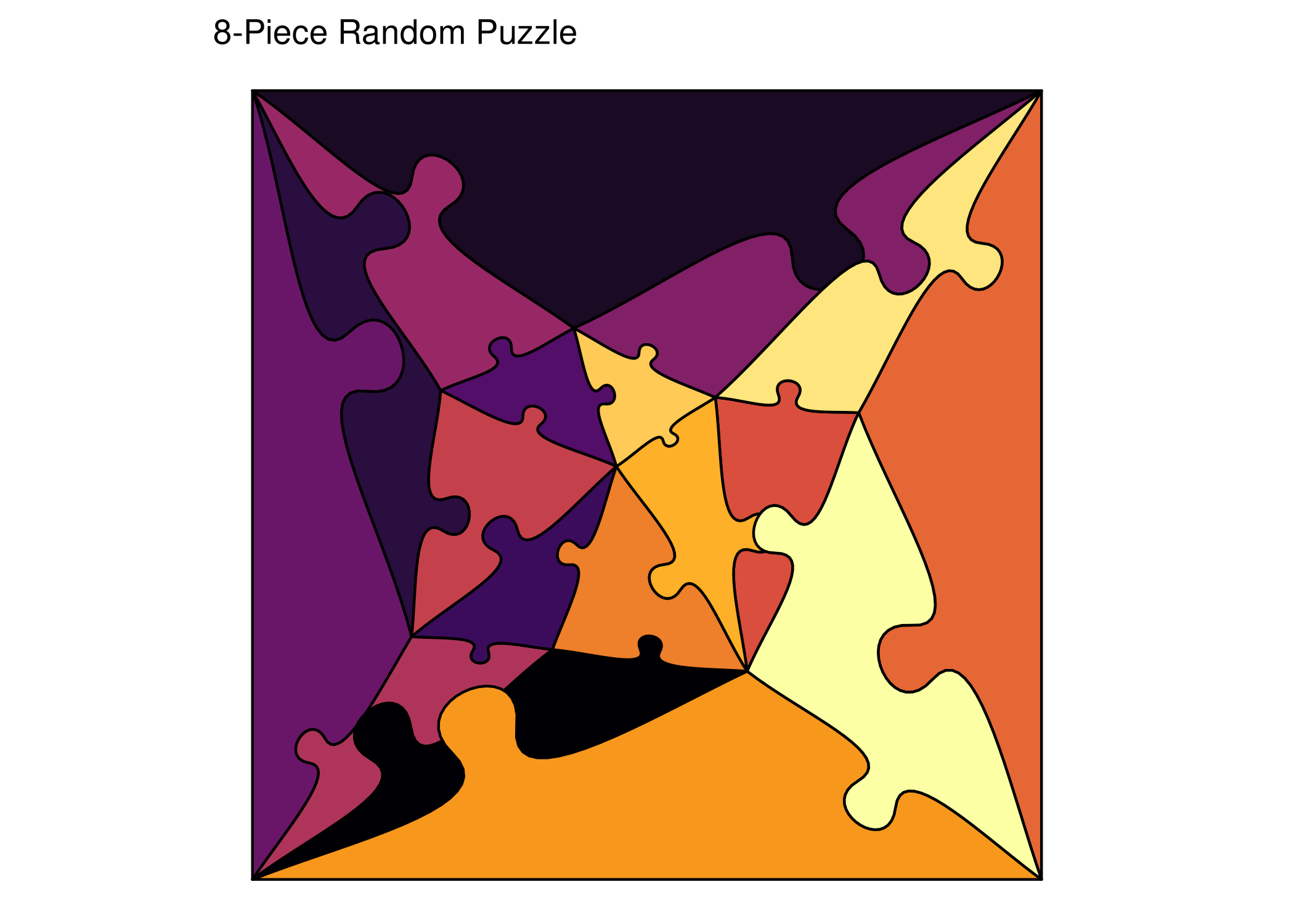
5. Random

Unique random shapes with configurable corners.

ggplot() +
  geom_puzzle_random(
    aes(fill = after_stat(piece_id)),
    n_interior = 8,
    seed = 202
  ) +
  scale_fill_viridis_c(option = "inferno", guide = "none") +
  coord_fixed() +
  theme_puzzle() +
  labs(title = "8-Piece Random Puzzle")

6. SNIC

Superpixel-based pieces from image segmentation.

ggplot() +
  geom_puzzle_snic(
    aes(fill = after_stat(piece_id)),
    n_cells = 20,
    seed = 303
  ) +
  scale_fill_viridis_c(option = "turbo", guide = "none") +
  coord_fixed() +
  theme_puzzle() +
  labs(title = "20-Cell SNIC Puzzle")

Key Parameters

Common Parameters

Parameter Description Example
type Puzzle type "rectangular", "hexagonal"
grid Grid dimensions c(rows, cols) or c(rings)
size Physical size (mm) c(height, width) or c(diameter)
seed Random seed Any integer
offset Piece separation 0 (touching) to 20+ (separated)
fusion Merge pieces PILES notation string

Type-Specific Parameters

Hexagonal:

  • do_warp: Apply circular warping (default: TRUE)
  • do_trunc: Truncate to boundary (default: TRUE)

Concentric:

  • center_shape: "hexagon" or "circle"
  • ring_spacing: Space between rings

Voronoi:

  • n_cells: Number of pieces
  • relaxation: Lloyd relaxation iterations

Random:

  • n_interior: Number of interior points (influences piece count)
  • n_corner: Corners for base polygon (default: 4)

SNIC:

  • n_cells: Number of superpixel cells
  • compactness: Shape regularity (0.0-2.0)
  • seed_type: Grid pattern ("hexagonal", "rectangular", "diamond", "random")
  • image_path: Optional image for image-based segmentation

Separation Modes

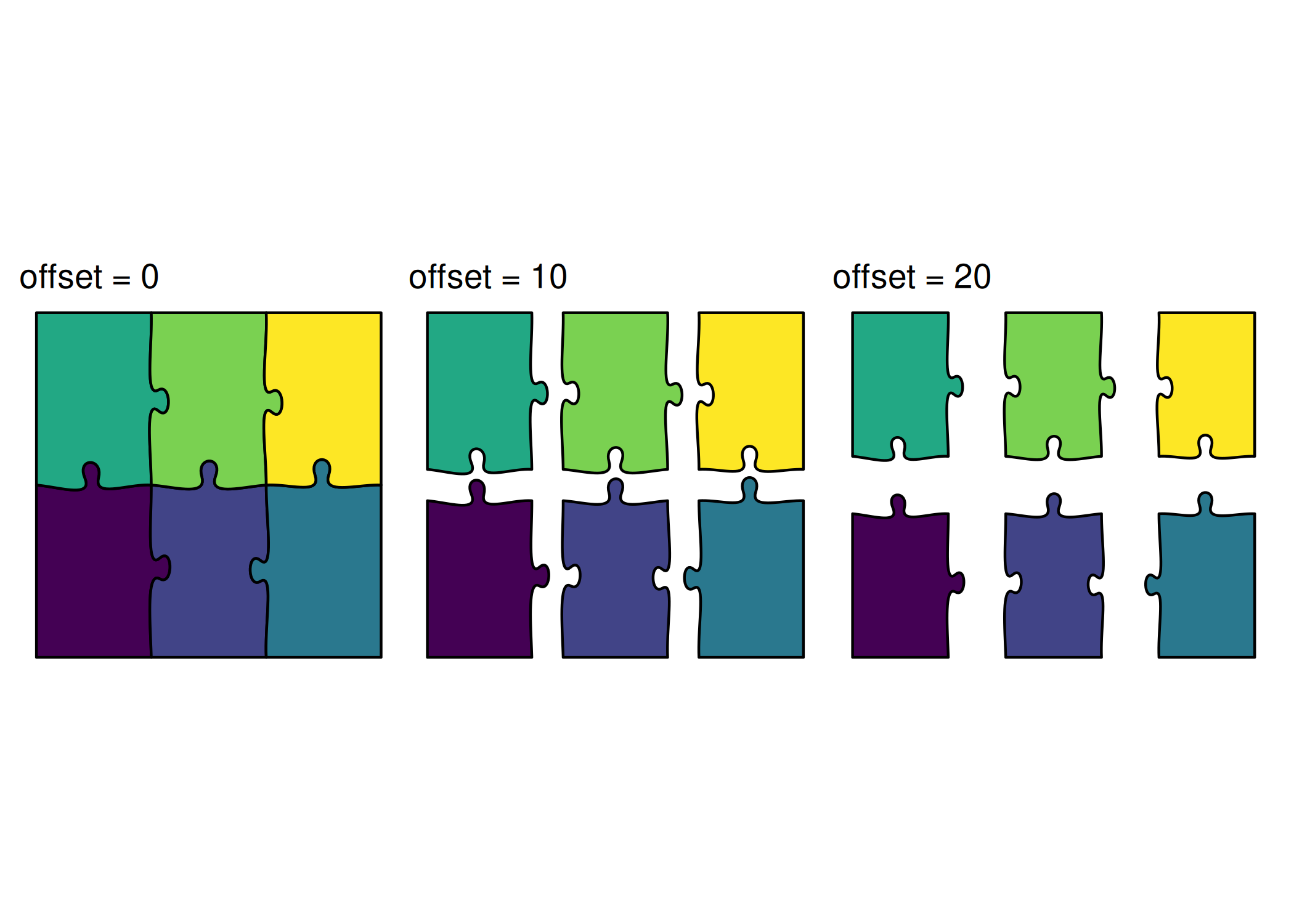
Control how pieces are positioned:

p1 <- ggplot() +
  geom_puzzle_rect(
    aes(fill = after_stat(piece_id)),
    cols = 3, rows = 2,
    offset = 0,
    seed = 42
  ) +
  scale_fill_viridis_c(guide = "none") +
  coord_fixed() +
  theme_puzzle() +
  labs(title = "offset = 0")

p2 <- ggplot() +
  geom_puzzle_rect(
    aes(fill = after_stat(piece_id)),
    cols = 3, rows = 2,
    offset = 10,
    seed = 42
  ) +
  scale_fill_viridis_c(guide = "none") +
  coord_fixed() +
  theme_puzzle() +
  labs(title = "offset = 10")

p3 <- ggplot() +
  geom_puzzle_rect(
    aes(fill = after_stat(piece_id)),
    cols = 3, rows = 2,
    offset = 20,
    seed = 42
  ) +
  scale_fill_viridis_c(guide = "none") +
  coord_fixed() +
  theme_puzzle() +
  labs(title = "offset = 20")

p1 + p2 + p3

Next Steps