# Install from GitHub
devtools::install_github("pjt222/jigsawR")

# Load the package
library(jigsawR)Basic Usage Tutorial
Step-by-step guide to creating your first puzzles
Introduction
This tutorial walks you through creating puzzles with jigsawR, from simple examples to more complex configurations.
Step 1: Installation
Step 2: Your First Puzzle
Let’s create a simple rectangular puzzle. Choose your approach:
The ggpuzzle approach integrates with ggplot2 for quick visualization:
library(ggplot2)
library(viridis)

ggplot() +
  geom_puzzle_rect(
    aes(fill = after_stat(piece_id)),
    cols = 4, rows = 3,
    width = 400, height = 300,
    seed = 42
  ) +
  scale_fill_viridis_c(name = "Piece ID") +
  coord_fixed() +
  theme_minimal() +
  labs(title = "My First Puzzle")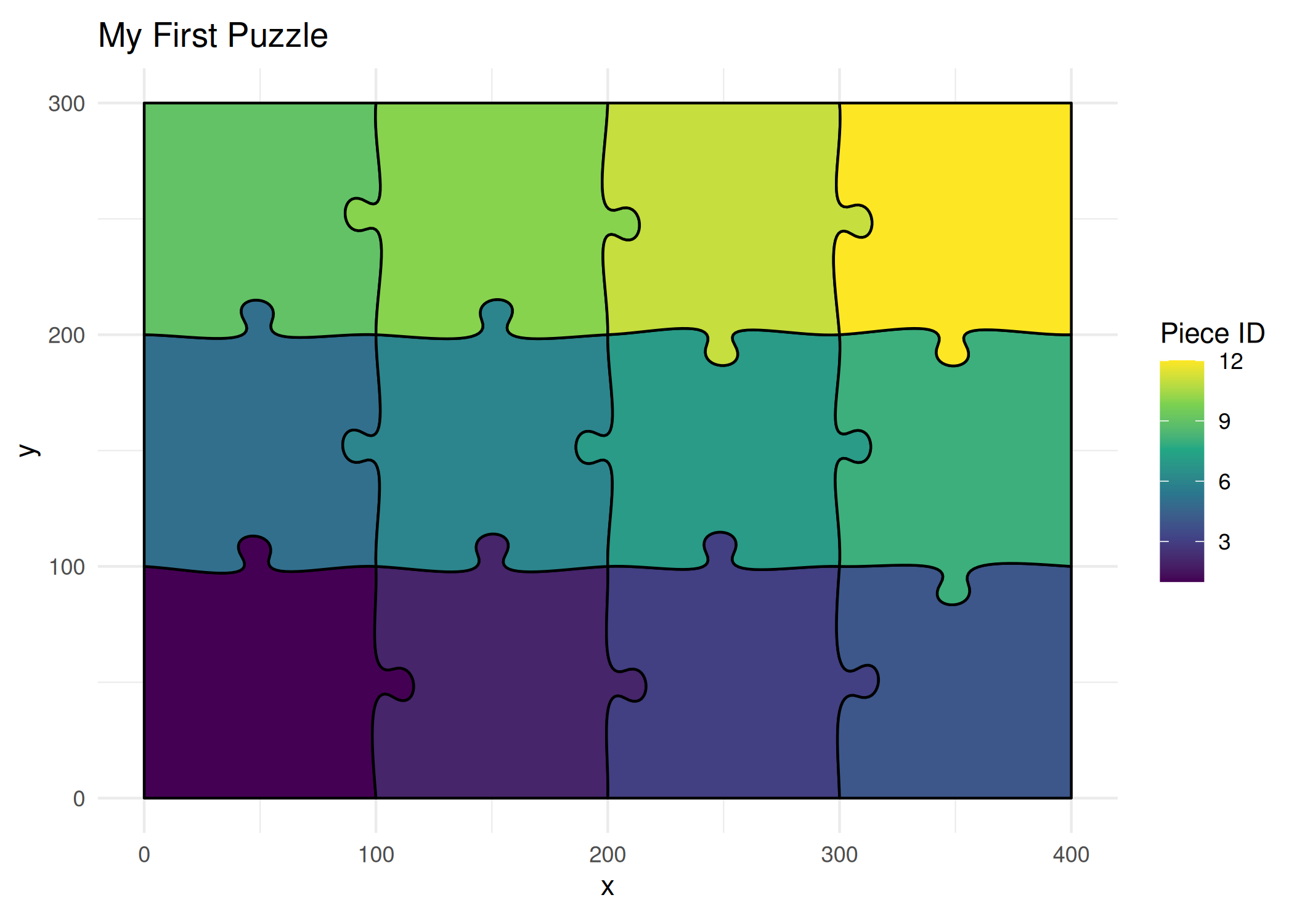
Tip
geom_puzzle_rect() computes piece geometry and provides piece_id, row, col for mapping.
The API approach gives you full control and access to the SVG data:
# Generate a 3x4 rectangular puzzle
result <- generate_puzzle(
  type = "rectangular",
  grid = c(3, 4),      # 3 rows, 4 columns
  size = c(300, 400),  # height=300mm, width=400mm
  seed = 42,           # For reproducibility
  fill_palette = "viridis"
)

# What did we get?
n_pieces <- length(result$pieces)
canvas_w <- result$canvas_size[1]
canvas_h <- result$canvas_size[2]
cli::cli_alert_info("Number of pieces: {n_pieces}")
cli::cli_alert_info("Canvas size: {canvas_w} x {canvas_h} mm")

# Visualize
render_puzzle_preview(result)
Tip
The API returns a list with $svg_content, $pieces, $canvas_size, and $files.
Step 3: Save Your Puzzle
# Save ggplot as PNG
p <- ggplot() +
  geom_puzzle_rect(
    aes(fill = after_stat(piece_id)),
    cols = 4, rows = 3,
    seed = 42
  ) +
  scale_fill_viridis_c(guide = "none") +
  coord_fixed() +
  theme_puzzle()
print(p)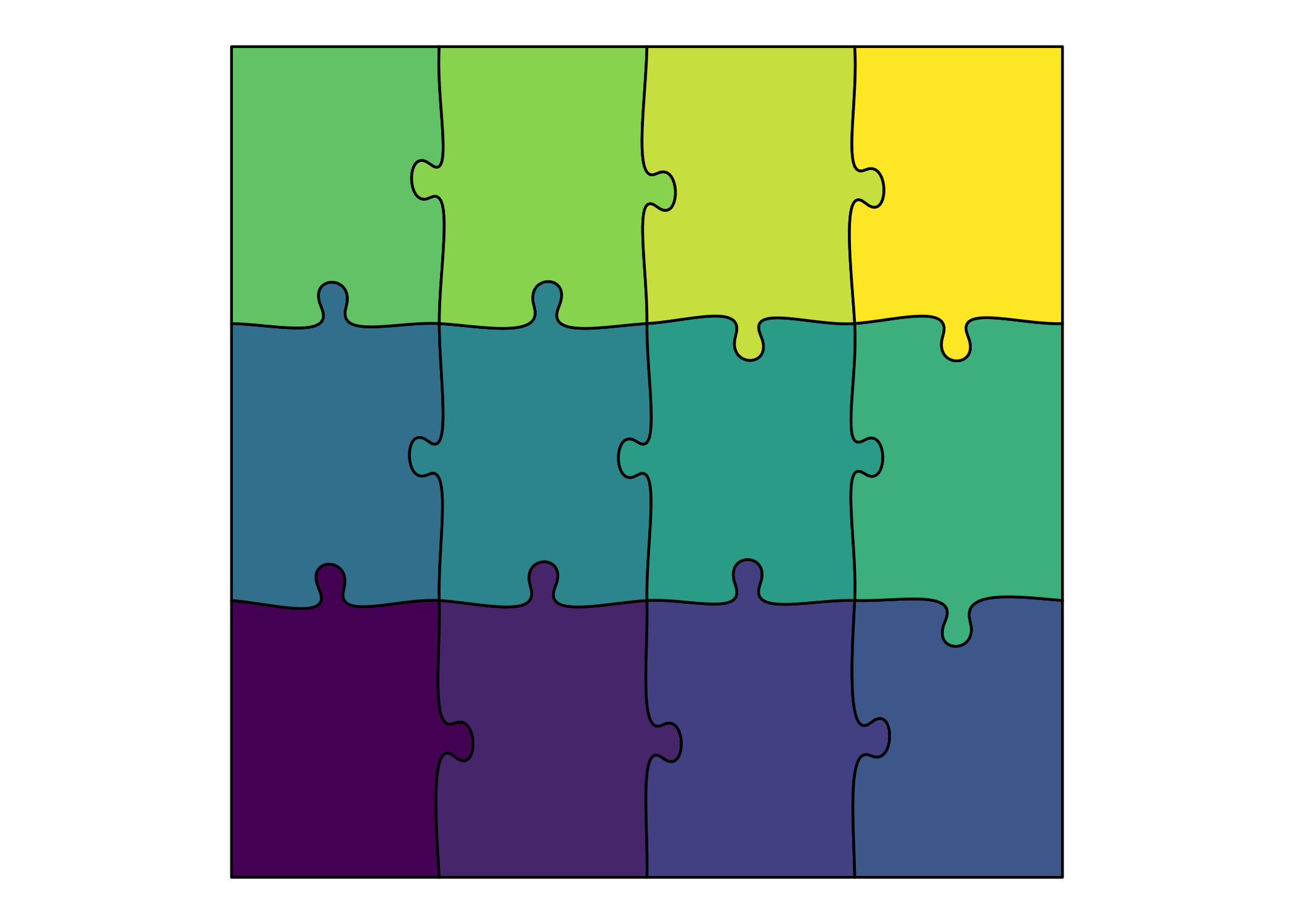
# ggsave("my_puzzle.png", p, width = 8, height = 6, dpi = 300)# Save as SVG (from API result)
writeLines(result$svg_content, "my_puzzle.svg")
Note
API generates SVG files, while ggpuzzle uses ggplot2’s ggsave() for PNG/PDF export.
Step 4: Try Different Puzzle Types
Hexagonal
ggplot() +
  geom_puzzle_hex(
    aes(fill = after_stat(piece_id)),
    rings = 3,
    seed = 42
  ) +
  scale_fill_viridis_c(option = "plasma", guide = "none") +
  coord_fixed() +
  theme_puzzle() +
  labs(title = "Hexagonal Puzzle")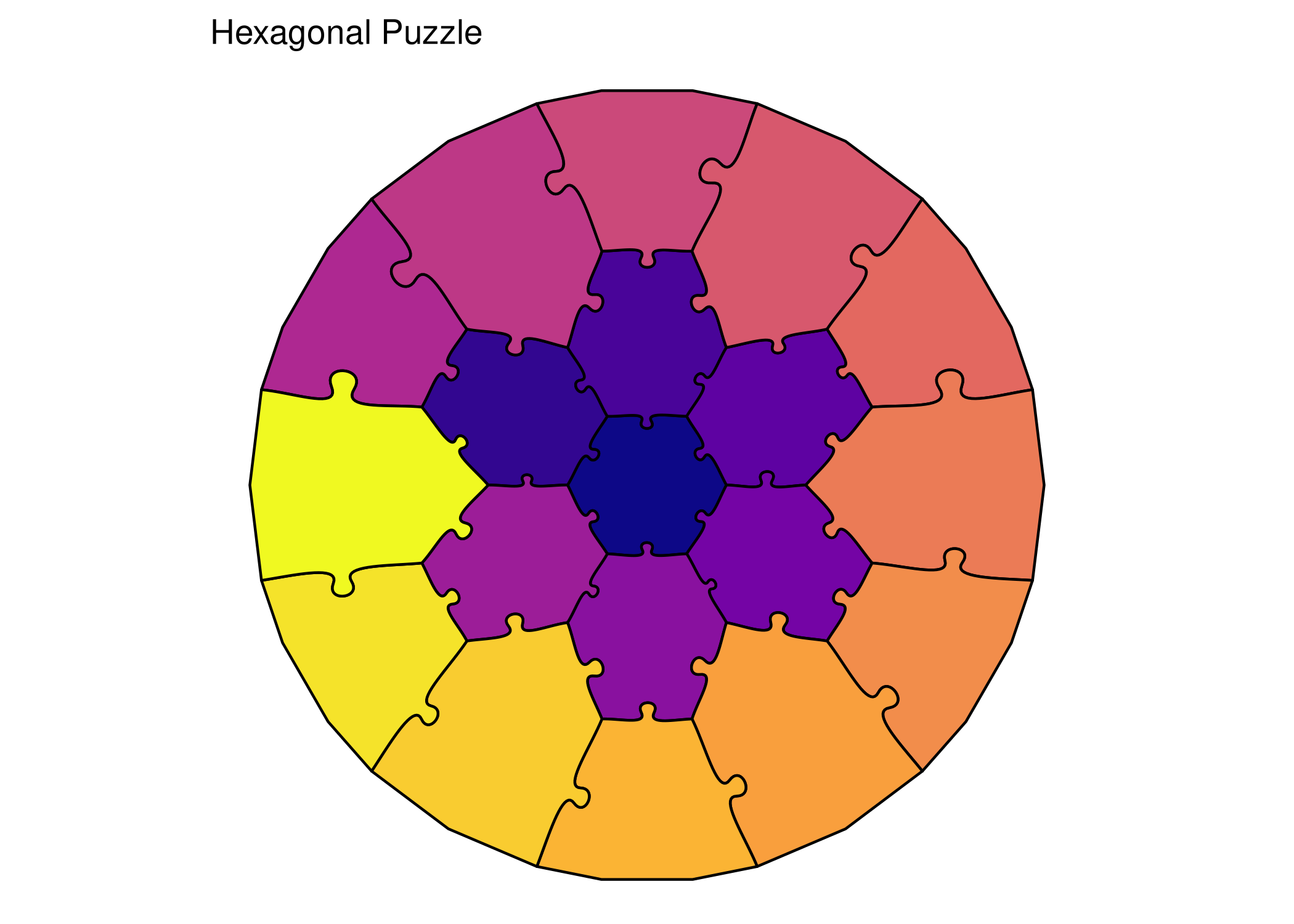
hex_result <- generate_puzzle(
  type = "hexagonal",
  grid = c(3),      # 3 rings
  size = c(200),    # 200mm diameter
  seed = 42,
  fill_palette = "plasma"
)

render_puzzle_preview(hex_result)
Concentric
ggplot() +
  geom_puzzle_conc(
    aes(fill = after_stat(ring)),
    rings = 3,
    seed = 42
  ) +
  scale_fill_viridis_c(option = "cividis", name = "Ring") +
  coord_fixed() +
  theme_puzzle() +
  labs(title = "Concentric Puzzle")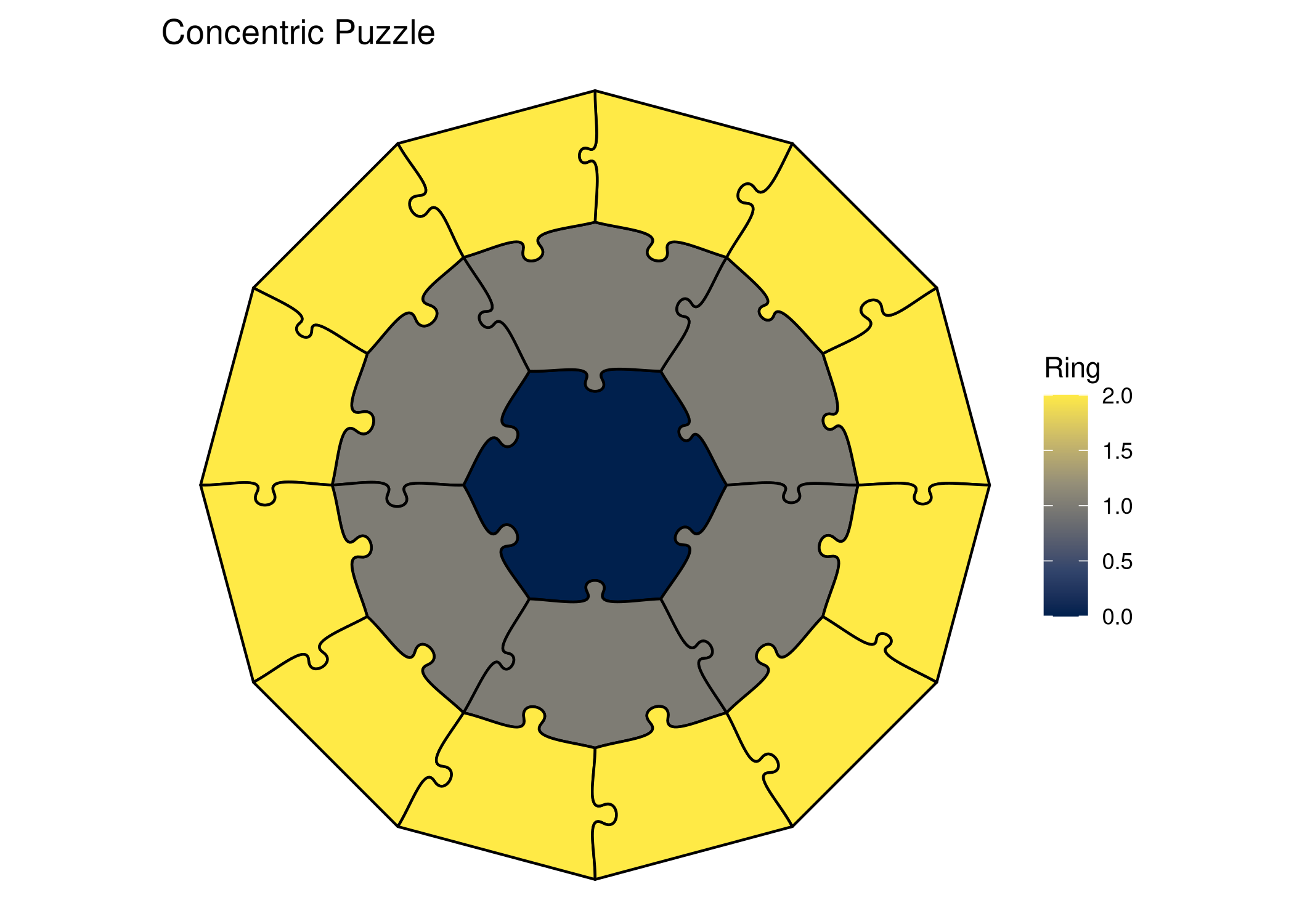
conc_result <- generate_puzzle(
  type = "concentric",
  grid = c(3),      # 3 rings
  size = c(200),    # 200mm diameter
  seed = 42,
  fill_palette = "cividis"
)

render_puzzle_preview(conc_result)
Voronoi
ggplot() +
  geom_puzzle_voronoi(
    aes(fill = after_stat(piece_id)),
    n_cells = 20,
    width = 250, height = 200,
    seed = 42
  ) +
  scale_fill_viridis_c(option = "turbo", guide = "none") +
  coord_fixed() +
  theme_puzzle() +
  labs(title = "Voronoi Puzzle")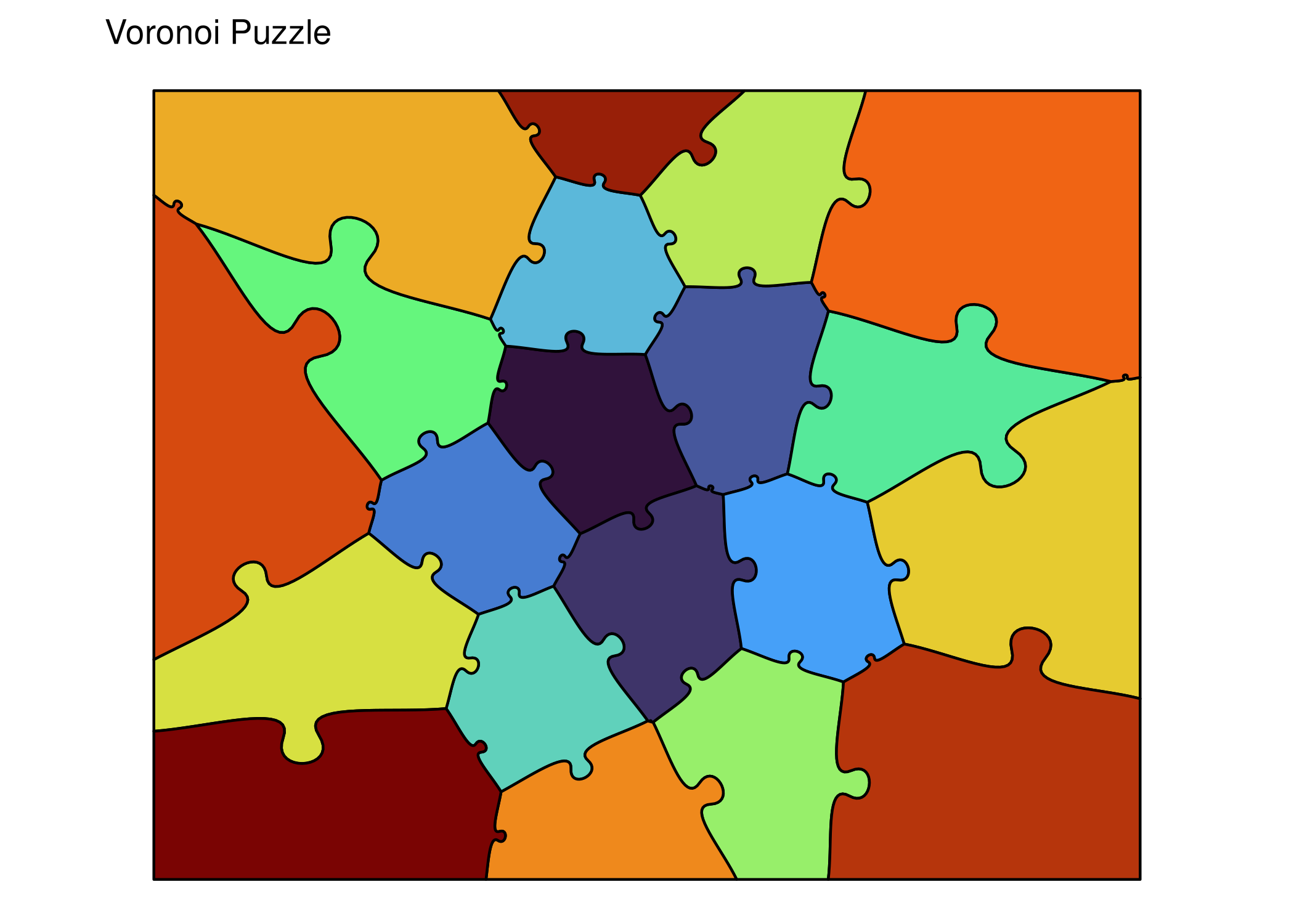
vor_result <- generate_puzzle(
  type = "voronoi",
  grid = c(20),            # 20 cells
  size = c(200, 250),      # height=200mm, width=250mm
  seed = 42,
  fill_palette = "turbo"
)

render_puzzle_preview(vor_result)
Step 5: Customize Parameters
Change Separation
make_offset_plot <- function(off) {
  ggplot() +
    geom_puzzle_rect(
      aes(fill = after_stat(piece_id)),
      cols = 3, rows = 2,
      offset = off,
      seed = 42
    ) +
    scale_fill_viridis_c(guide = "none") +
    coord_fixed() +
    theme_puzzle() +
    labs(title = paste0("offset = ", off))
}

print(make_offset_plot(0) + make_offset_plot(10) + make_offset_plot(20))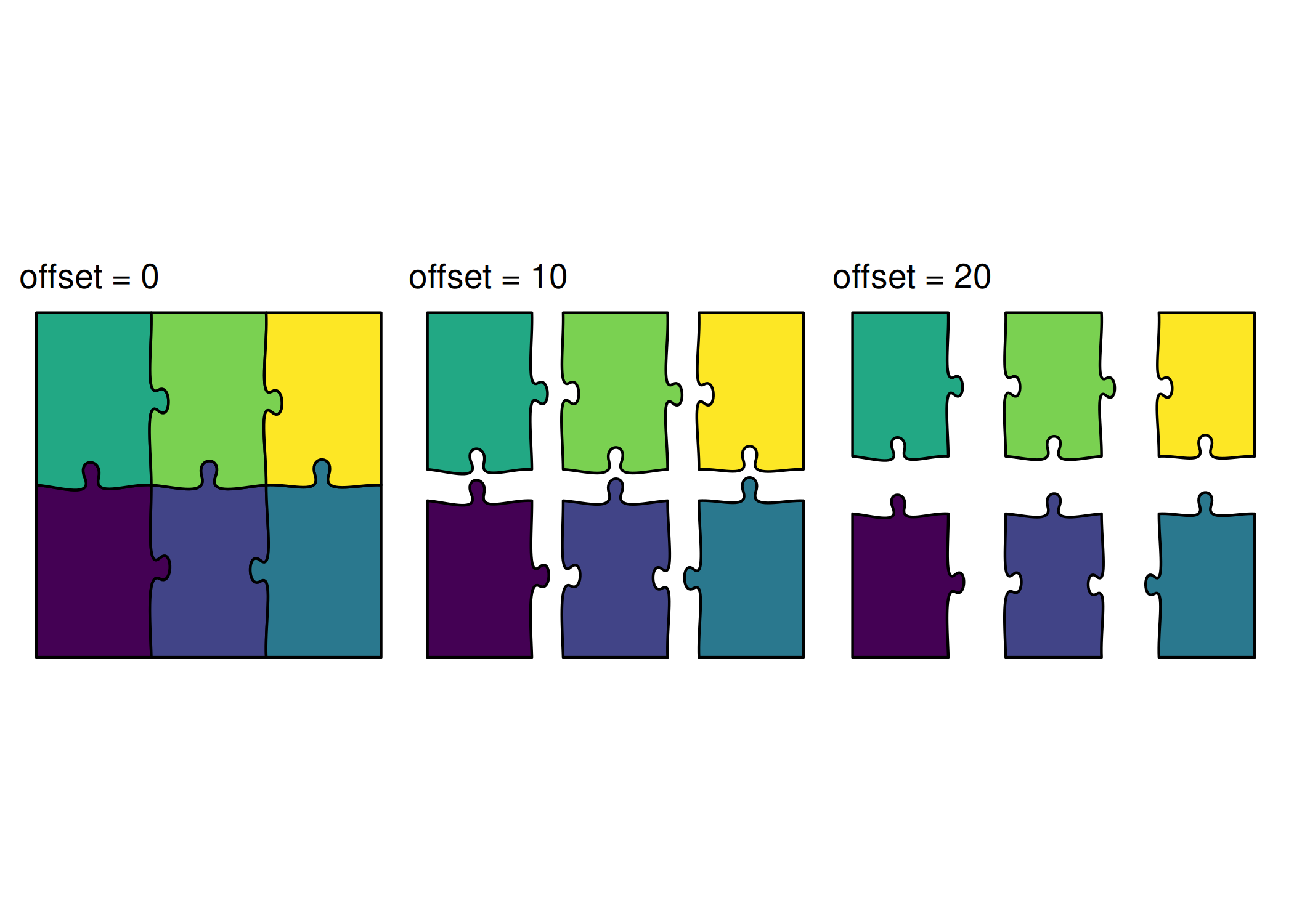
# Generate with different offset values
r0 <- generate_puzzle(type = "rectangular", grid = c(2, 3), size = c(200, 300), offset = 0, seed = 42, fill_palette = "viridis")
r10 <- generate_puzzle(type = "rectangular", grid = c(2, 3), size = c(200, 300), offset = 10, seed = 42, fill_palette = "viridis")
r20 <- generate_puzzle(type = "rectangular", grid = c(2, 3), size = c(200, 300), offset = 20, seed = 42, fill_palette = "viridis")

render_puzzle_preview(r0)
render_puzzle_preview(r10)
render_puzzle_preview(r20)
Complete puzzle (offset = 0)
Complete puzzle (offset = 0)
Complete puzzle (offset = 0)
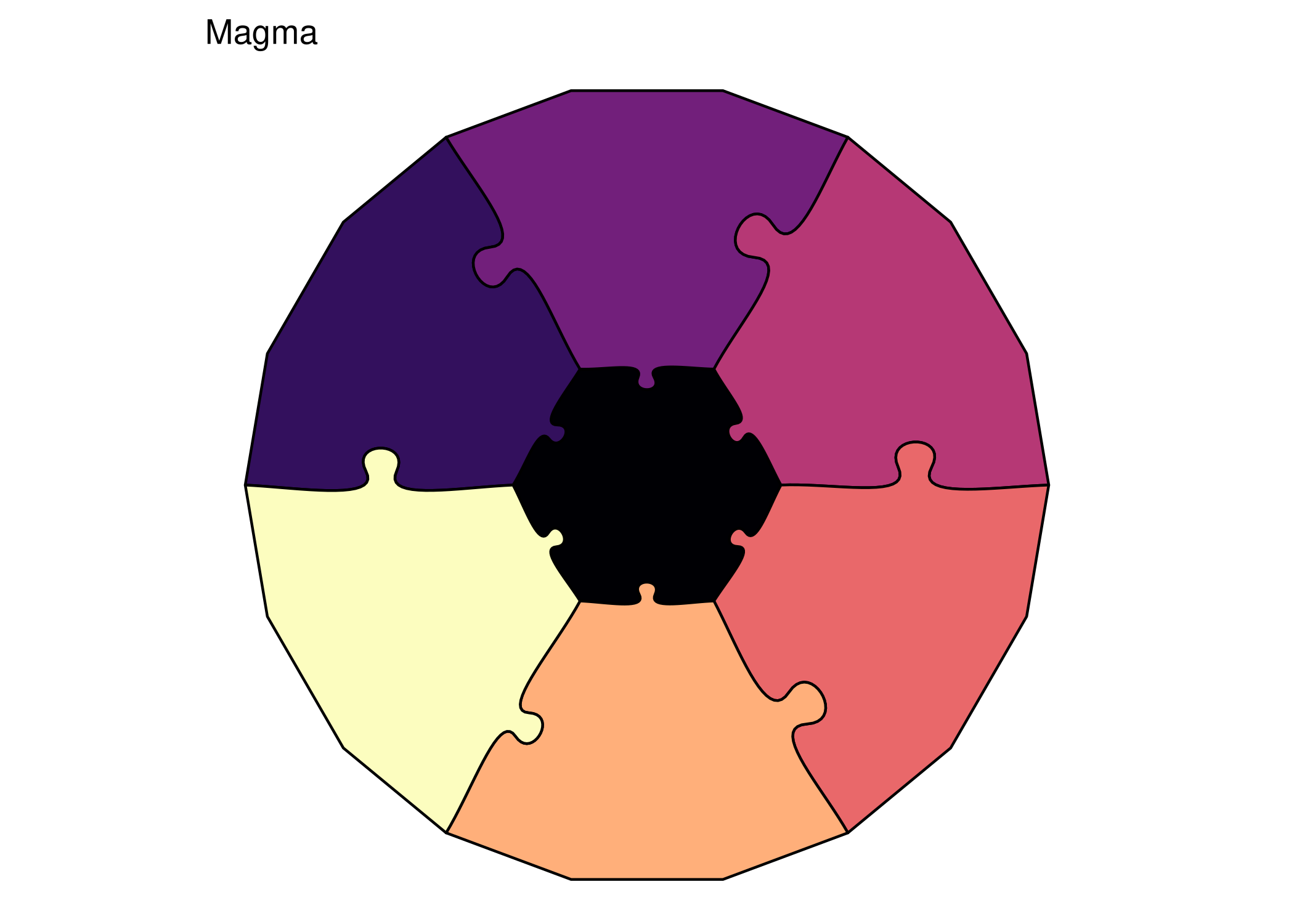
Change Colors
The ggpuzzle approach makes it easy to apply different color schemes using ggplot2’s scale functions.
print(ggplot() +
  geom_puzzle_hex(
    aes(fill = after_stat(piece_id)),
    rings = 2, diameter = 150, seed = 42
  ) +
  scale_fill_viridis_c(option = "plasma", guide = "none") +
  coord_fixed() +
  theme_puzzle() +
  labs(title = "Plasma"))

print(ggplot() +
  geom_puzzle_hex(
    aes(fill = after_stat(piece_id)),
    rings = 2, diameter = 150, seed = 42
  ) +
  scale_fill_viridis_c(option = "magma", guide = "none") +
  coord_fixed() +
  theme_puzzle() +
  labs(title = "Magma"))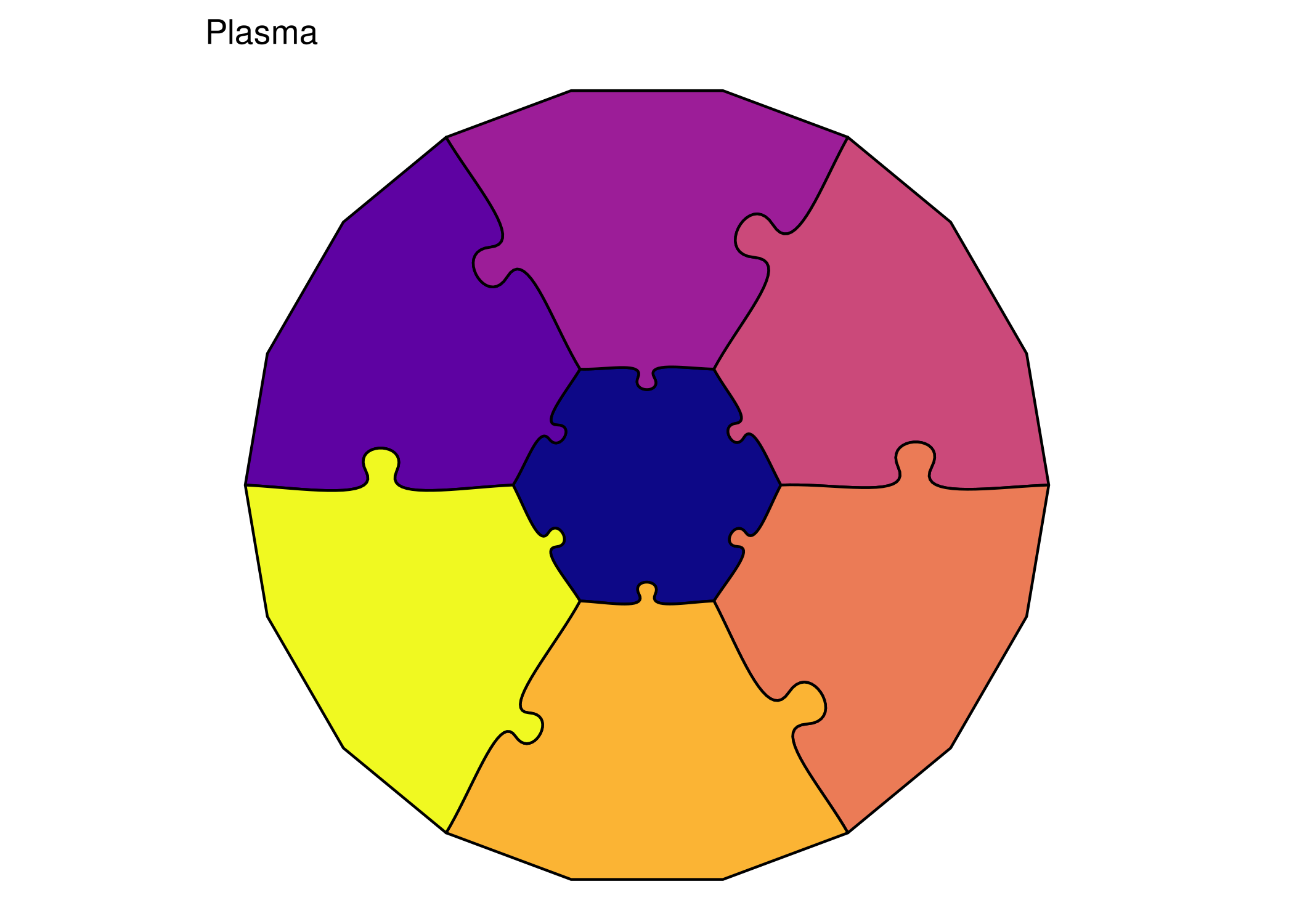
Note
For the API approach, colors are controlled through SVG styling. See the Customization Tutorial for advanced coloring techniques.
Step 6: Reproducibility
The seed parameter ensures you get the same puzzle every time:
# Same seed produces identical geometry
plot_with_seed <- function(s) {
  ggplot() +
    geom_puzzle_hex(
      aes(fill = after_stat(piece_id)),
      rings = 2,
      seed = s
    ) +
    scale_fill_viridis_c(guide = "none") +
    coord_fixed() +
    theme_puzzle() +
    labs(title = paste("seed =", s))
}

print(plot_with_seed(42))
print(plot_with_seed(123))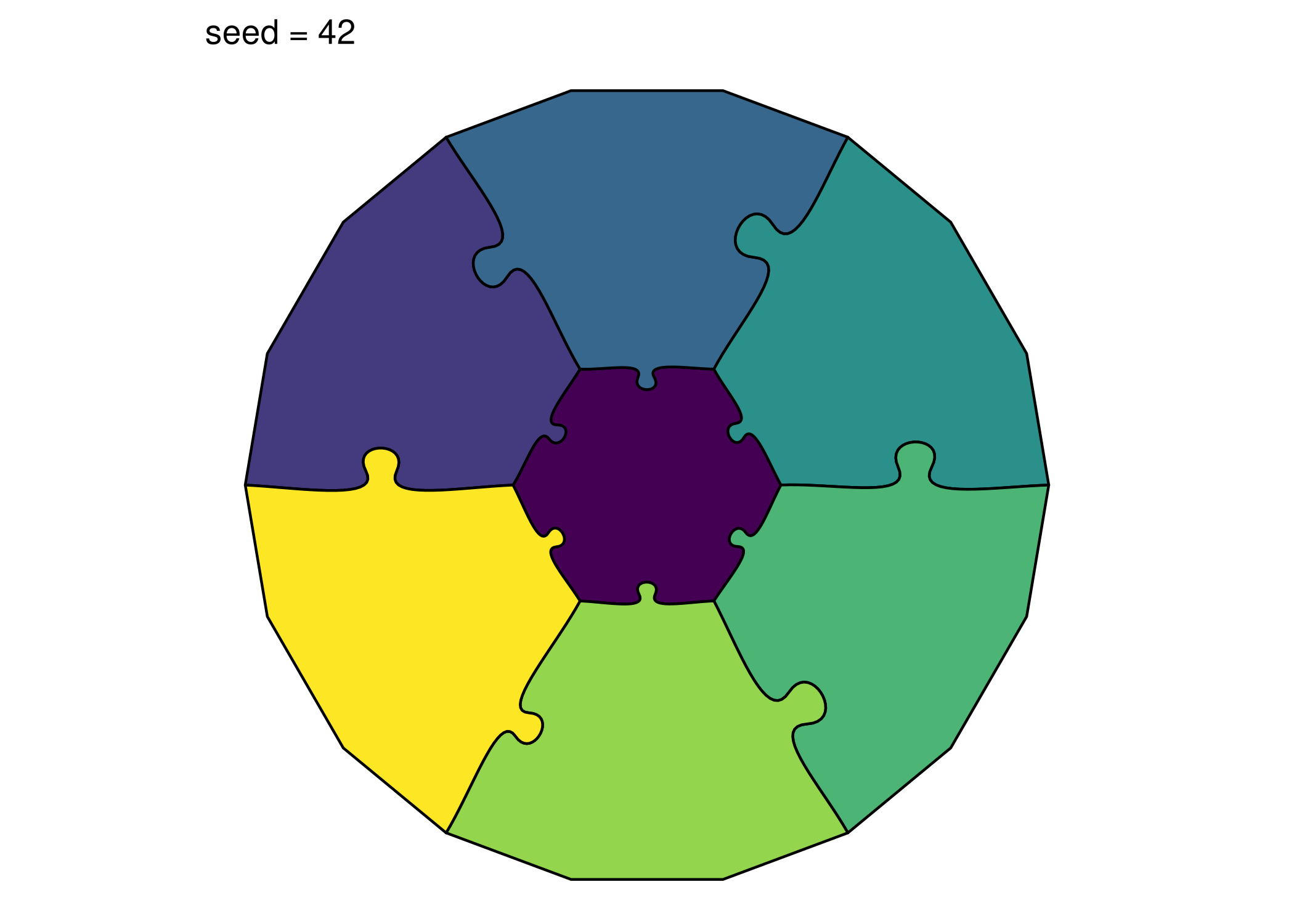
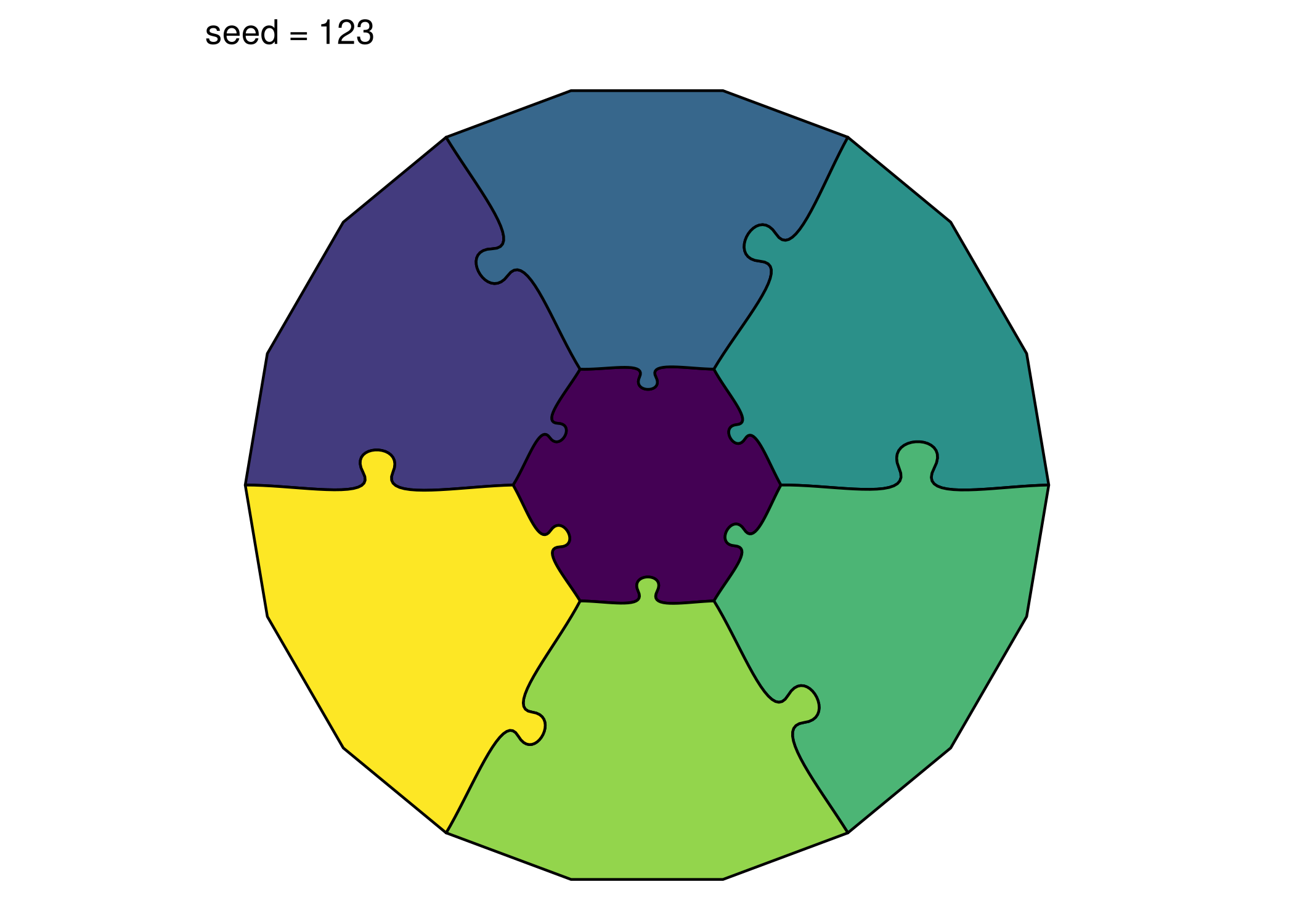
# Same seed = same puzzle
p1 <- generate_puzzle(type = "hexagonal", grid = c(2), size = c(100), seed = 42)
p2 <- generate_puzzle(type = "hexagonal", grid = c(2), size = c(100), seed = 42)

identical(p1$svg_content, p2$svg_content)  # TRUE
#> [1] TRUE

# Different seed = different puzzle
p3 <- generate_puzzle(type = "hexagonal", grid = c(2), size = c(100), seed = 123)
identical(p1$svg_content, p3$svg_content)  # FALSE
#> [1] FALSE
Tip
Both approaches use the same deterministic RNG, so seed = 42 generates identical piece shapes whether you use the API or ggpuzzle.
Summary
You’ve learned to:
- ✅ Install and load jigsawR
- ✅ Generate puzzles using both API and ggpuzzle approaches
- ✅ Save puzzles as SVG (API) or PNG (ggpuzzle)
- ✅ Create different puzzle types (rectangular, hexagonal, concentric, voronoi, random, snic)
- ✅ Customize offset and colors
- ✅ Use seeds for reproducibility
Choosing an approach:
- API (
generate_puzzle()): Best for SVG export, programmatic manipulation, and custom rendering - ggpuzzle (
geom_puzzle_*()): Best for quick visualization, ggplot2 integration, and color customization
Next Steps
- Customization Tutorial - Colors, themes, and advanced styling
- Fusion Groups Tutorial - Merge pieces with PILES notation
- API Reference - Complete parameter documentation